Click the image below to see how many pixel beads are needed to create the pattern
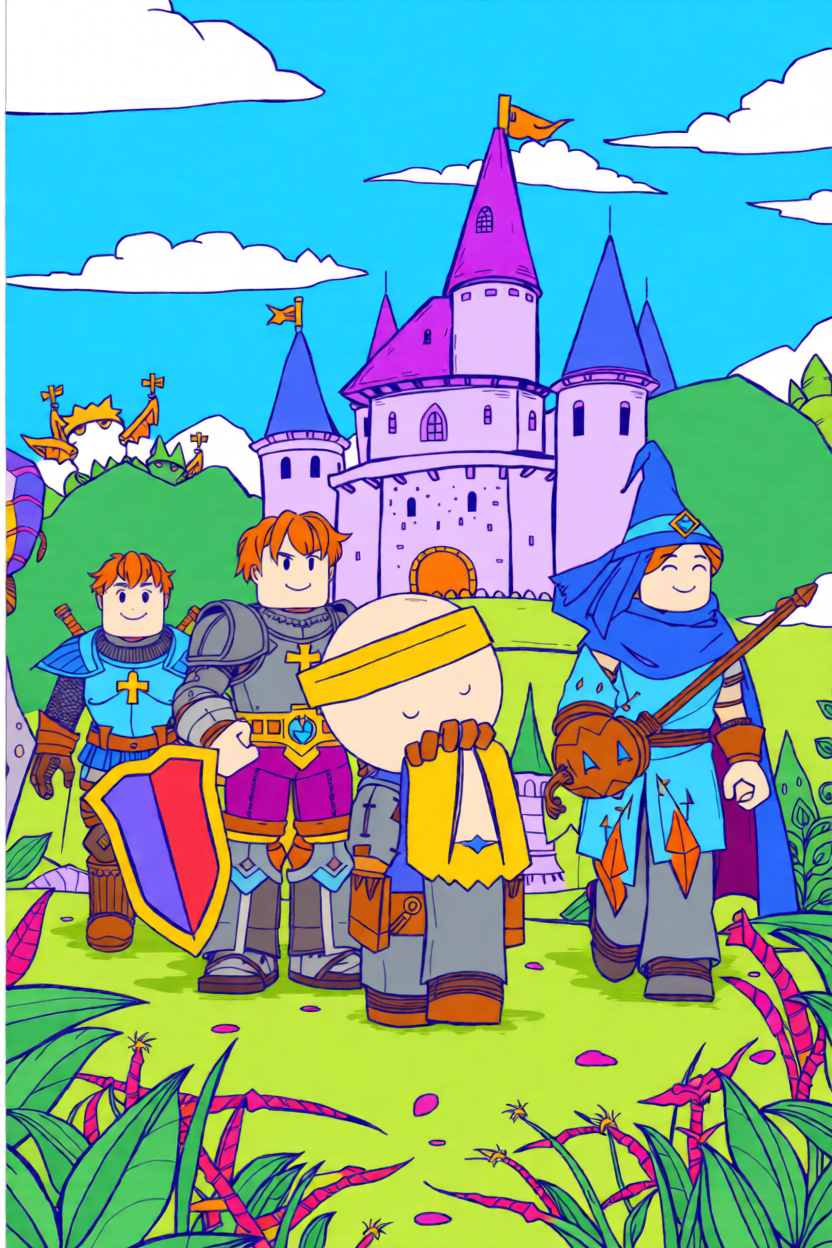
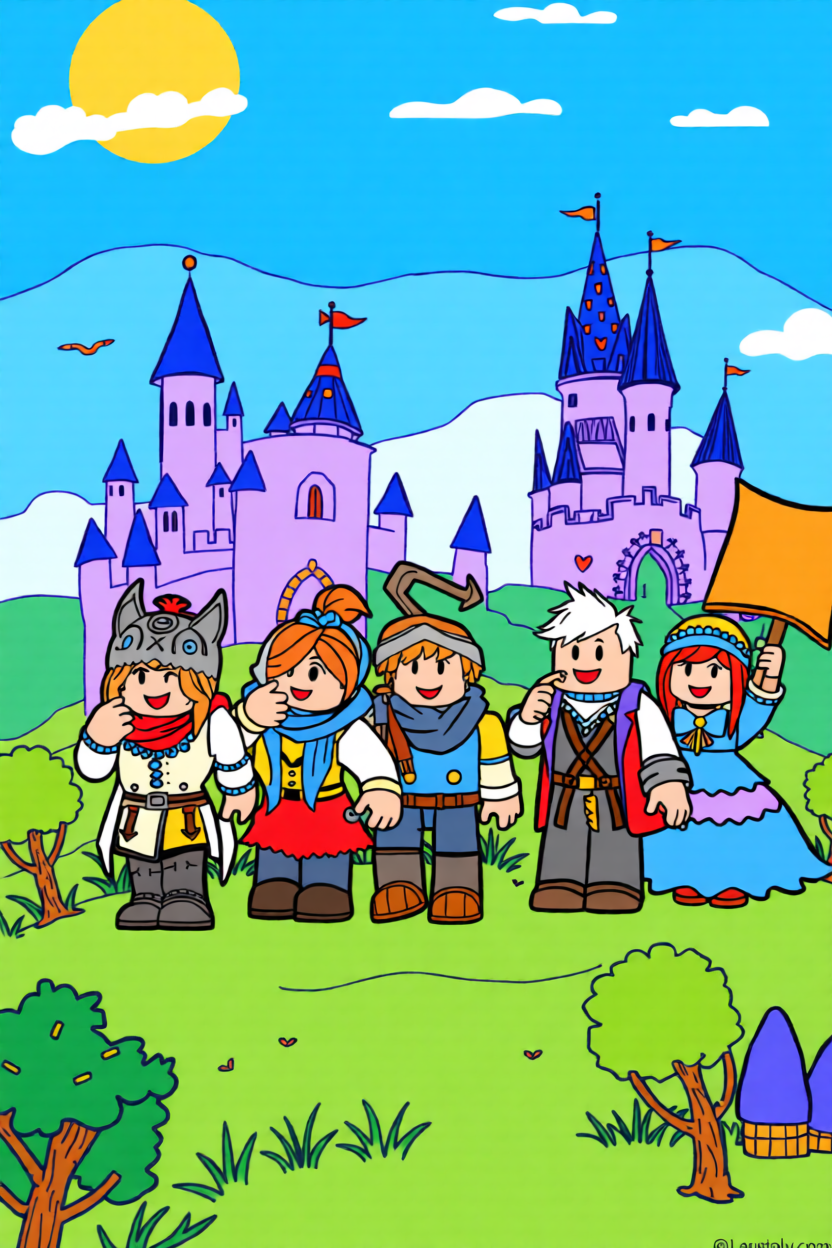
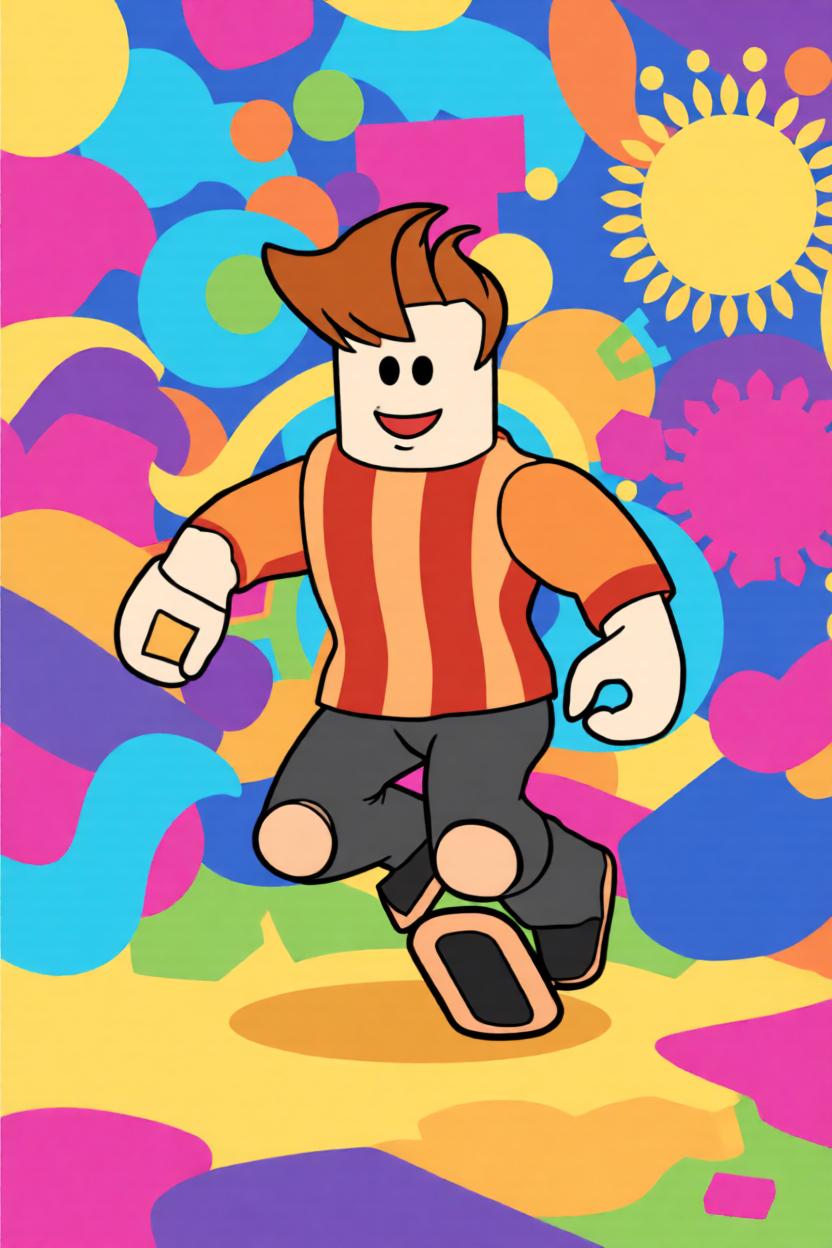
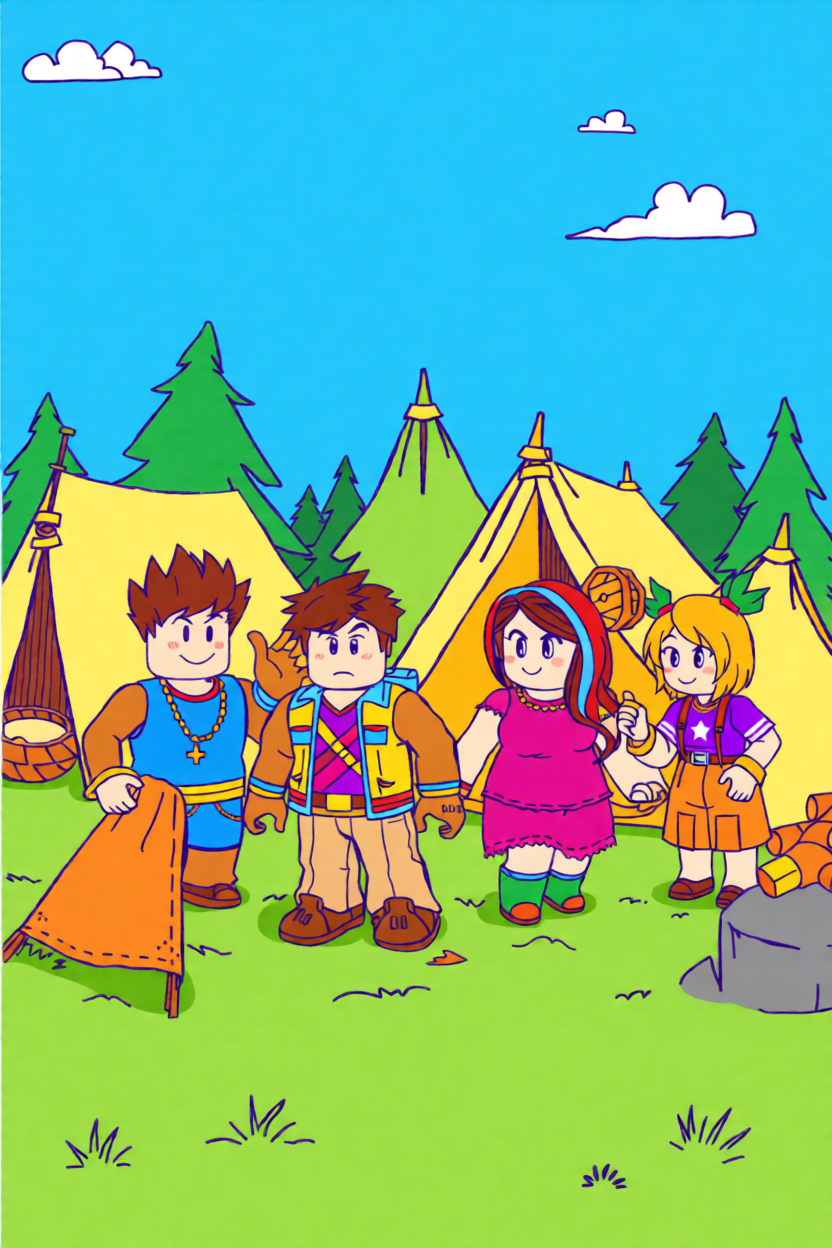
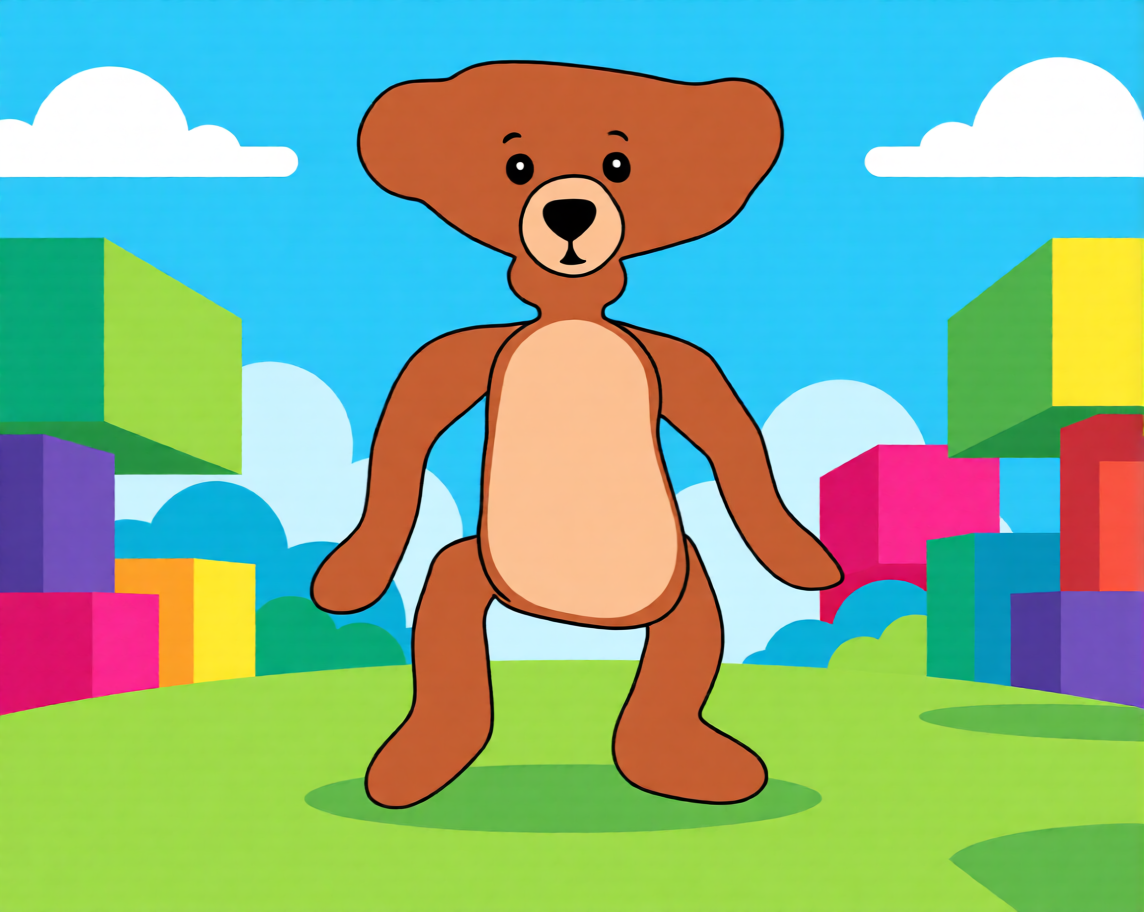
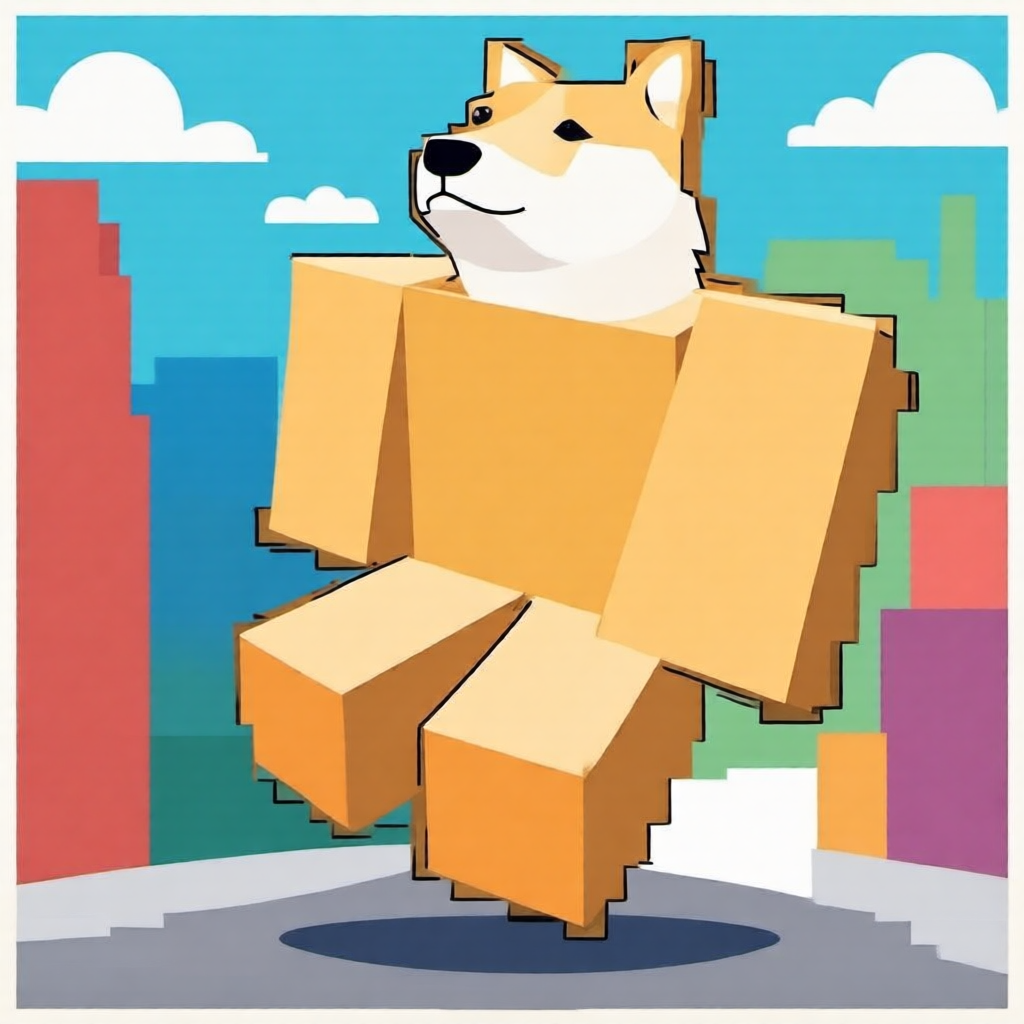
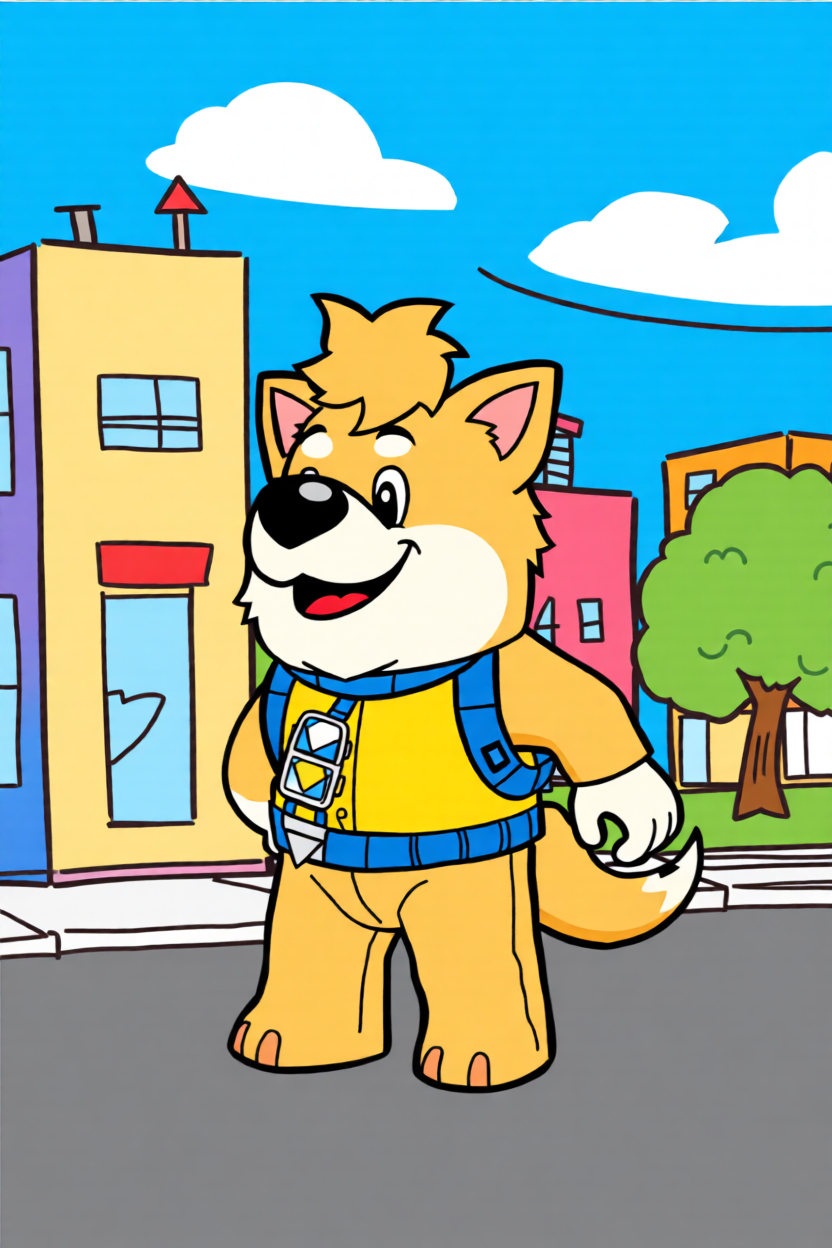
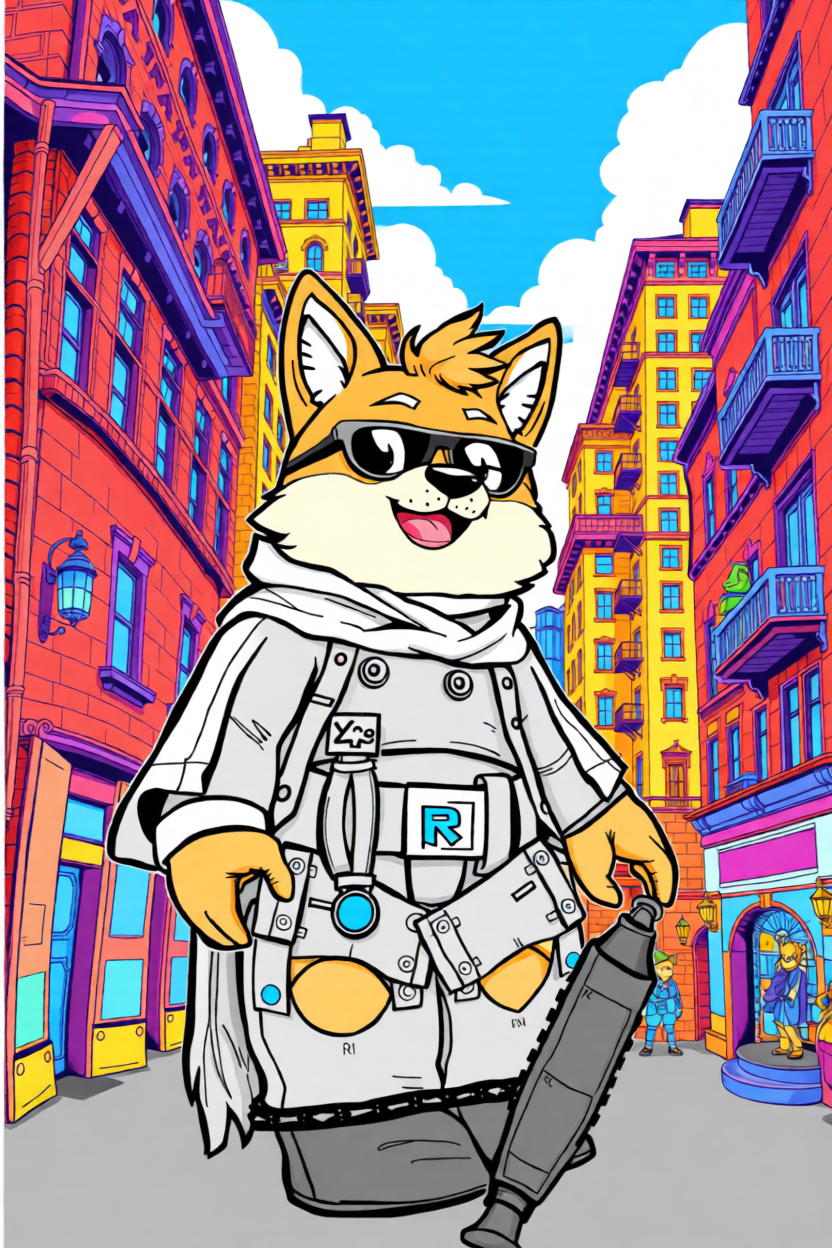
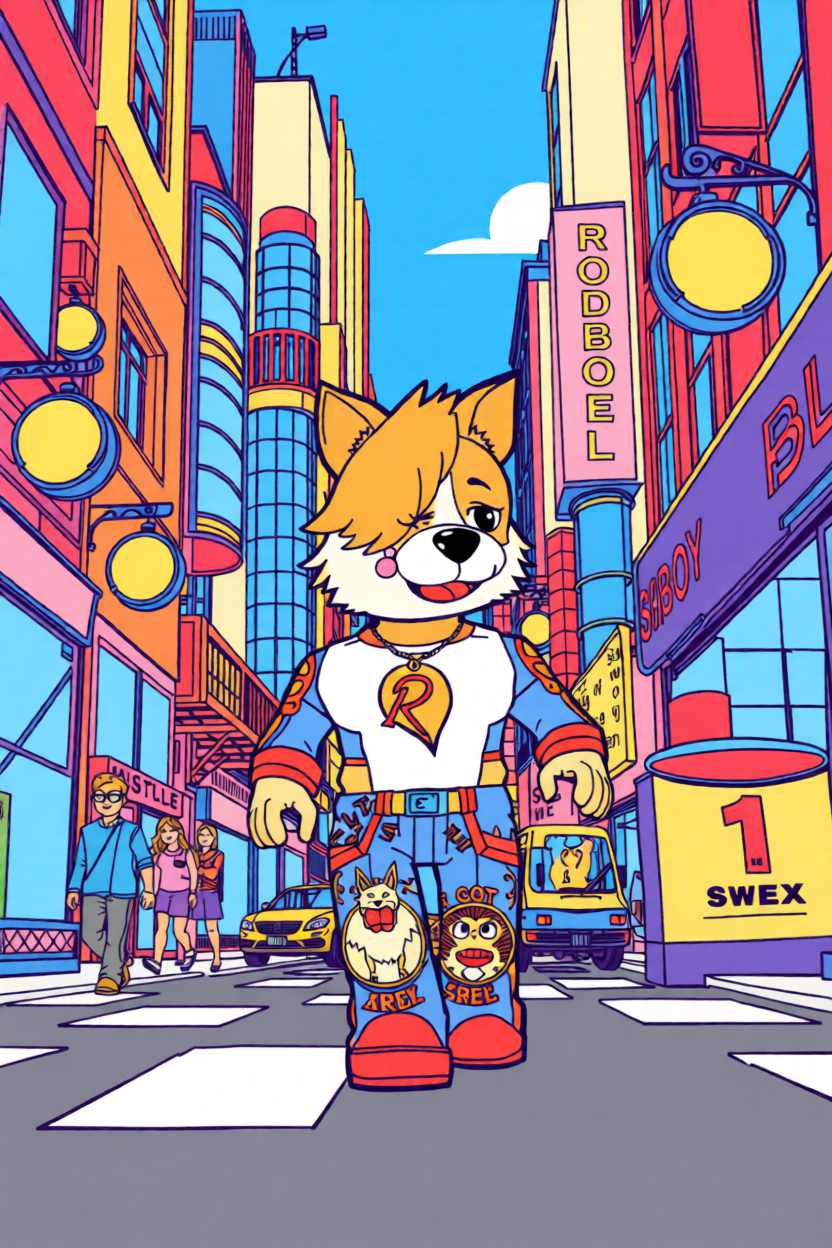
Stop settling for generic blocky shapes. Our perler bead pattern maker understands the geometry of Roblox avatars, from the classic Noob aesthetic to the complex 'Doors' entities. We’ve fine-tuned the conversion to ensure your favorite game icons don't lose their personality when translated into a grid, giving you a sprite-accurate guide that’s ready for your next crafting session.
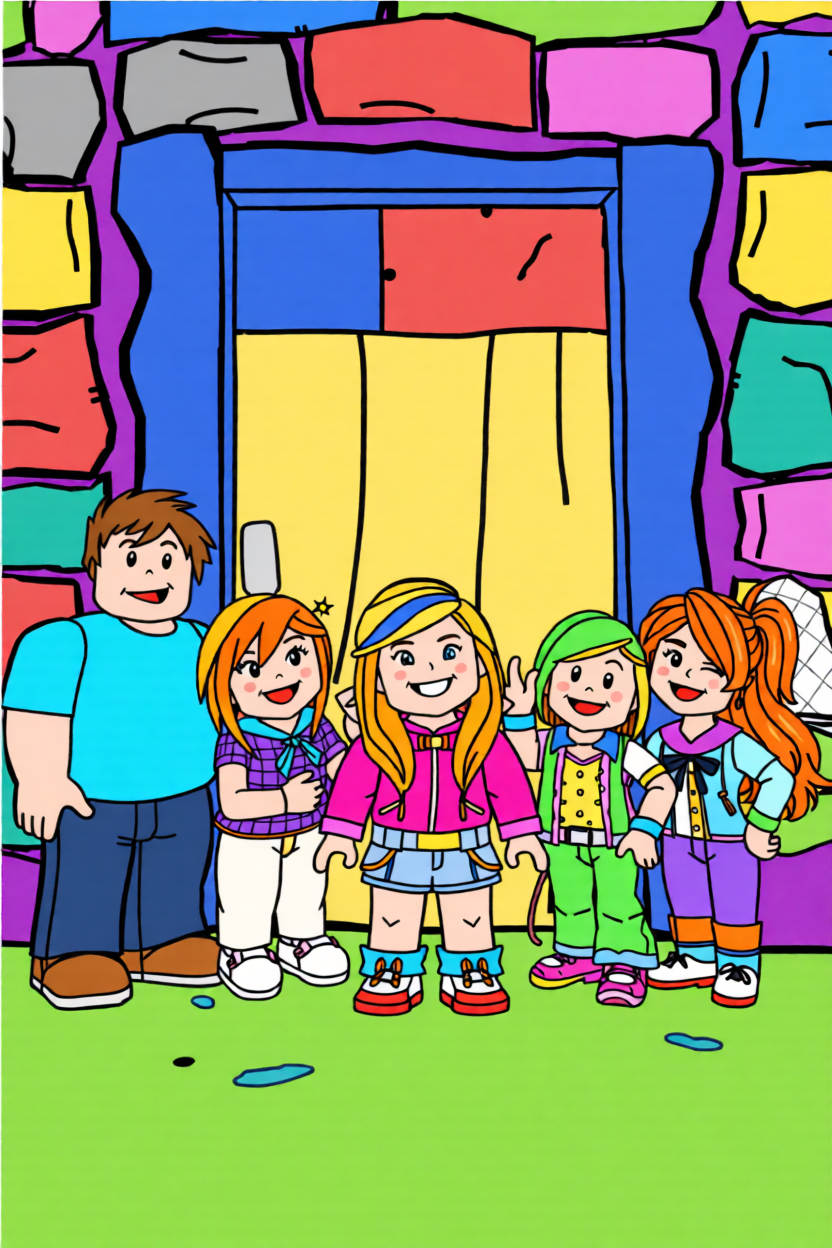
Customization is the name of the game. You can tweak your grid density to capture the fine details of a specific 'Blox' accessory or scale it down for a portable Noob charm. This isn’t a rigid template; you have the power to edit individual pixels and saturation levels, ensuring your finished work stands out in any Roblox fan's collection or on your bedroom wall.
Ready to bring your Blox world to life? Just upload your shot, adjust the pixel density to your liking, and download your custom Roblox fuse bead map.
Grab a clean shot of your Roblox avatar or game icon and drop it into our perler pattern creator.
Use our editor to fine-tune the colors—perfect for matching those tricky neon Roblox skins.
Download your printable PDF and start building your favorite Roblox characters bead-by-bead.
We've put together some expert advice to help you master Roblox logos, Doors characters, and those tricky 3D Noob designs.
If you want that crisp, iconic look, the secret is in how you handle the edges. We recommend you use our pixel pattern maker on 'High Contrast' mode and add a row of transparent beads around your letters. This gives you extra structural support during ironing while keeping your Roblox logo lines sharp and clean—trust me, it makes a world of difference.
You bet! We know those Doors characters rely on eerie shadow play to look scary. When you upload your image, you can manually tweak the dark color mapping in the editor. By adjusting your black and charcoal shades, you'll be able to preserve those terrifying details that make Seek or Figure look so haunting on your pegboard.
For your 3D projects, we’ve found that smaller is usually more stable. We suggest you scale your Noob to around 15x15 pixels using the grid settings. You can generate separate templates for the head and torso, then use our 'flat melt' method before you assemble them with a bit of hot glue—it’s the perfect size for a custom desk accessory.
Of course! Don't let the 'Perler' name limit you; these grids are universal for any 5mm fuse beads you have. Just a heads-up: make sure you check your bead stash against the color palette in our editor before you start. You don't want to run out of 'Noob Yellow' right when you're almost finished!
Absolutely—no Robux or hidden fees required here. Every pattern you generate, whether it's your personal avatar or a complex game scene, is yours to download as a high-quality printable PDF or PNG. We want you to focus on the crafting, not the cost.
It’s super simple! Just take a clean screenshot of your avatar in-game and drop it into our bead art converter. You'll see it transform into a pixelated blueprint instantly. You can even adjust your grid to fit a single 29x29 board if you're looking for a quick and easy afternoon project.
Your Roblox creations shouldn't stay on a screen. Grab your pegboard, pick your favorite Noob or entity, and start building your pixel world today.