Click the image below to see how many pixel beads are needed to create the pattern
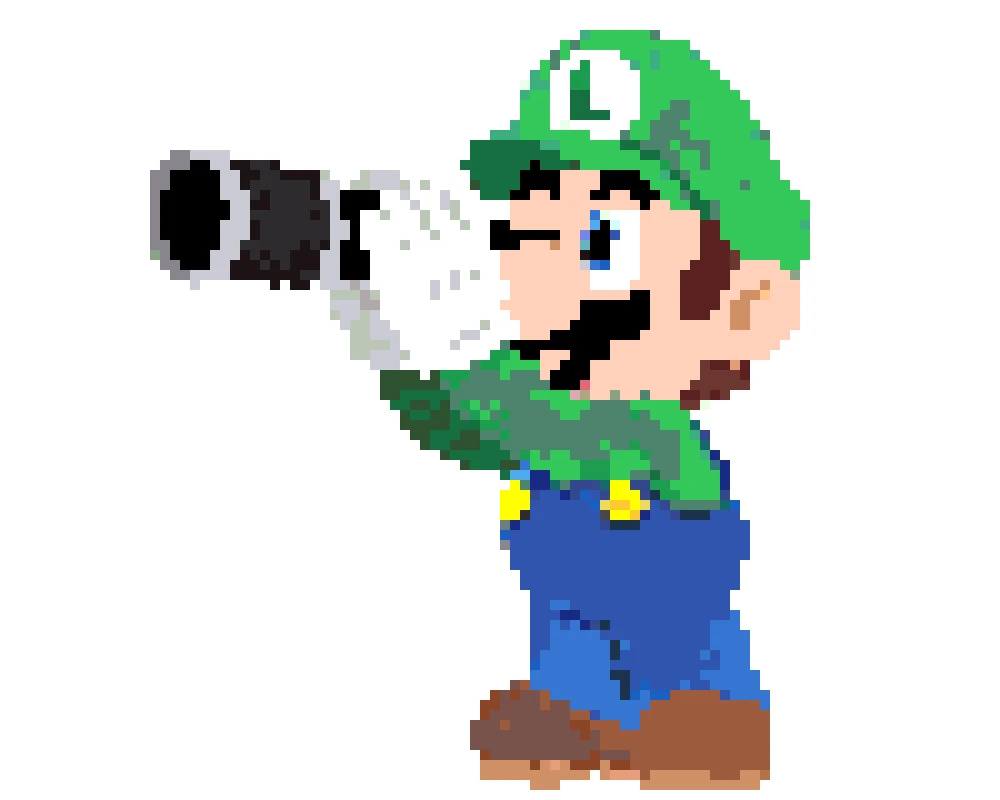
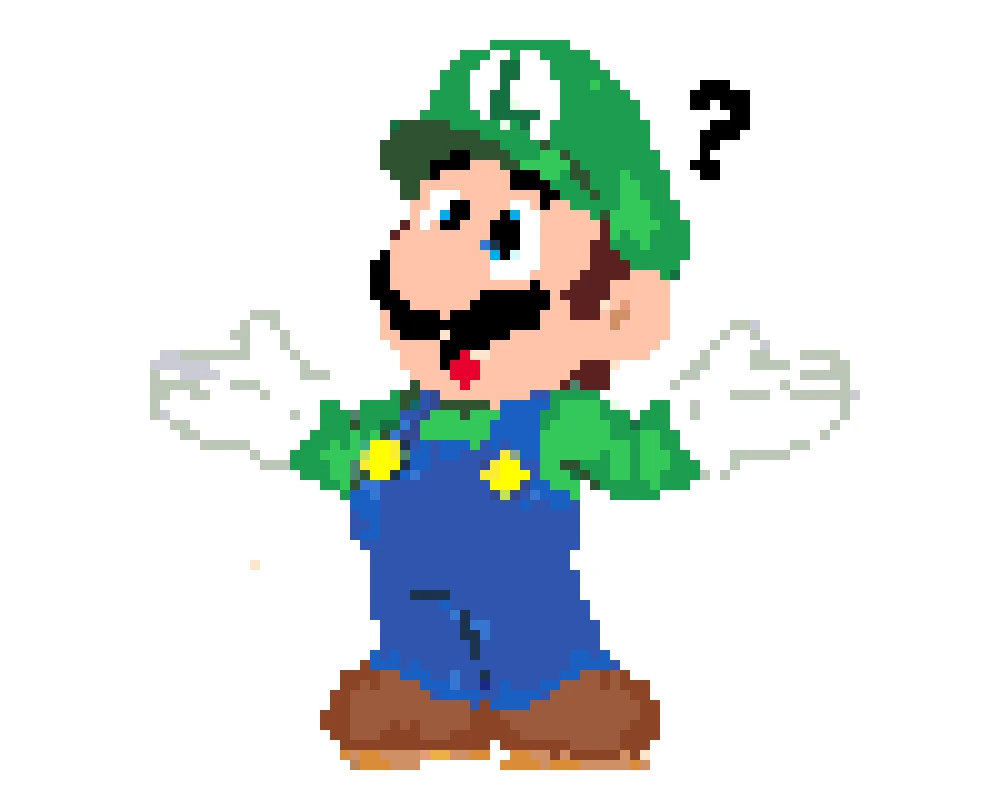
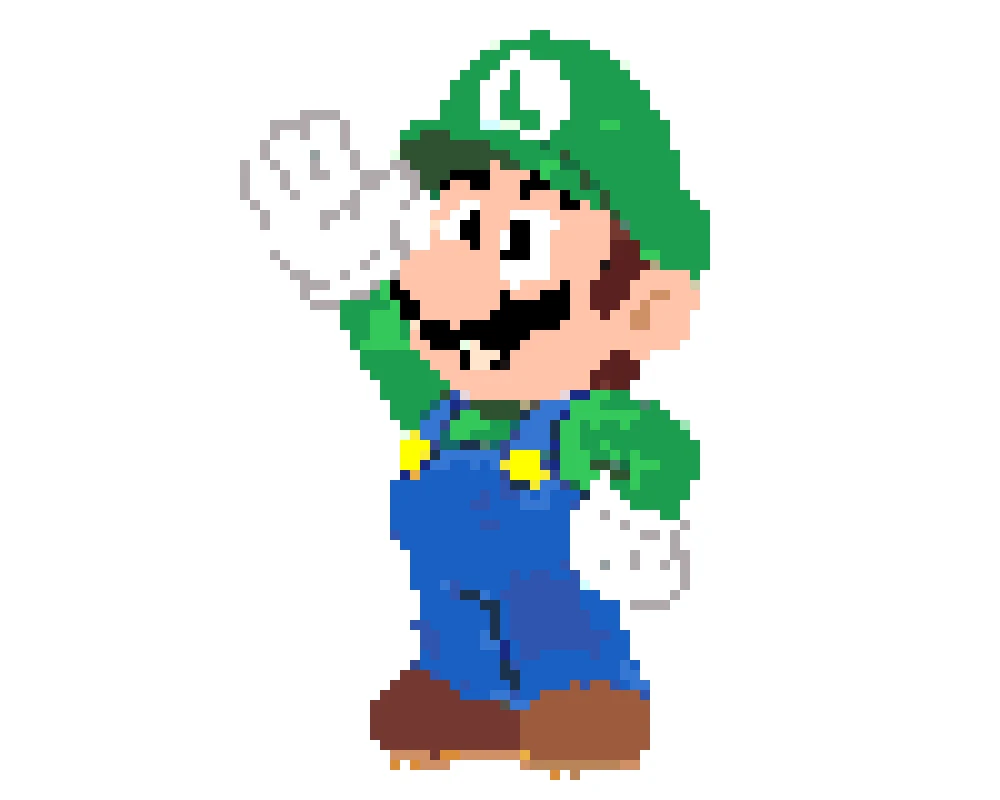
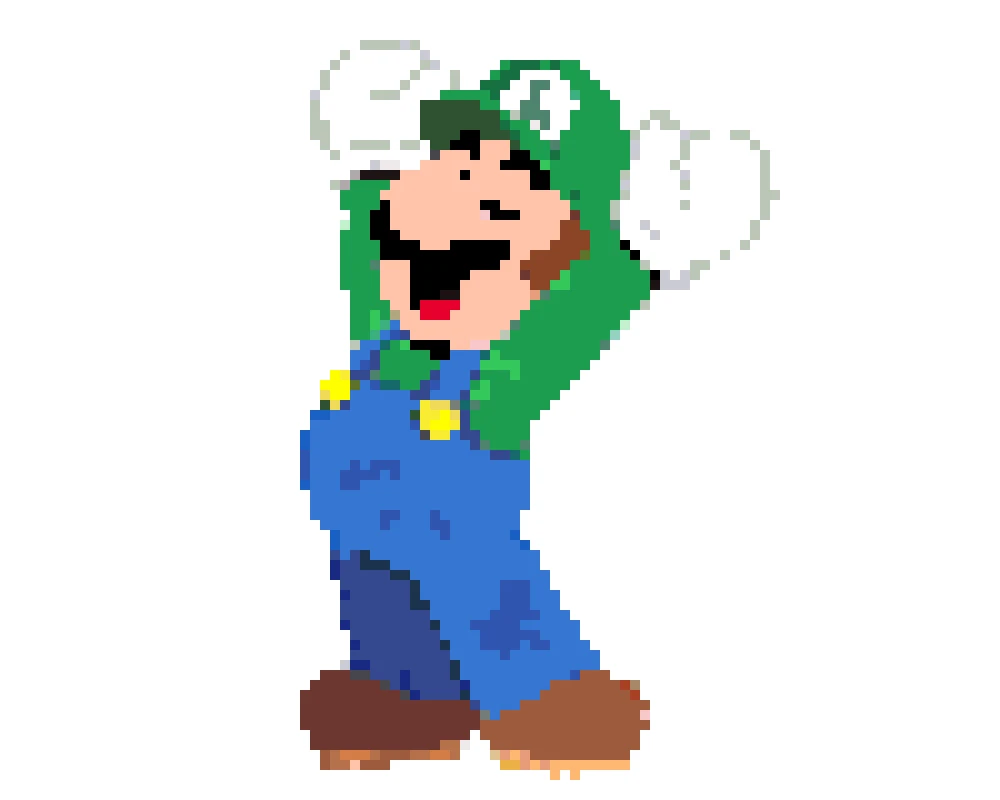
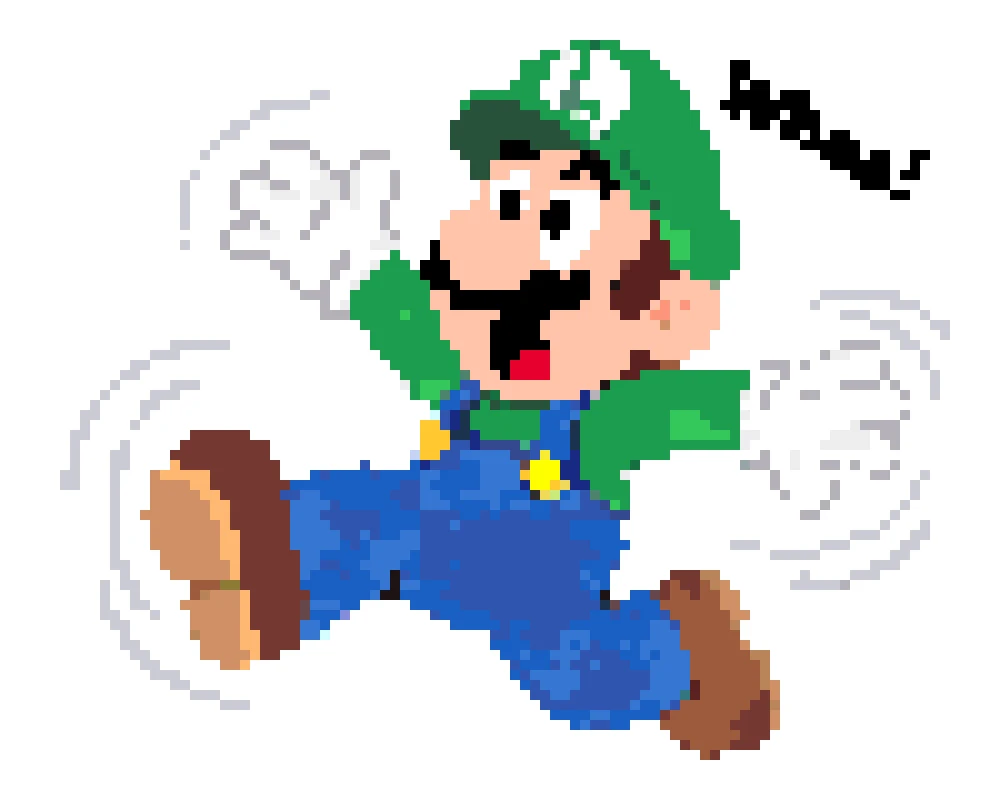
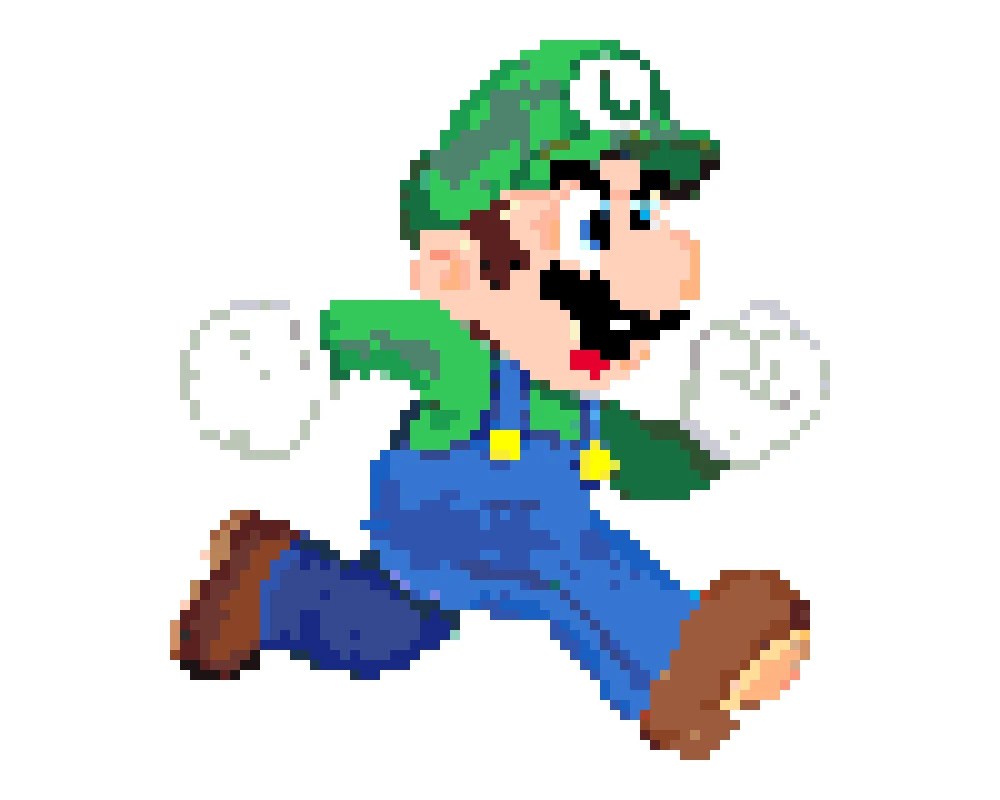
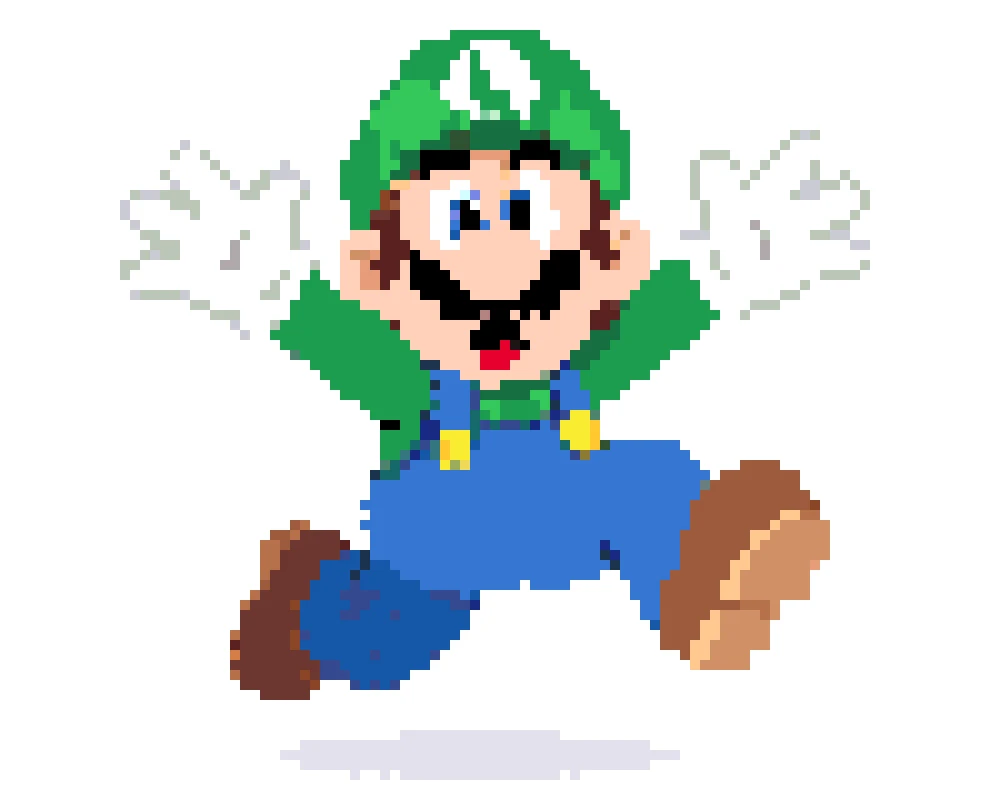
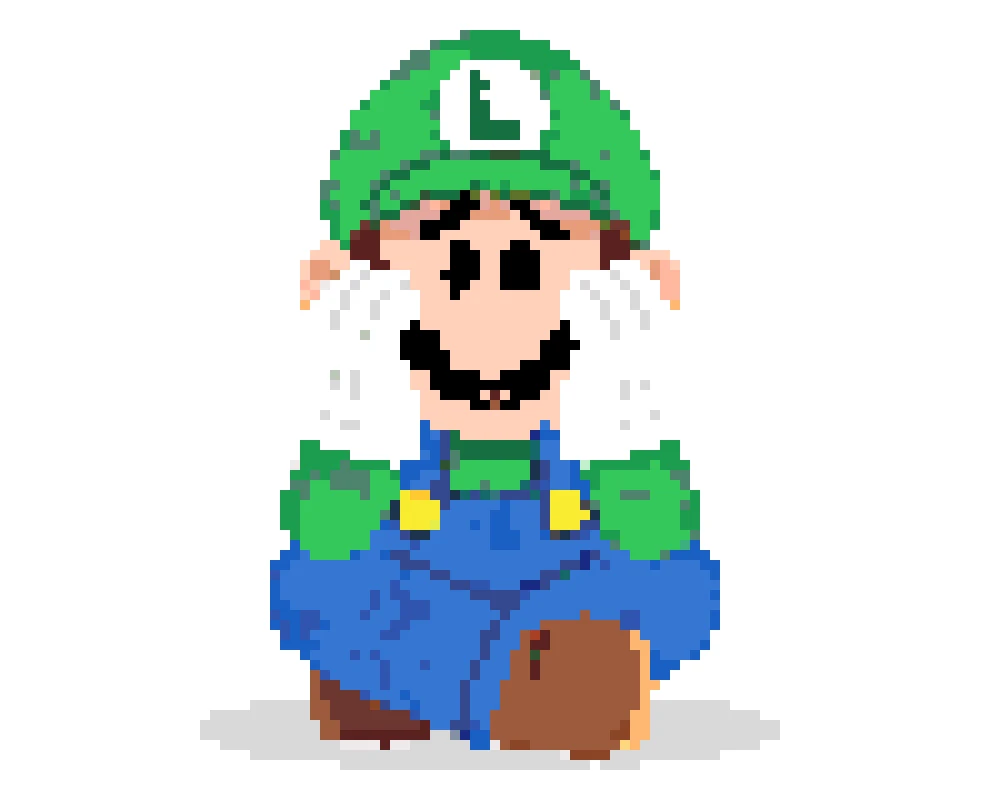
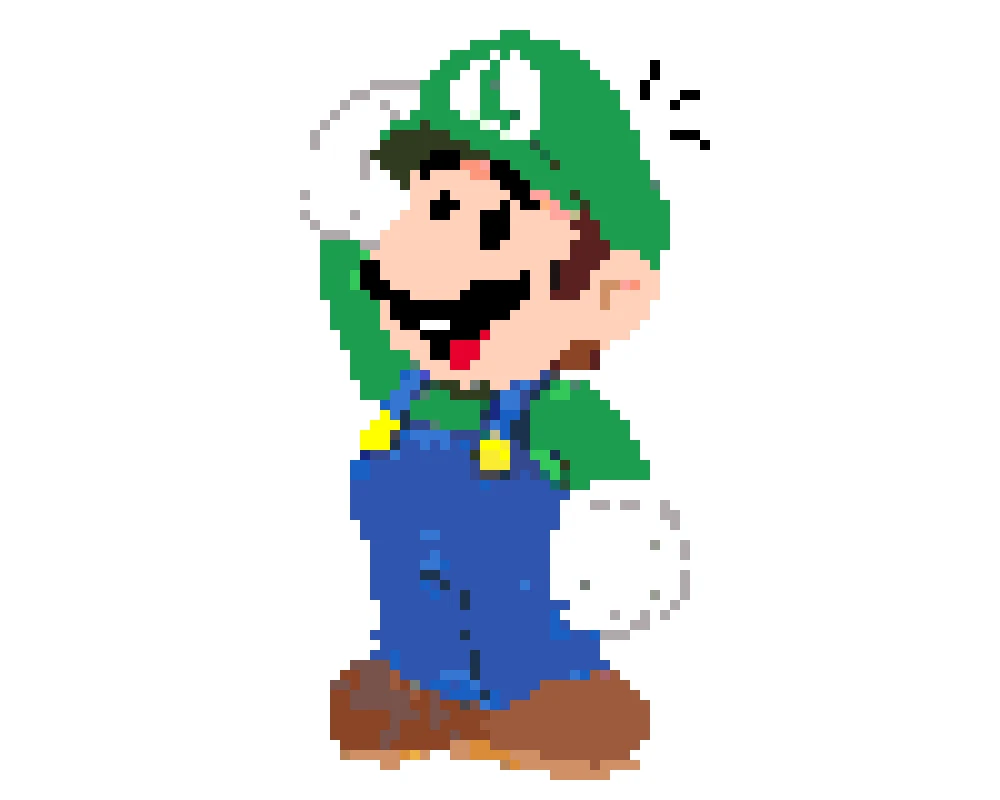
Ready to give Mario's taller brother his moment? Upload any Luigi image—classic NES sprites, Super Mario World artwork, Luigi's Mansion scenes, or even Baby Luigi—and our generator creates a bead-ready pattern instantly. Works with Perler, Hama, and Artkal color palettes. Whether you're making a matching set with Mario or a standalone Luigi project, this tool handles the conversion so you can focus on crafting.
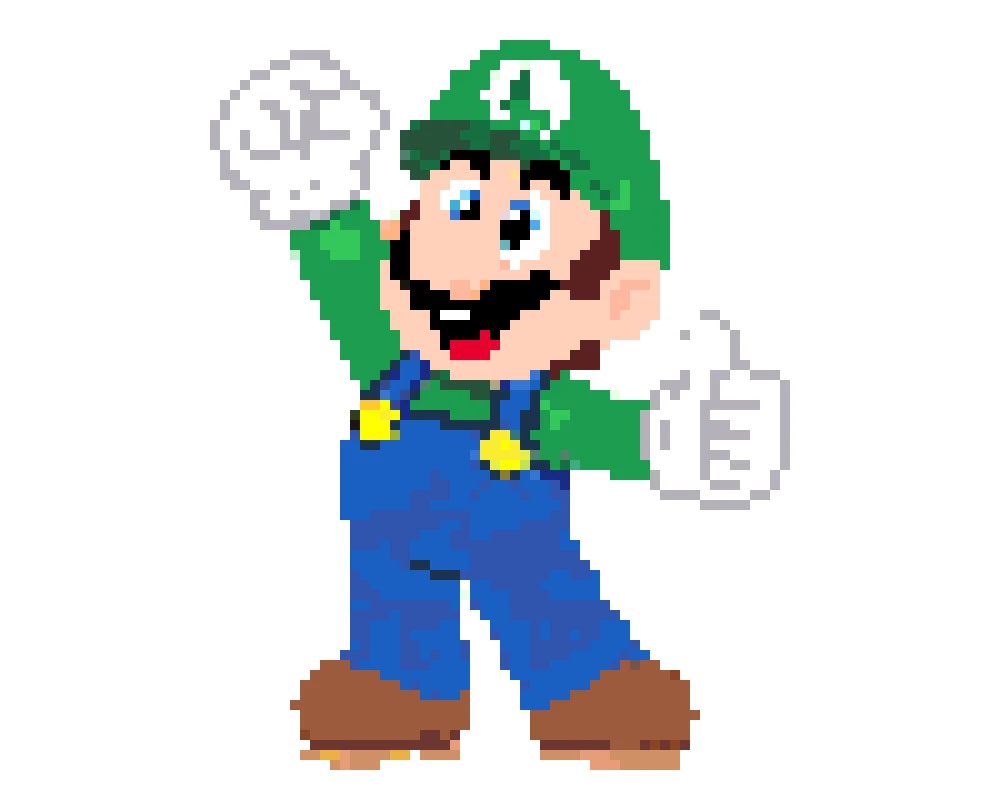
Luigi's signature green comes in different shades across bead brands—our tool helps you nail the right one. Pick from Perler, Hama, or Artkal palettes and see exactly which greens, blues, and skin tones you need. Resize your pattern for a quick keychain or scale up for a life-size Luigi's Mansion display. Every pattern includes a full color breakdown and bead count, so you're never guessing what to buy.
Making a Perler Beads Luigi pattern is super easy! Just follow these three quick steps to turn any Luigi image into a pixel bead masterpiece.
Choose any Luigi image—game sprites, Luigi's Mansion artwork, or fan art—and upload it to our free generator.
Our converter maps your image to real bead colors from Perler, Hama, or Artkal palettes. Resize to fit your pegboard and preview the final look.
Download your Luigi perler bead pattern as a printable PDF with color codes and bead counts. Time to bring Mario's brother to life!
For sure! A lot of people make them as a set. Just generate both patterns at the same size, and they'll display perfectly together. Pro tip: Luigi is slightly taller in the games, so some crafters add an extra row or two to keep it accurate.
Go with the 8-bit NES Luigi—it's only about 12x16 pixels, uses maybe 5 colors, and fits easily on one pegboard. You can finish it in under an hour.
Yep, our generator lets you switch to the Hama palette. Luigi's green specifically matches pretty well across brands, so you shouldn't have issues.
Absolutely. Upload any Luigi's Mansion artwork or screenshot—the Poltergust, the flashlight, the scared expression—and the generator will convert it. These designs tend to use more colors because of the darker backgrounds, so plan for 10-12 shades.
Create separate flat panels for the front, back, and sides, then slot them together after ironing. Start with a simple standing pose before attempting anything complex. Our generator helps you plan each piece.
A mini Luigi keychain runs about 150-200 beads. A full Super Mario World sprite is around 600-800. Our tool shows the exact count per color before you download, so you'll know what to stock up on.
Free pattern generator. Make Luigi, or craft a matching Mario & Luigi set. No signup needed.