Click the image below to see how many pixel beads are needed to create the pattern
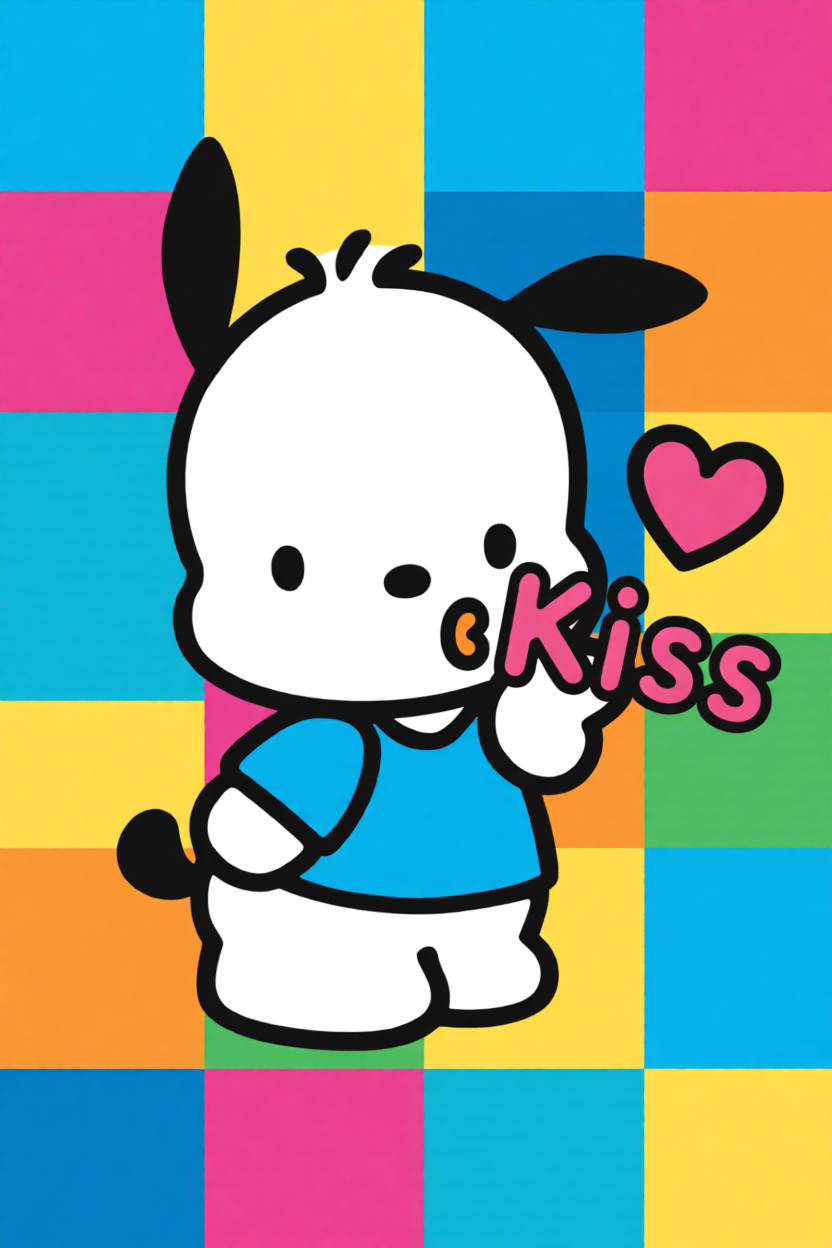
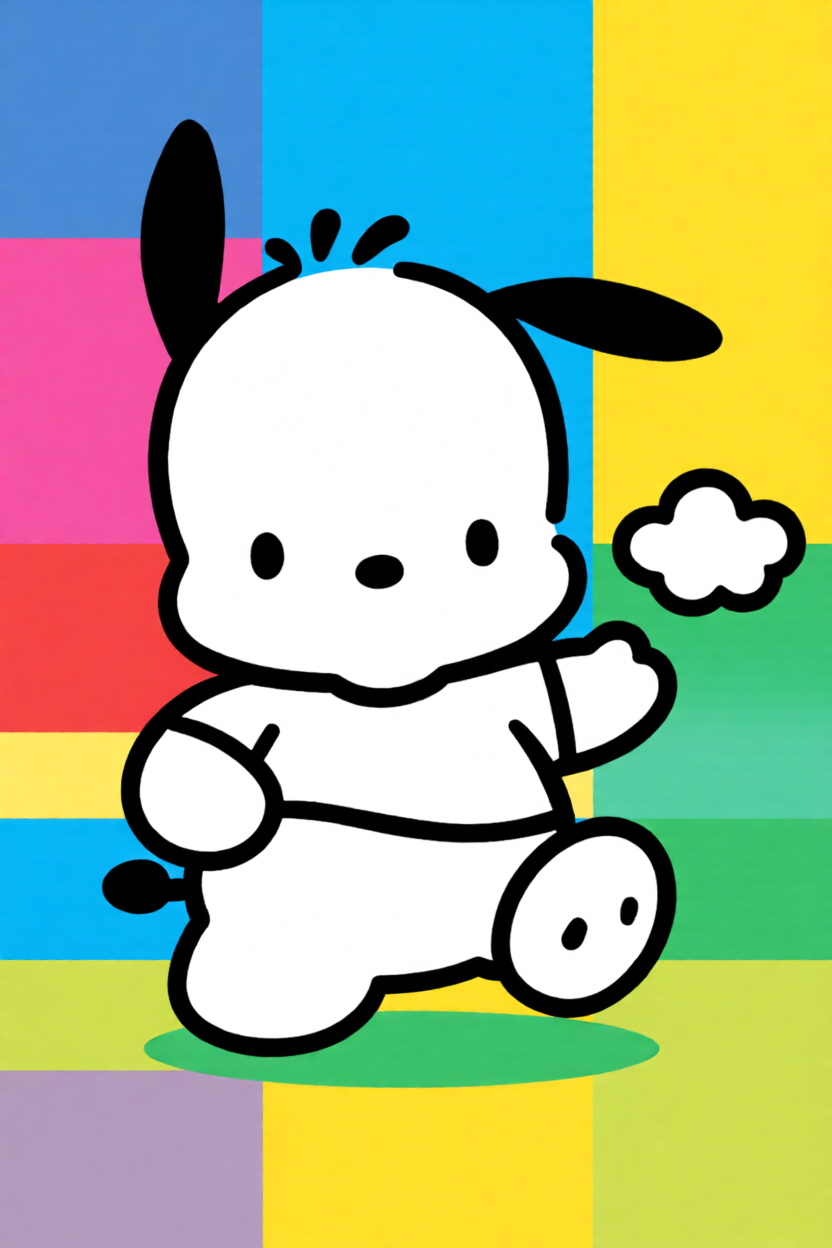
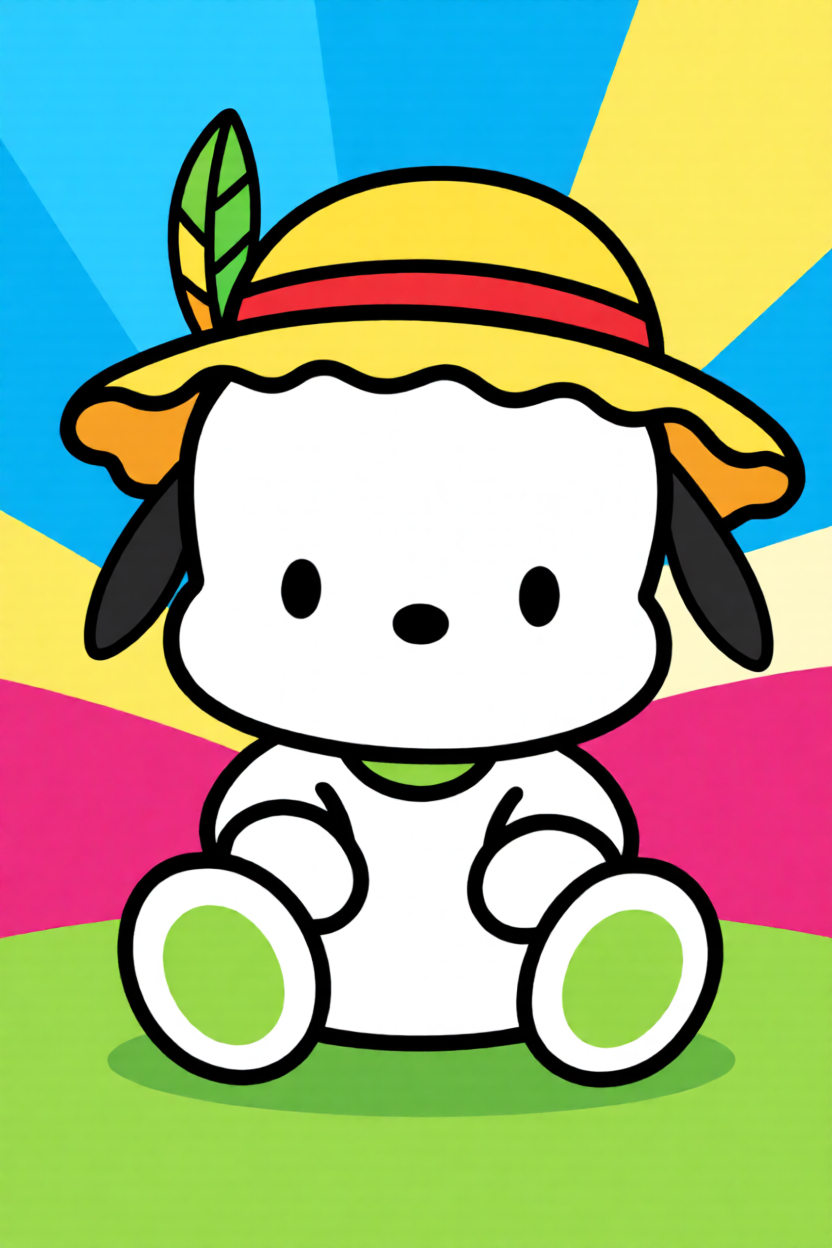

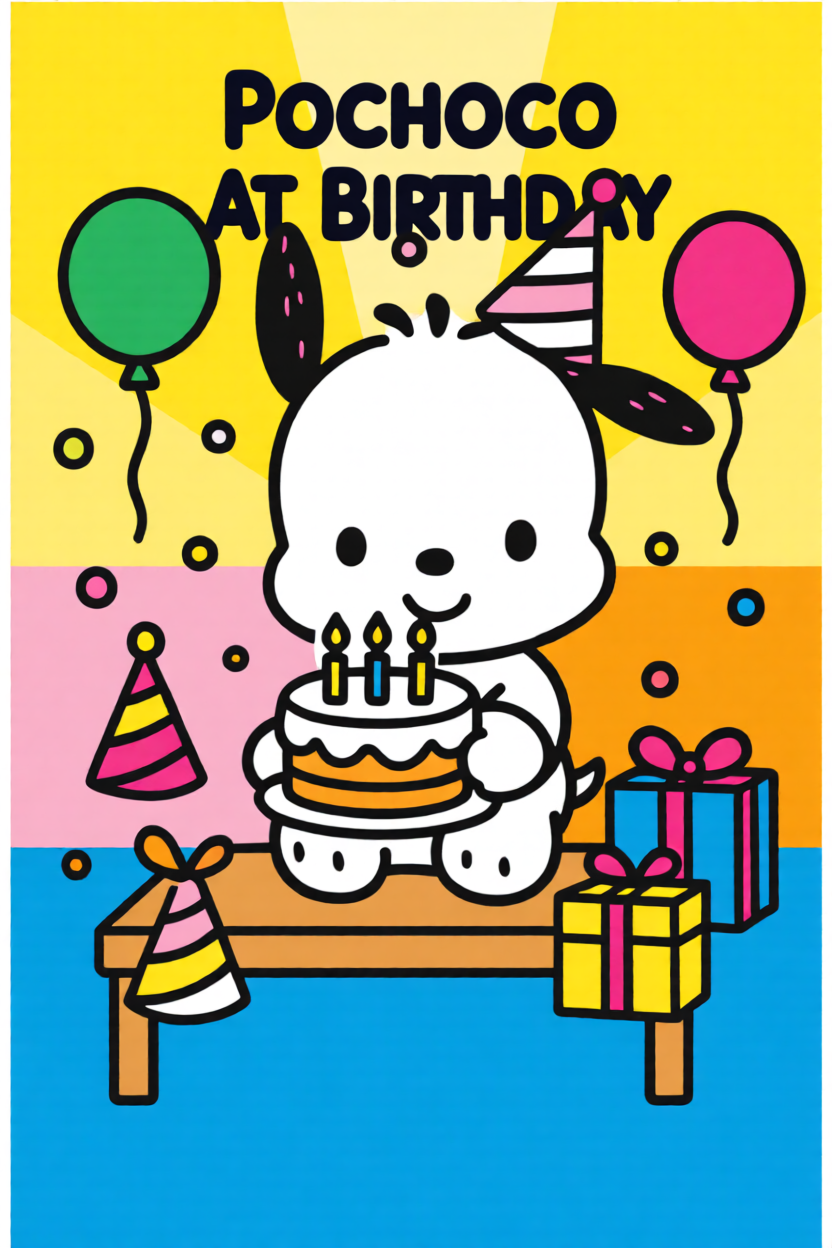
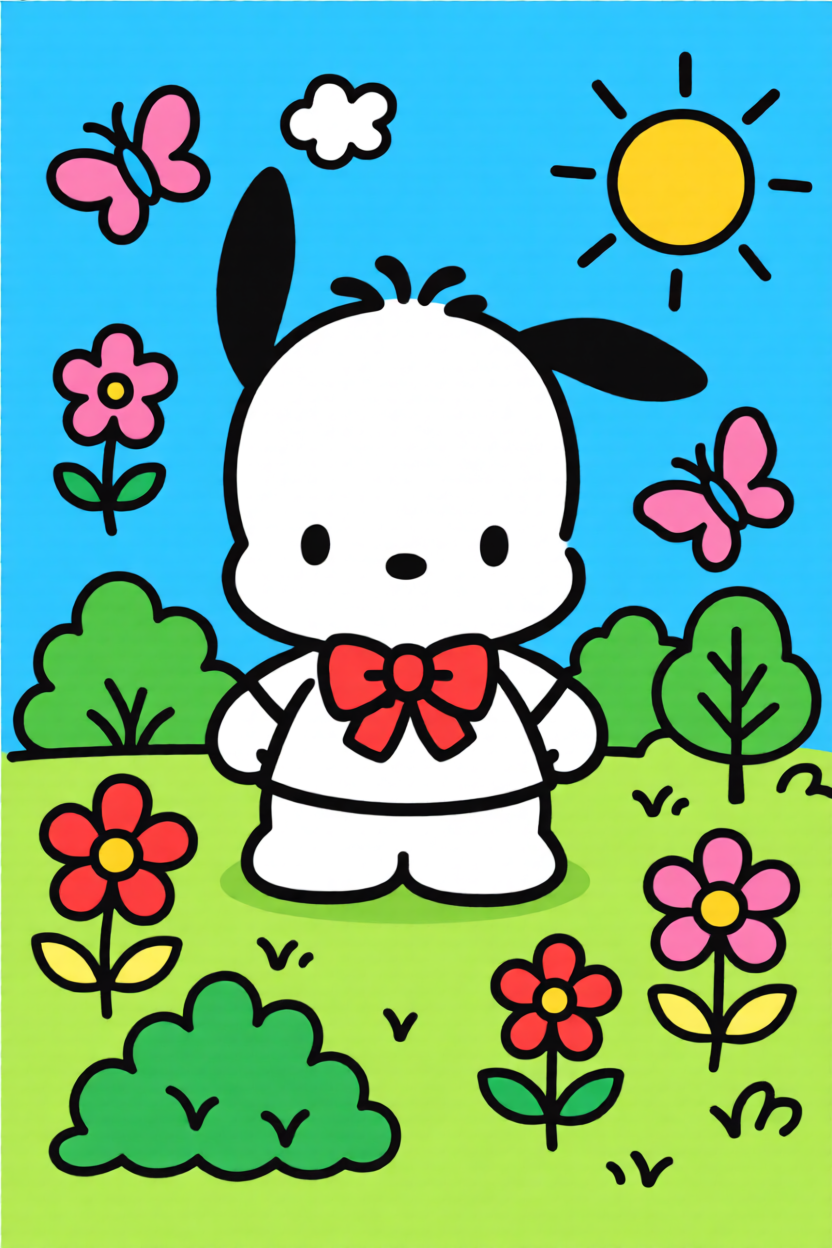
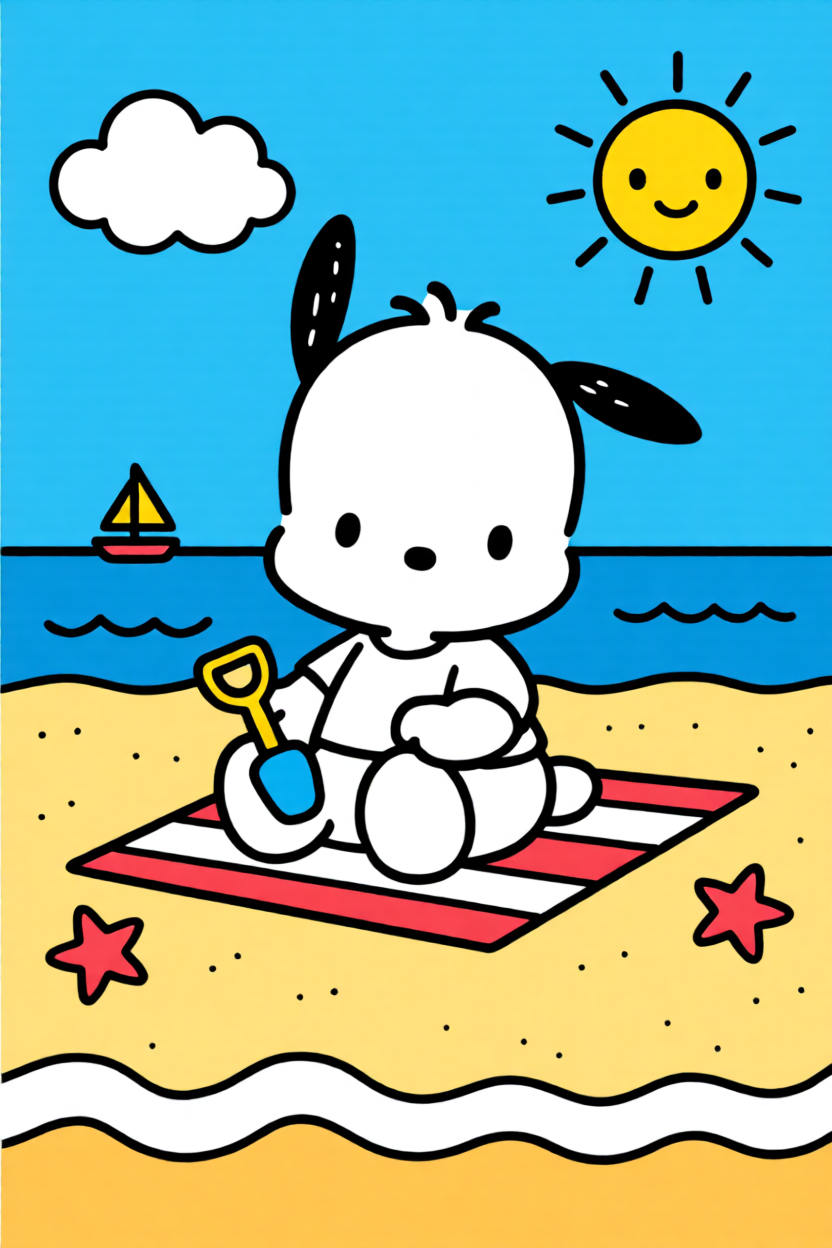

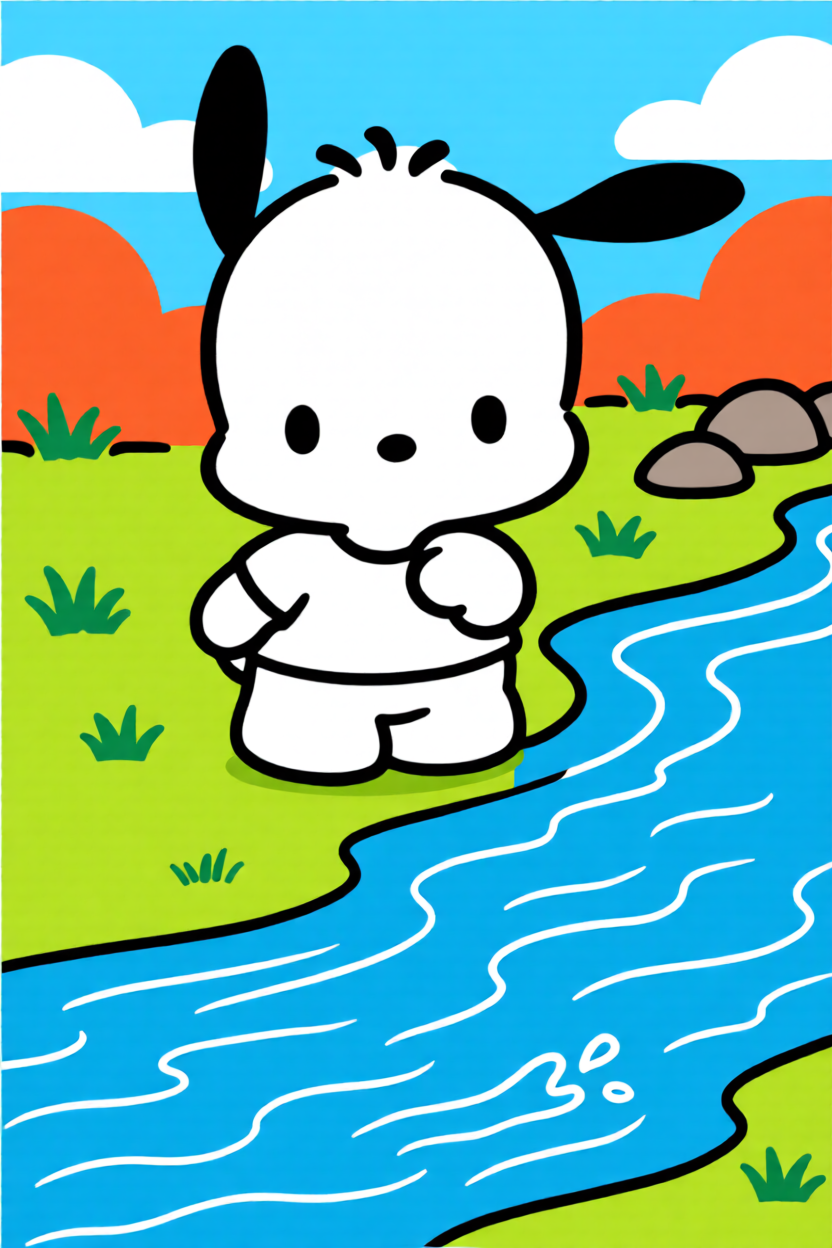
There’s a unique joy in seeing Pochacco’s silhouette come to life bead by bead. Our perler bead pattern maker transforms any classic Sanrio sketch into a workable pixel map instantly. We focus on the geometry of the design, ensuring those iconic floppy ears are perfectly balanced on your pegboard for a professional-looking result every time.

If you prefer crafting away from the screen, our printable PDF option is your best friend. Customize your Pochacco grid size, hit download, and you've got a physical template to place right under your clear pegboard. It is the perfect setup for a relaxing afternoon of DIY crafting, tailored for fans who appreciate the simple charm of pixelated Sanrio art.
No complex software needed. Our browser-based tool turns any Pochacco character art into a ready-to-bead blueprint in three simple steps.
Upload any Pochacco image or sticker to our generator to start the pixelation process.
Fine-tune the bead colors and grid scale until the design matches your specific project goals.
Save your pattern as a PDF, print it out, and follow the guide to create your physical bead sprite!
Direct solutions for melting techniques, small keychain sizing, and 3D layering for Pochacco projects.
Black beads absorb heat faster than white ones. When ironing your pochacco perler bead pattern, I suggest moving the iron in constant circular motions and checking the parchment paper frequently. Our grids ensure the silhouette stays crisp even after a full melt.
A 29x29 pegboard is ideal. Our generator allows you to crop images to focus on Pochacco’s face, creating a small pochacco perler bead design that fits standard keychain hardware perfectly.
Absolutely. You can download the design as a printable PDF with a color-coded legend. This is ideal for fans who prefer following a physical map placed under their pegboard.
Yes. You can generate separate grids for his head, body, and limbs. By keeping the pixel scale consistent in our maker, you can easily stack and iron these layers for a 3D effect.
Pochacco uses a high-contrast palette. Our tool maps colors to brands like Perler or Artkal, ensuring the black, white, and red beads match the original Sanrio aesthetic exactly.
Not at all. Our algorithm is optimized for Sanrio art, automatically sharpening the borders of low-res images into clean, followable bead patterns.
Experience the joy of classic Sanrio pixel art. Convert your photos into printable bead grids instantly.