Click the image below to see how many pixel beads are needed to create the pattern
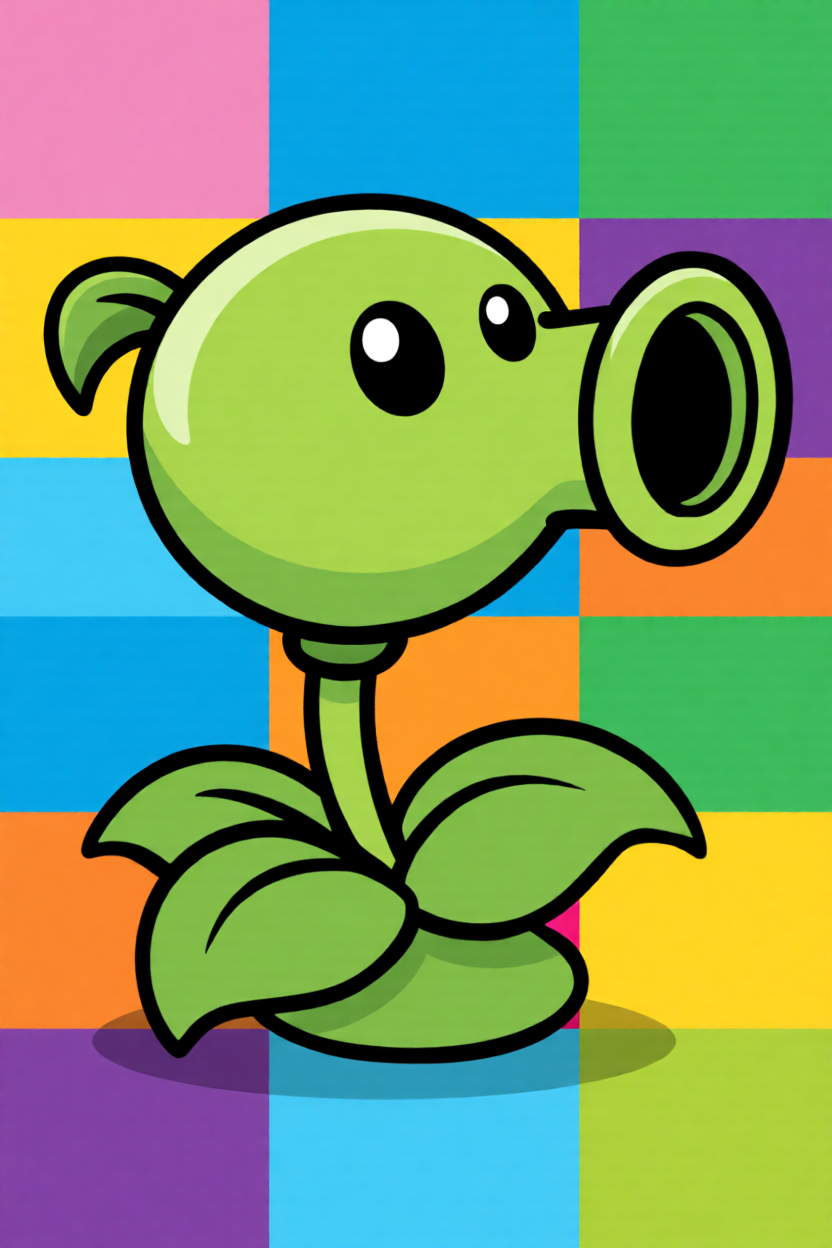
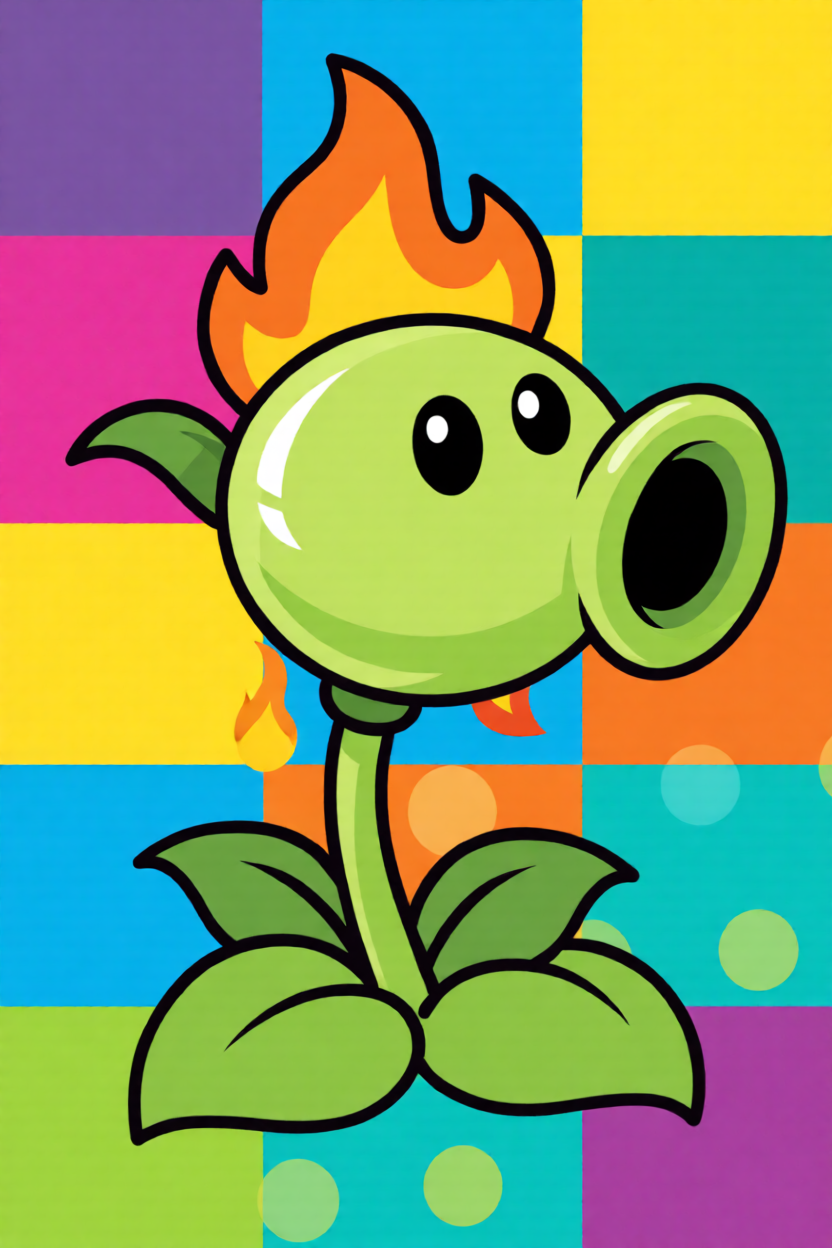
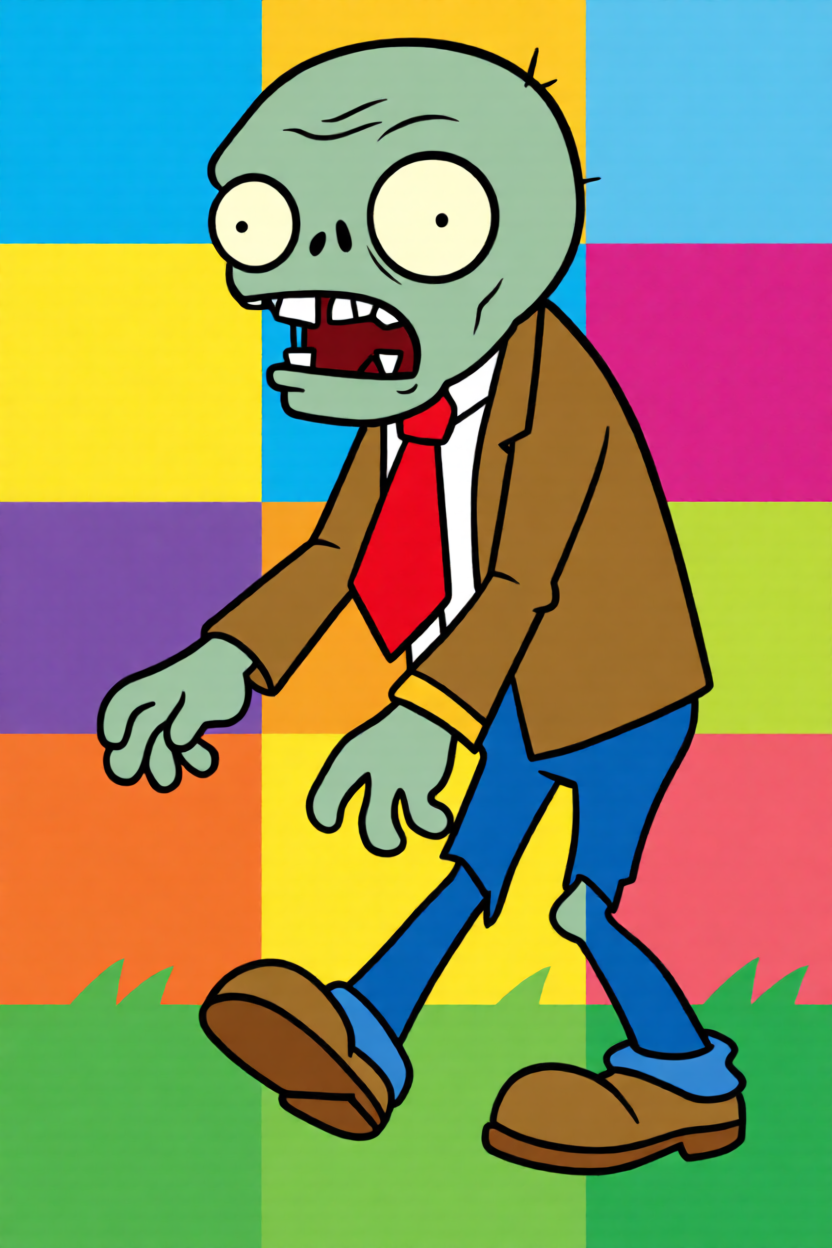

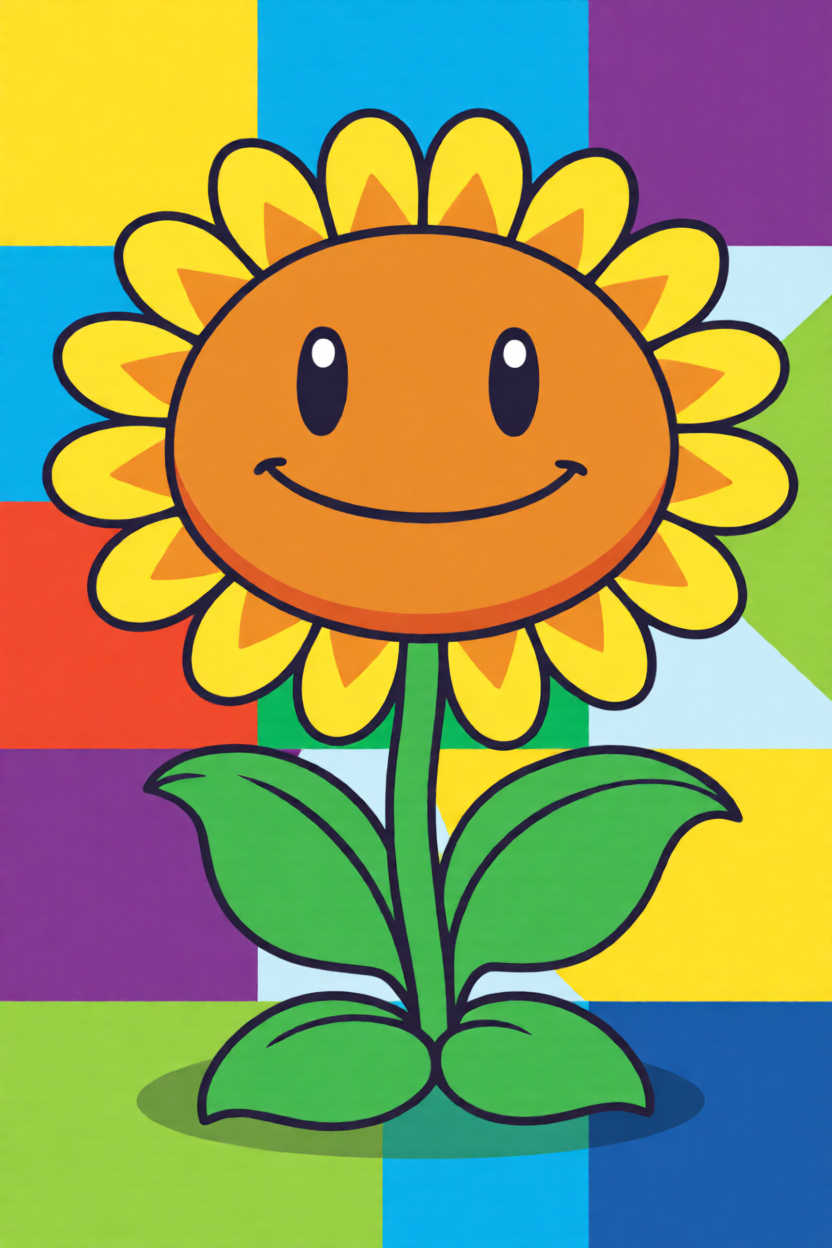
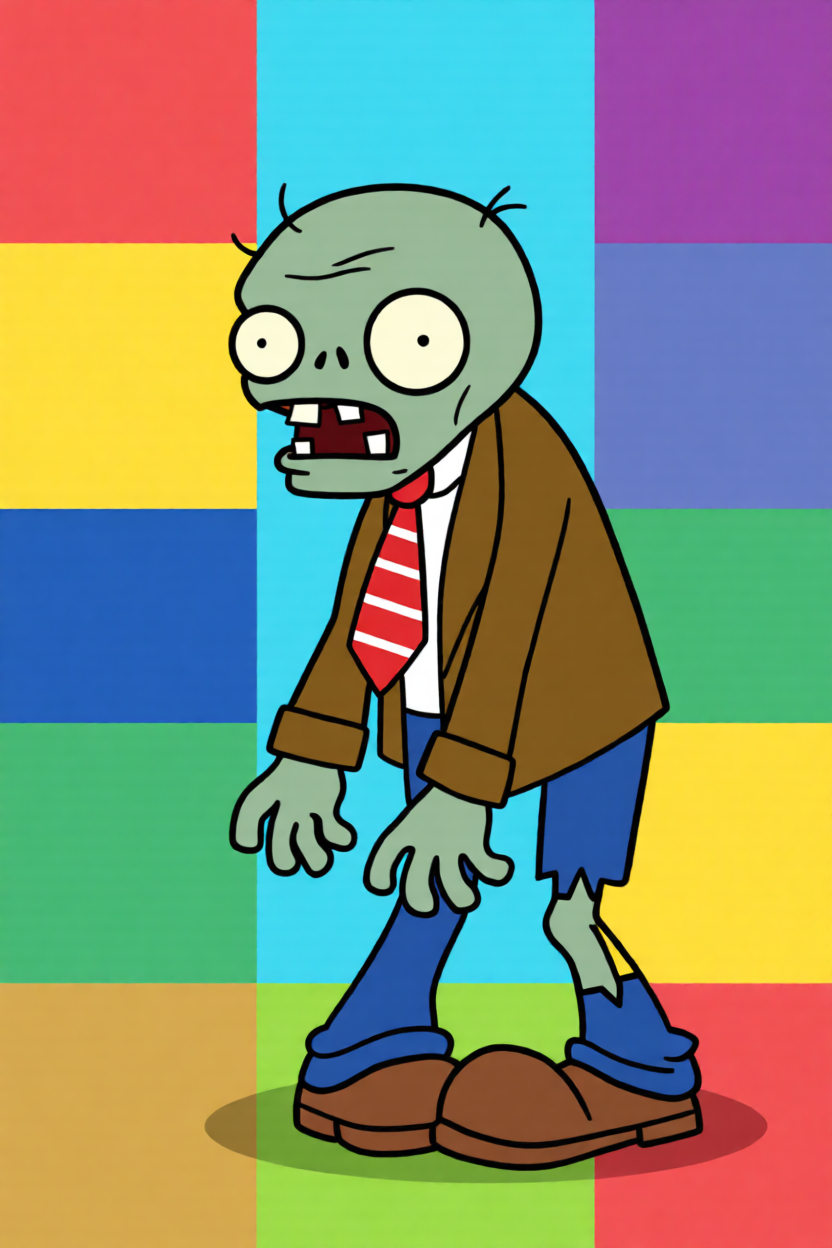
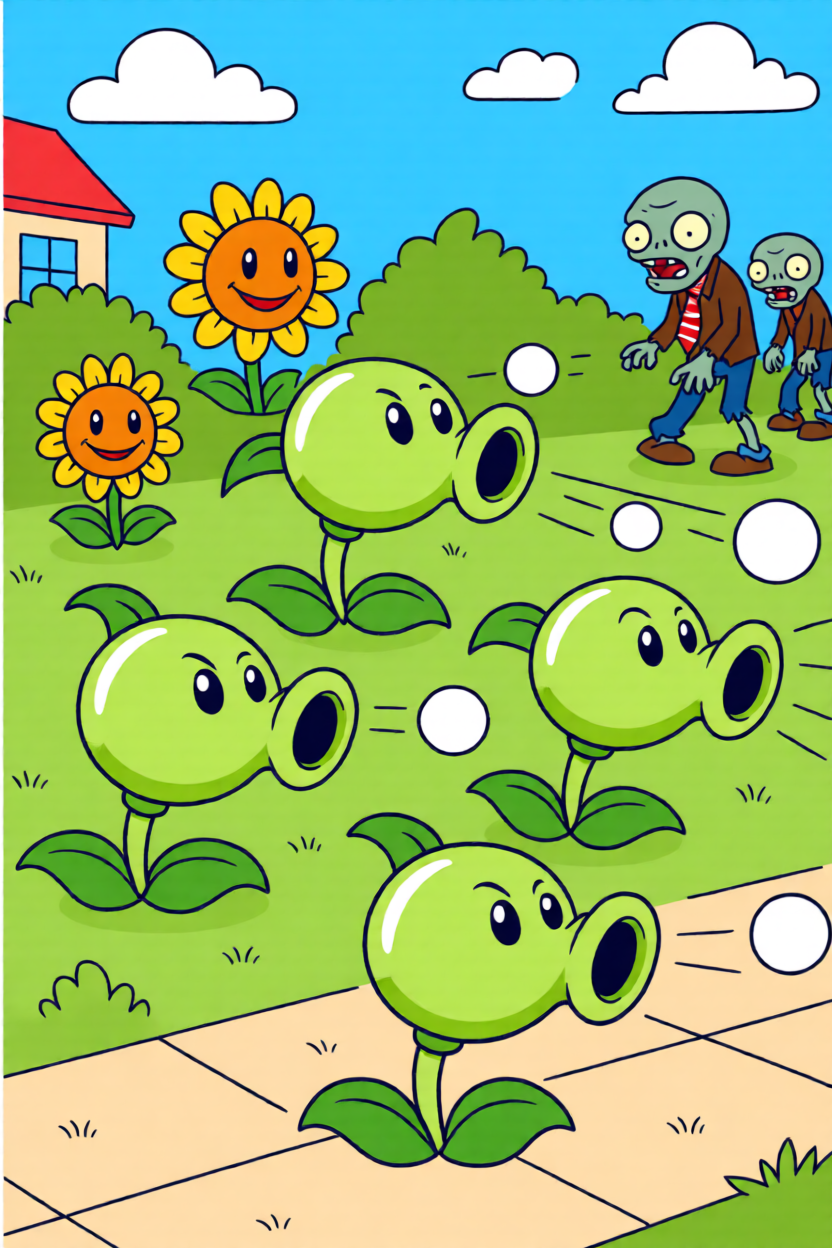
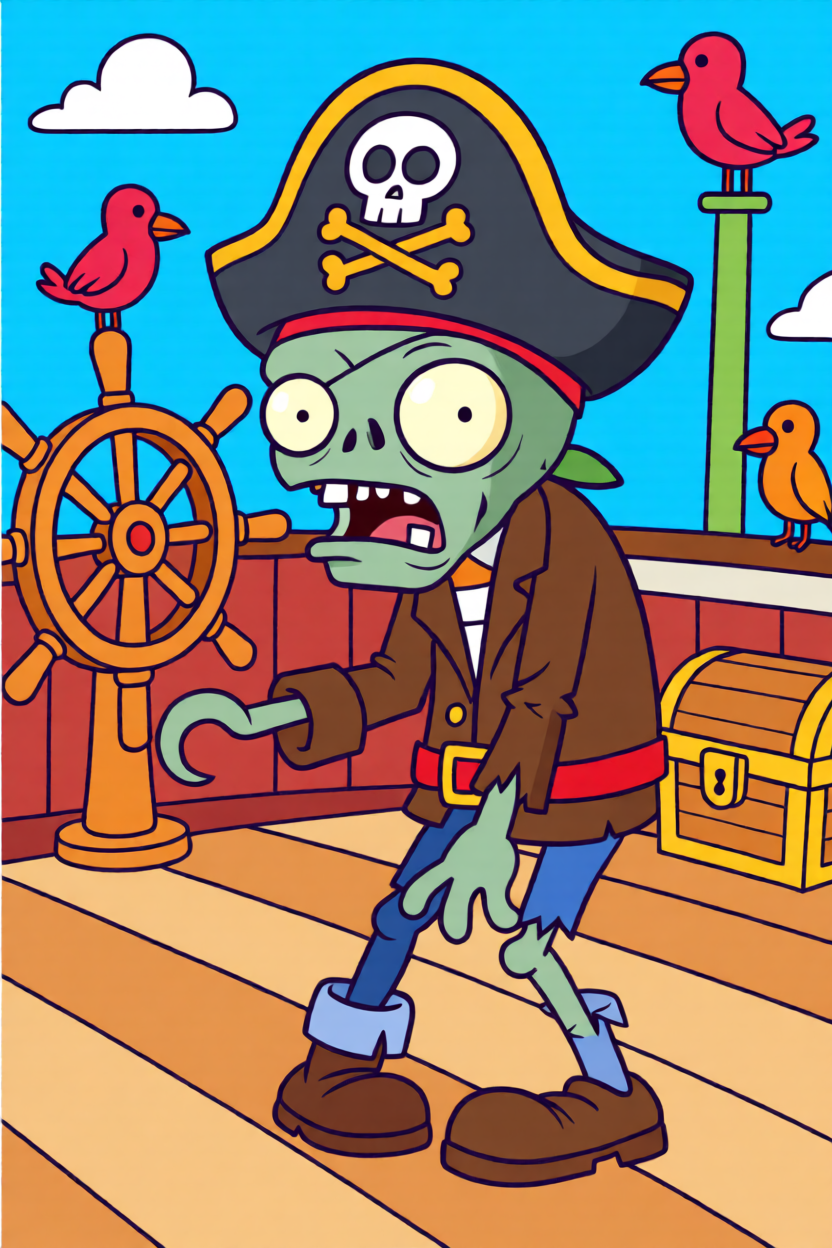
Bring the 2009 classic to your pegboard with pixel-perfect accuracy using our perler bead pattern maker! Our tool specializes in mapping the distinct color palettes of the PvZ universe, ensuring that every leaf and brain-hungry zombie remains true to its original design. We've simplified the conversion process so you can focus on the fun, turning low-res game art into high-quality physical art pieces that capture the quirky essence of the series.
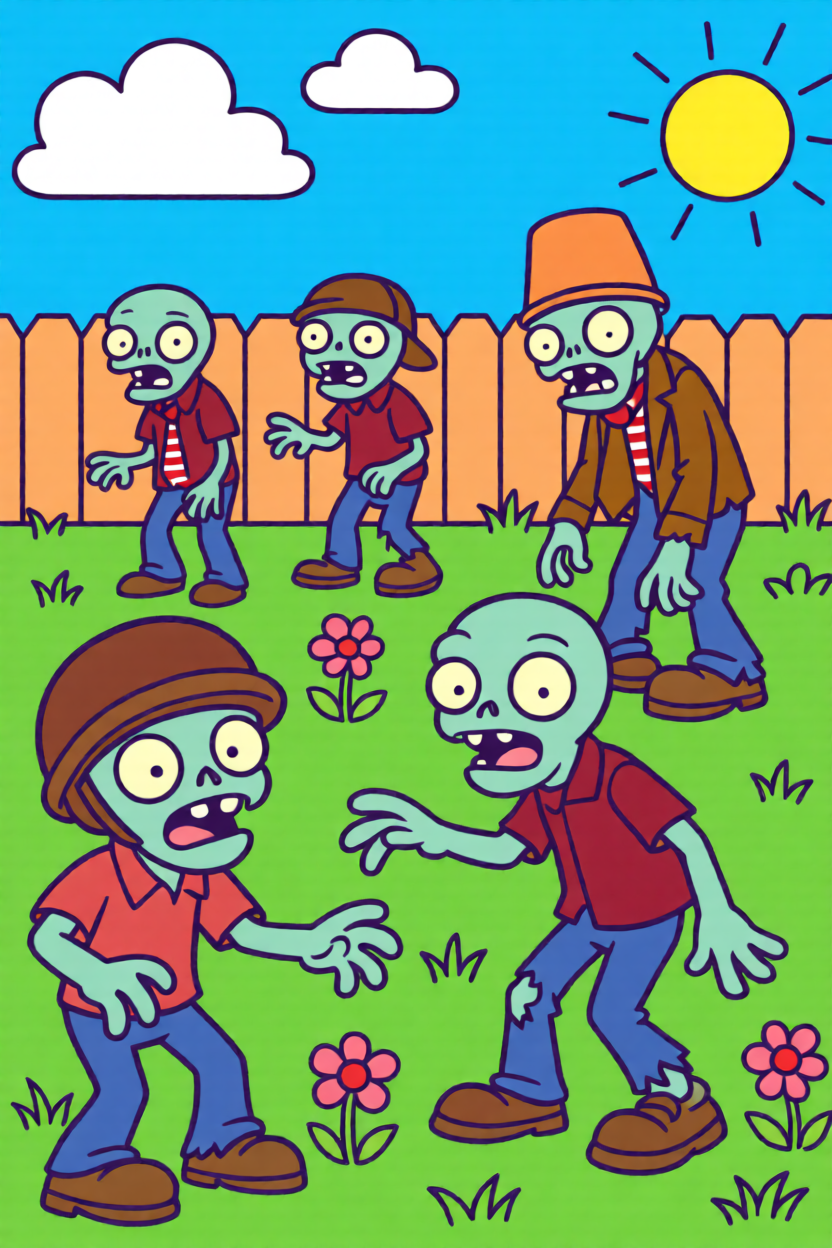
Master the art of the garden with our professional customization tools. We provide the ability to fine-tune your color mapping, helping you navigate the complex greens and earthy tones of the PvZ world with ease. Whether you're using Perler or Artkal beads, you can adjust our palette to match your real-world stash. Scale your patterns for small keychains or large framed wall art—every design you create is backed by our precision grid logic.
Bring the 2009 classic to your pegboard in three simple steps. Just upload, adjust, and start crafting your favorite characters.
Choose any classic Plants vs Zombies image and upload it to our perler pattern creator.
Let our generator map the pixels and adjust the colors to match your fuse bead collection.
Download your printable PDF and start building your physical collection of PvZ characters.
We've gathered some expert advice to help you navigate the tricky color palettes and design details of the Plants vs Zombies universe.
That’s a classic crafting challenge! I recommend you use our perler bead pattern maker and adjust the 'Color Sensitivity' to capture the subtle differences between a Peashooter’s leaf and a Sunflower’s stem. This ensures your physical beads match the vibrant game art perfectly without losing those essential green details.
If you want something fast and recognizable, I suggest you start with the basic Browncoat Zombie. Keep your grid size small; our tool is designed to highlight his signature tie and goofy expression even in a low-pixel format. It's one of the best easy plants vs zombies perler bead patterns for a fun afternoon session.
To get that nostalgic 1:1 look, try using our 'Dithering' feature when you generate a zombie perler bead pattern. It simulates the original shading by blending bead colors, giving your zombies that authentic, weathered look. I've found that this method works wonders for adding texture to the zombie's suit and skin.
They certainly do. We make sure our printable templates include a detailed color reference guide. Whether you use Perler, Artkal, or Hama, you’ll find the closest color matches listed in the PDF, so you can spend less time guessing and more time building your collection.
Absolutely. While the maps are flat, I suggest you build individual characters and then 'float' them on a layered background. You can use our grid creator to design each plant and zombie at the same scale, making them perfect for a wall-mounted battle scene that looks like it jumped right out of the game.
Yes, no 'Sun' points or hidden fees here. Every design you generate, from a tiny Peashooter to a massive Gargantuar, is free for you to save as a high-quality PDF or PNG for your personal crafting archives.
Don't let your favorite game memories fade. Generate your custom PvZ bead map now and start your collection today.