Click the image below to see how many pixel beads are needed to create the pattern
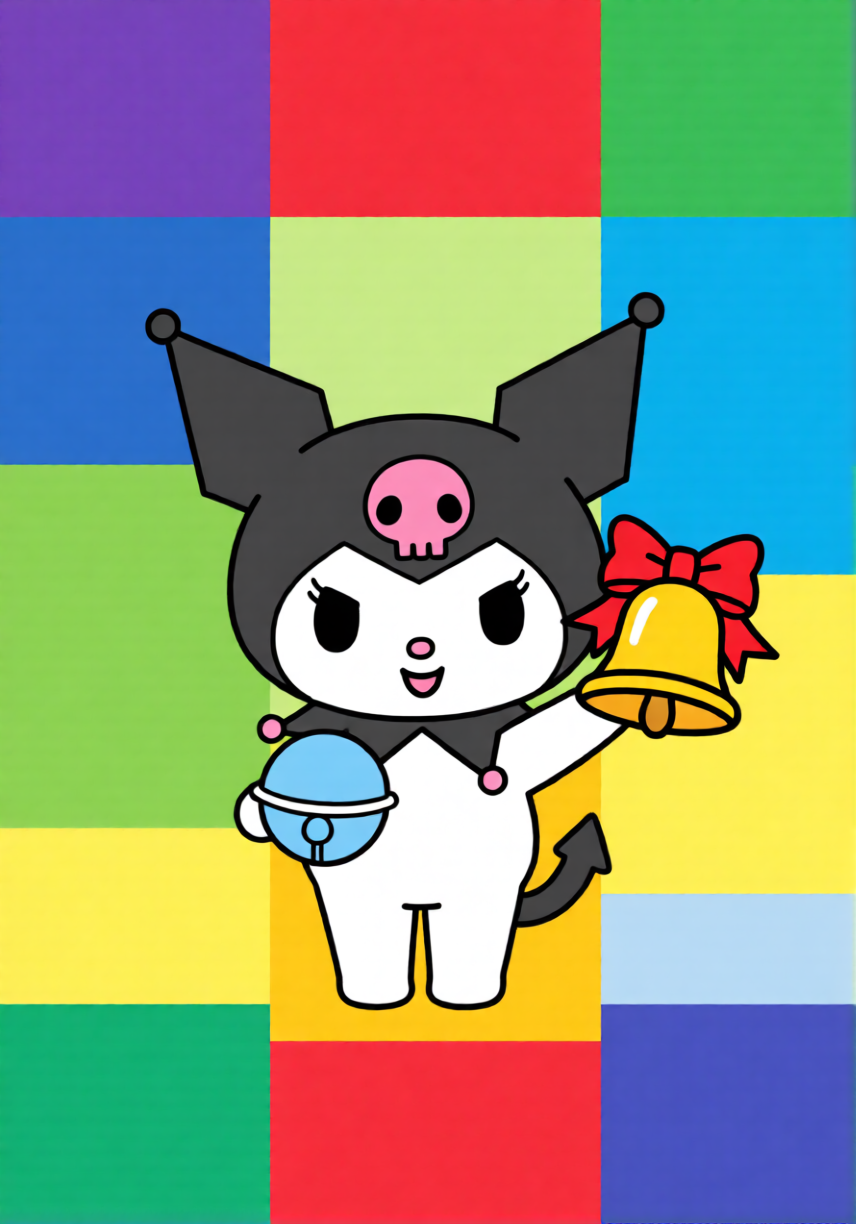
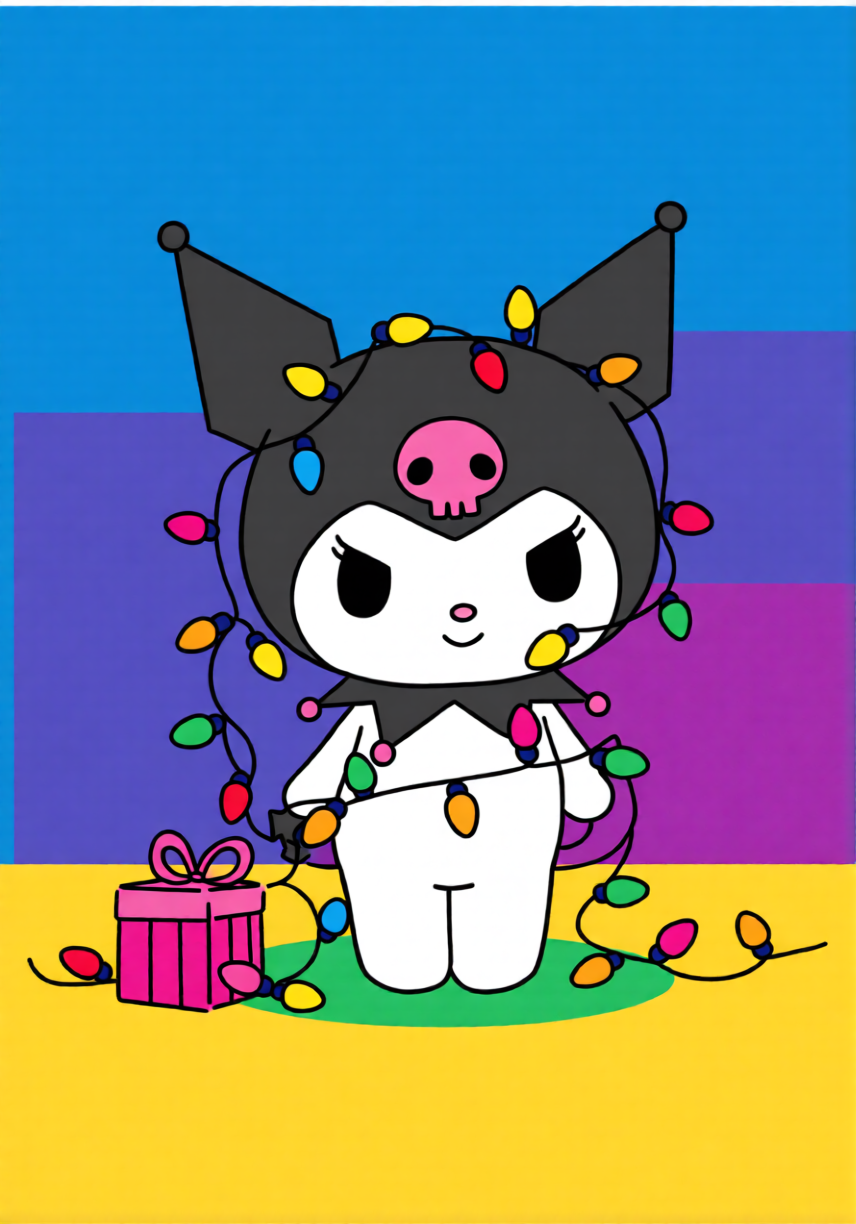
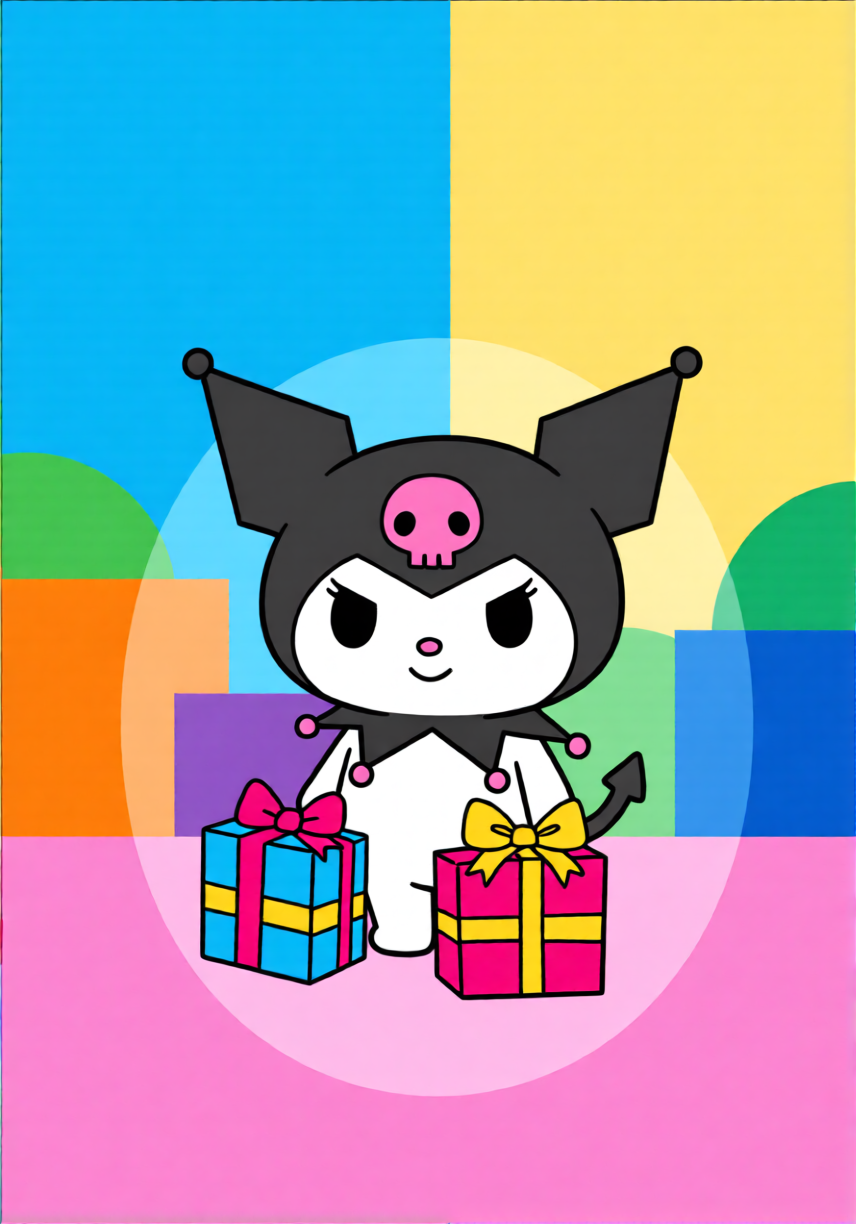

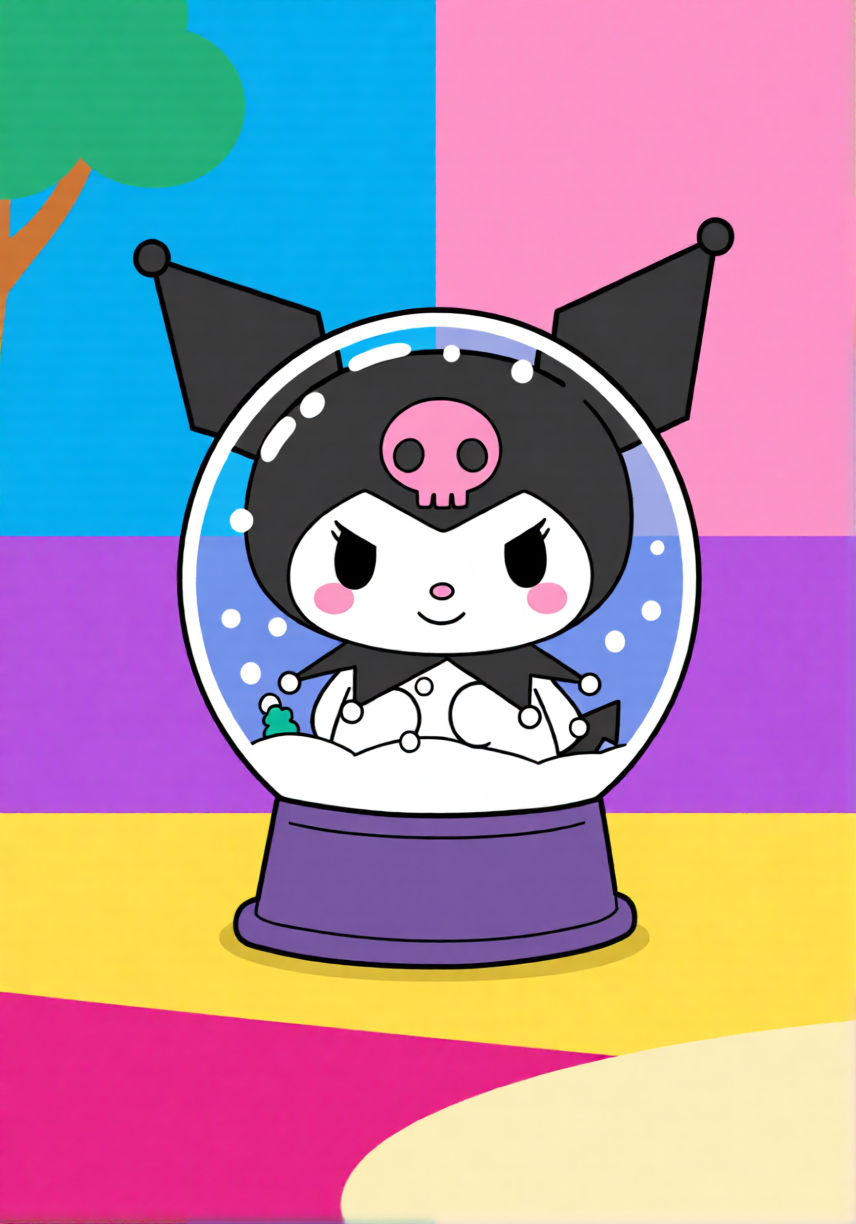
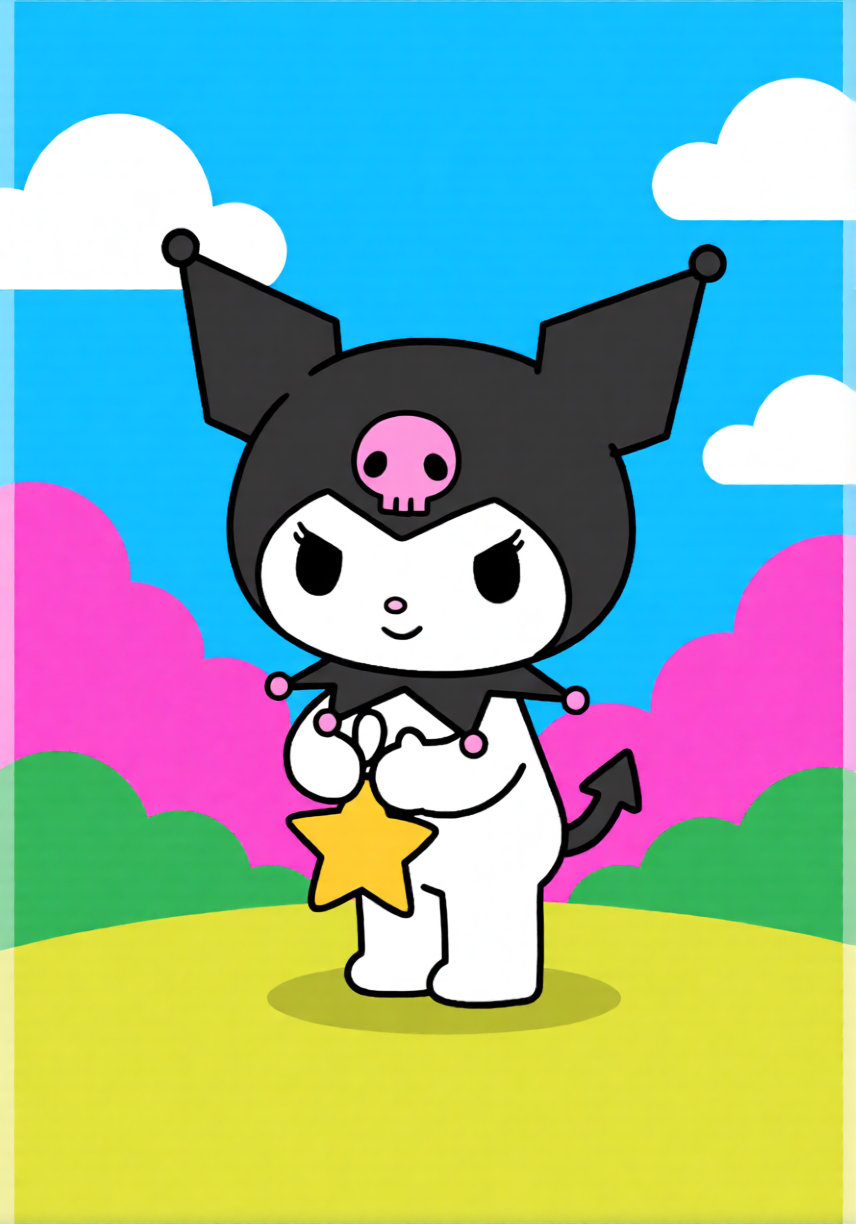
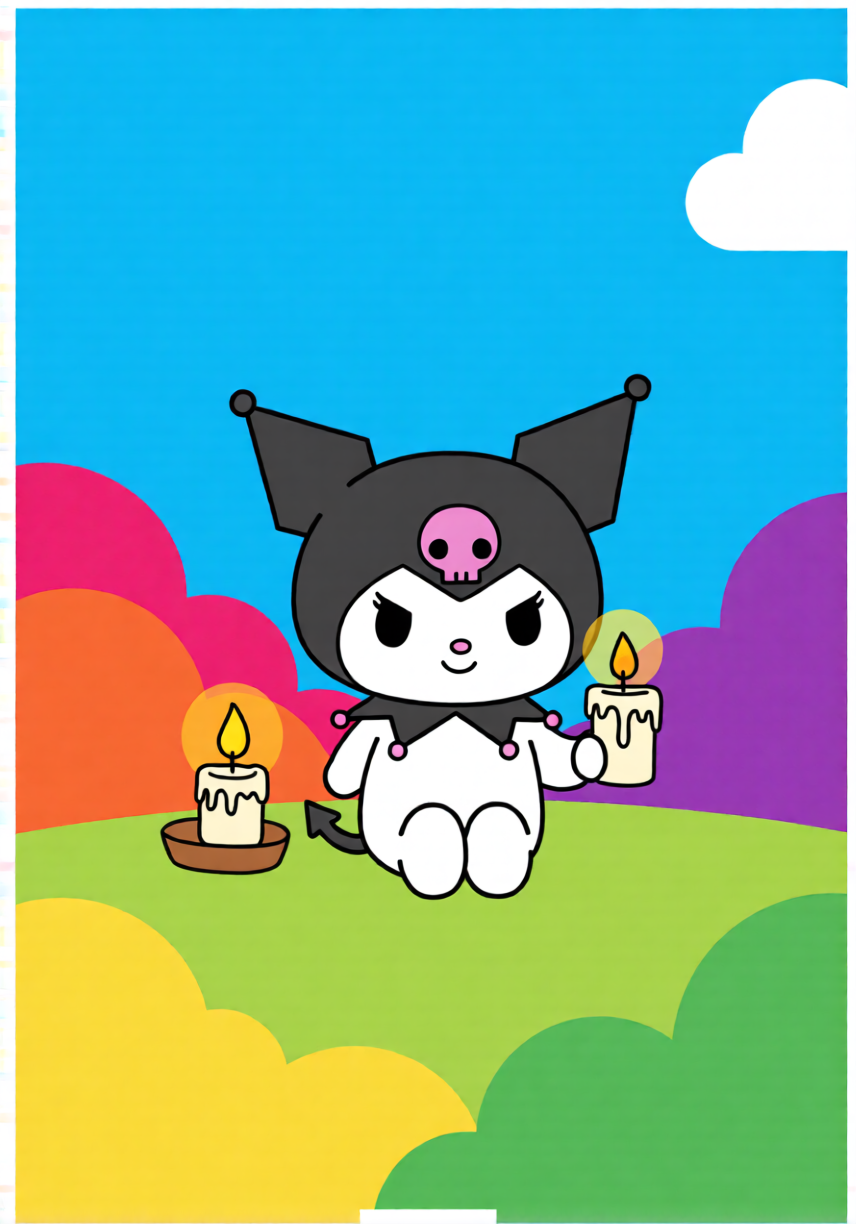
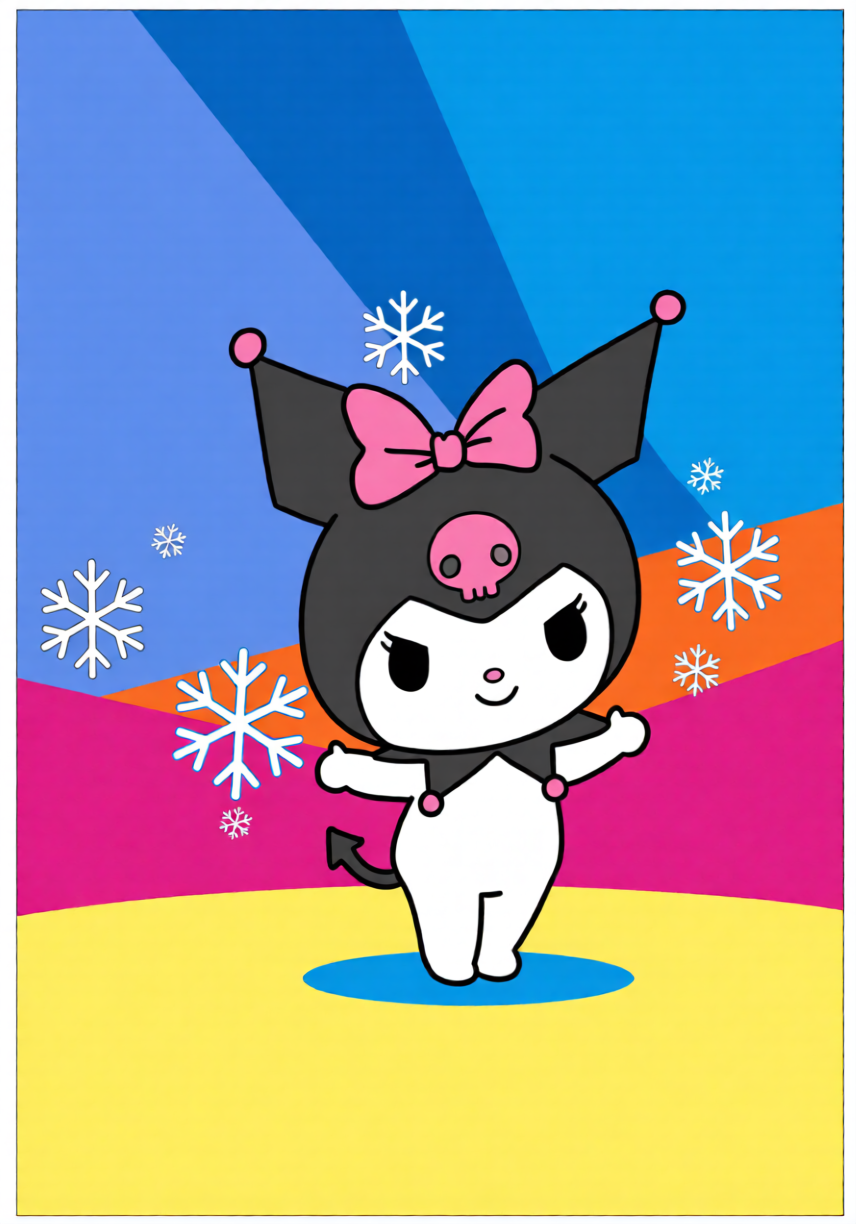

Perler bead pattern maker is the secret to turning any Kuromi aesthetic into a flawless project. Stop settling for blurry templates you found online. Our tool analyzes every pixel of your image to create a clean, easy-to-read layout that keeps Kuromi looking as sharp and cheeky as she should.

Whether you are looking for a small Kuromi perler bead pattern for a keychain or planning a complex 3D Kuromi project, our generator gives you full control. You can adjust the grid dimensions, limit the color palette to the beads you have on hand, and preview the final look before you even place the first bead on the board.
We have simplified the process: just upload, refine your grid, and start beading. It is the easiest way to get accurate Sanrio pixel art every time.
Upload any picture—from classic Sanrio stickers to fan-made Kuromi pixel art.
Choose your board size. We recommend the 'Small' setting for cute keychains or 'Large' for detailed wall decor.
Save your pattern as a PDF. Grab your purple and black beads, and you are ready to go!
We know how hard it is to find the perfect small Kuromi pattern that actually looks good. Here is how to get the most out of our tools.
Definitely! Whether it is a cheeky wink or a full-body pose, our generator handles everything from small 29x29 grids to large pixel art masterpieces.
Yes, it is. We built this tool for the Sanrio crafting community to ensure everyone can access high-quality patterns without any hidden costs.
For 3D projects, we recommend generating separate patterns for the head, body, and accessories using our tool, then interlocking them after ironing.
Our patterns are brand-agnostic. You can use Perler, Hama, Artkal, or any standard fuse beads that match the colors in our generated grid.
Of course! You can tweak the palette in our editor to swap her classic black hood for purple, pink, or any aesthetic that fits your craft style.
Turn your favorite rebellious bunny into a fuse bead reality in seconds. No registration, just pure crafting fun.