Click the image below to see how many pixel beads are needed to create the pattern
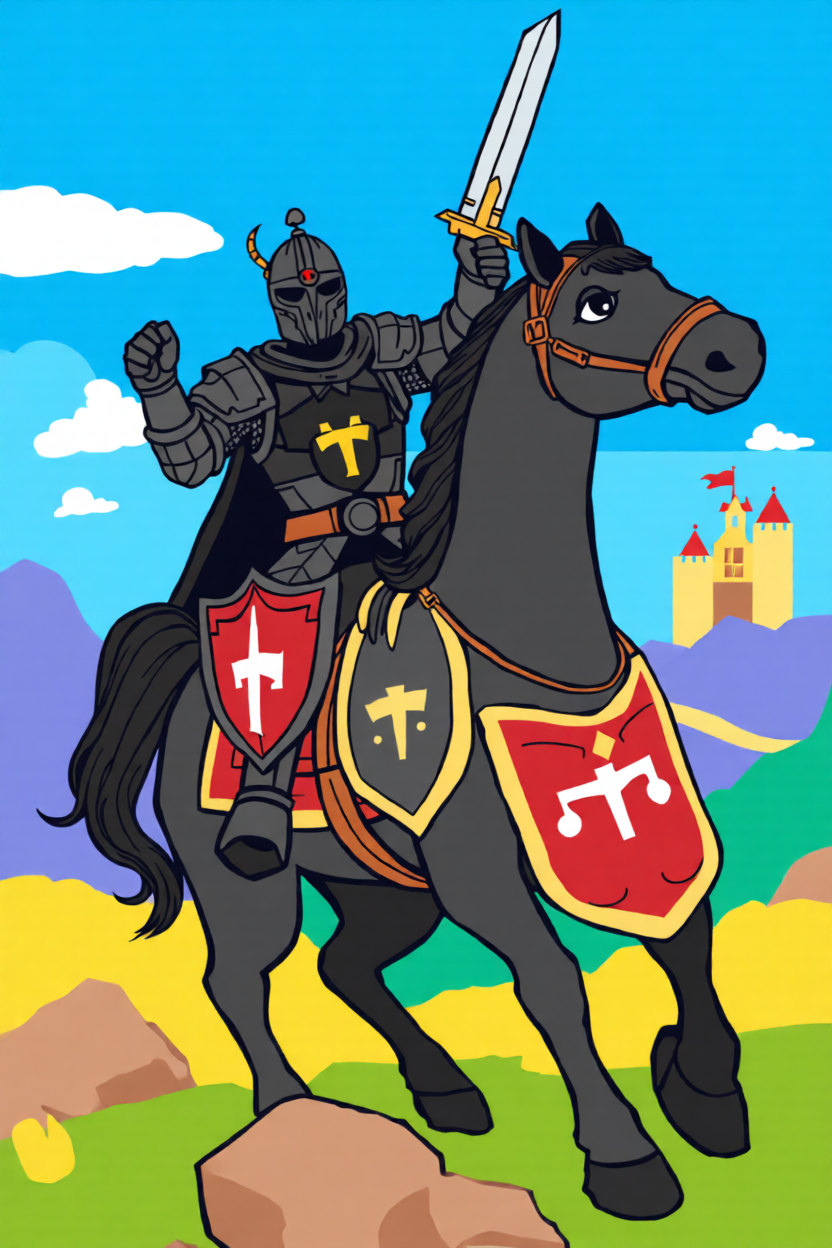
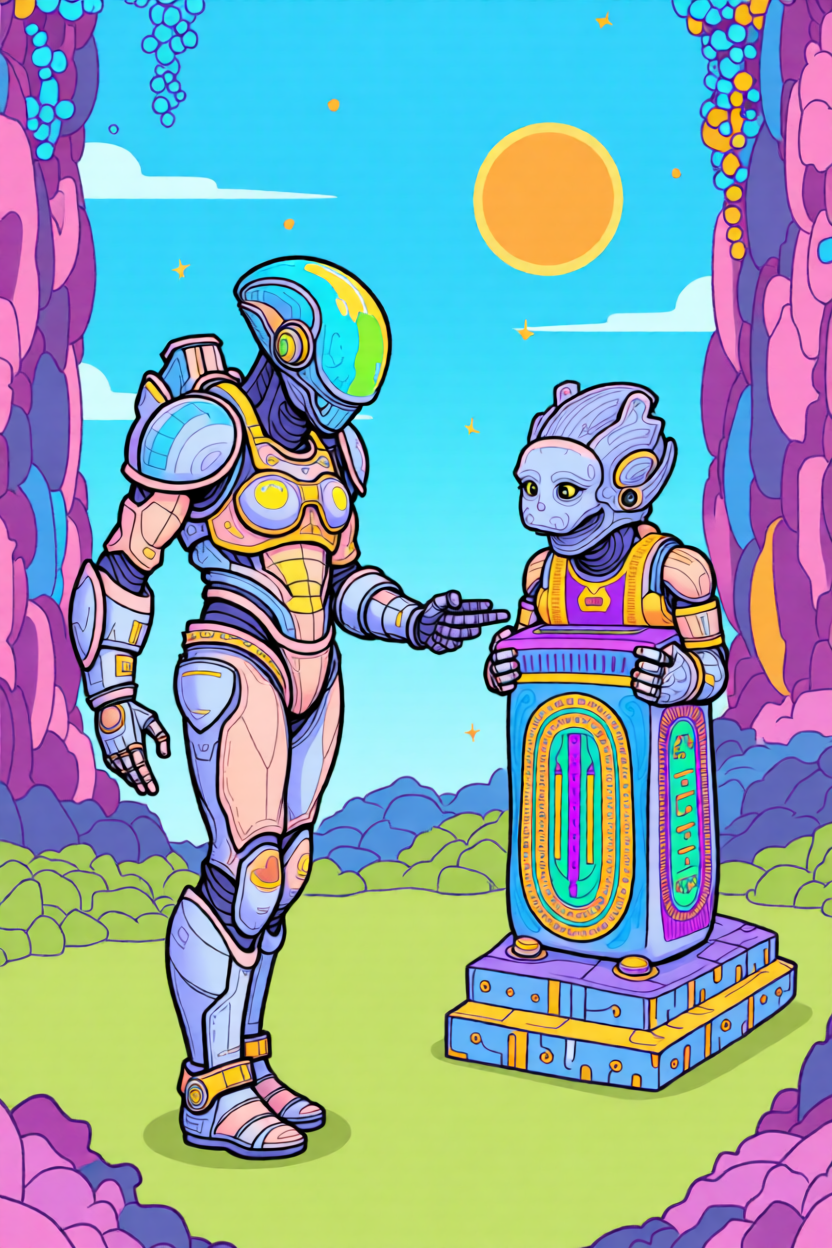
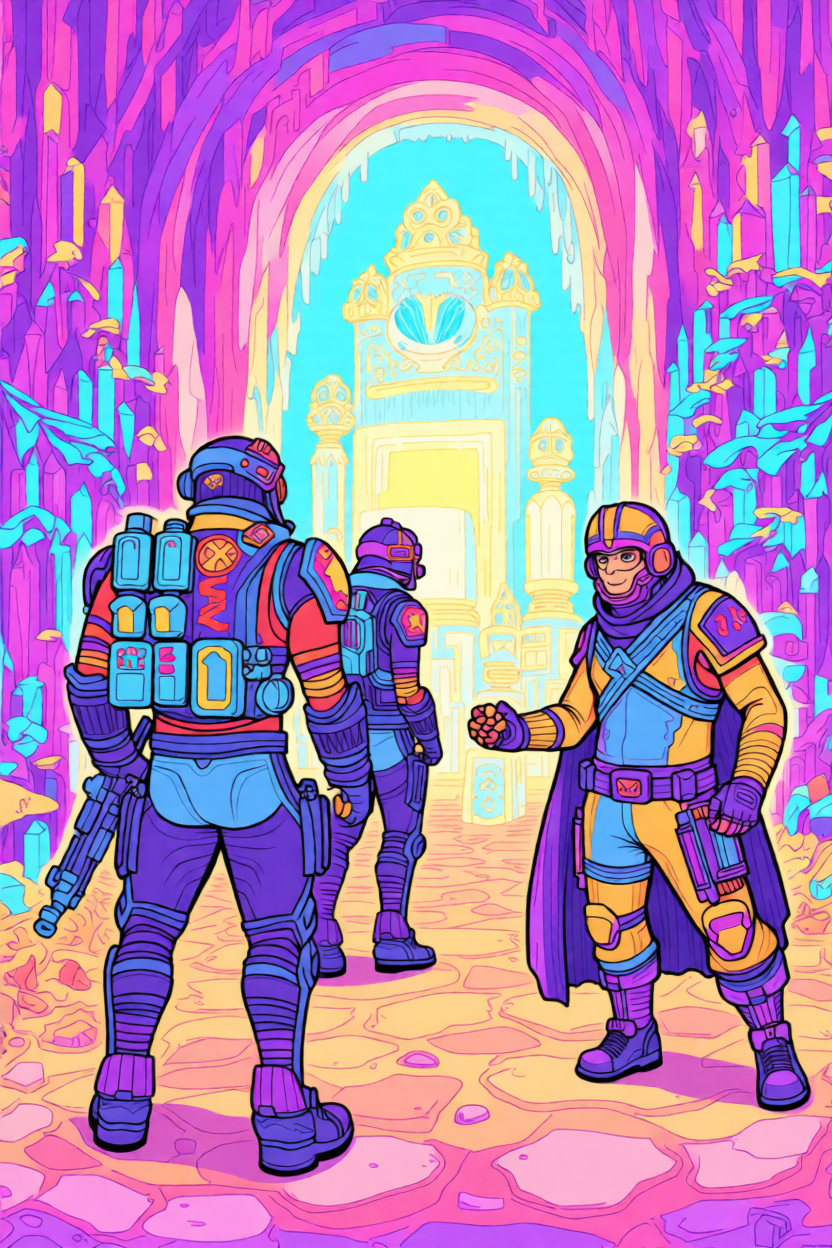
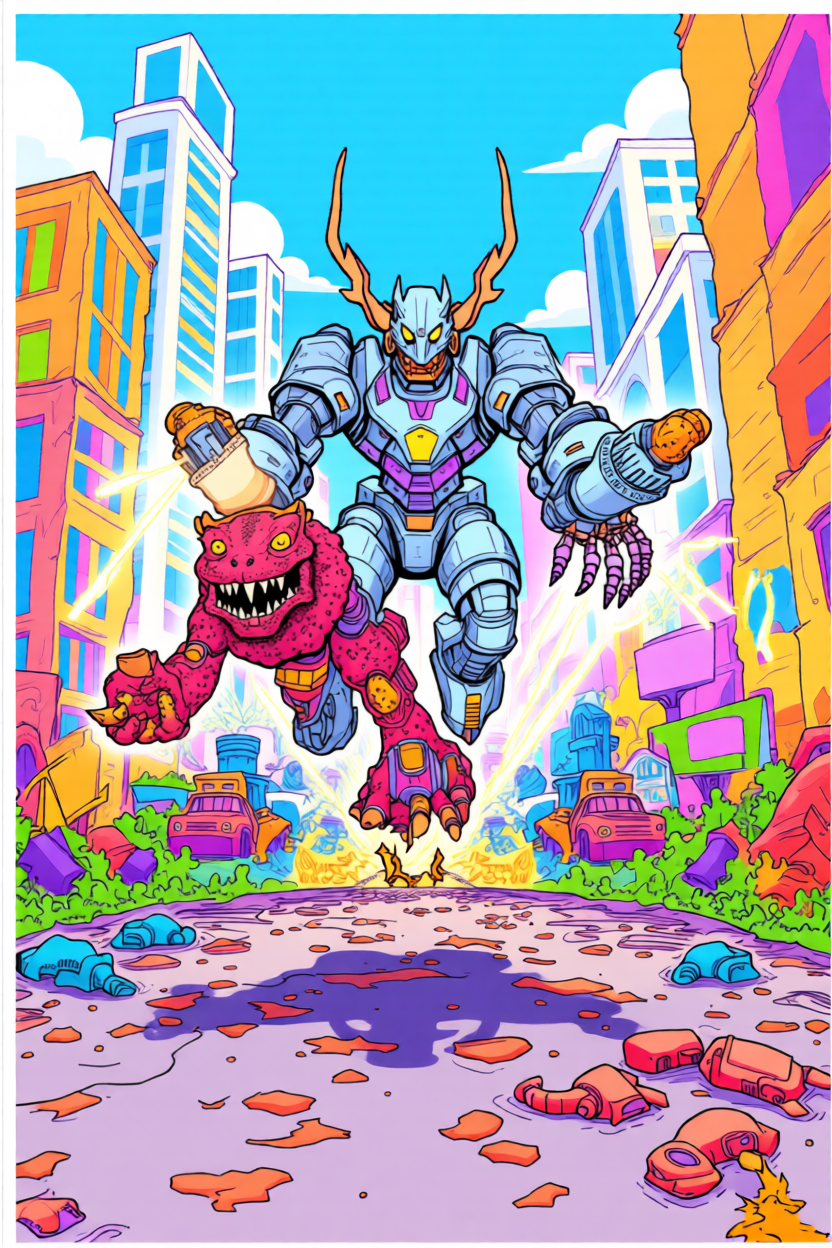


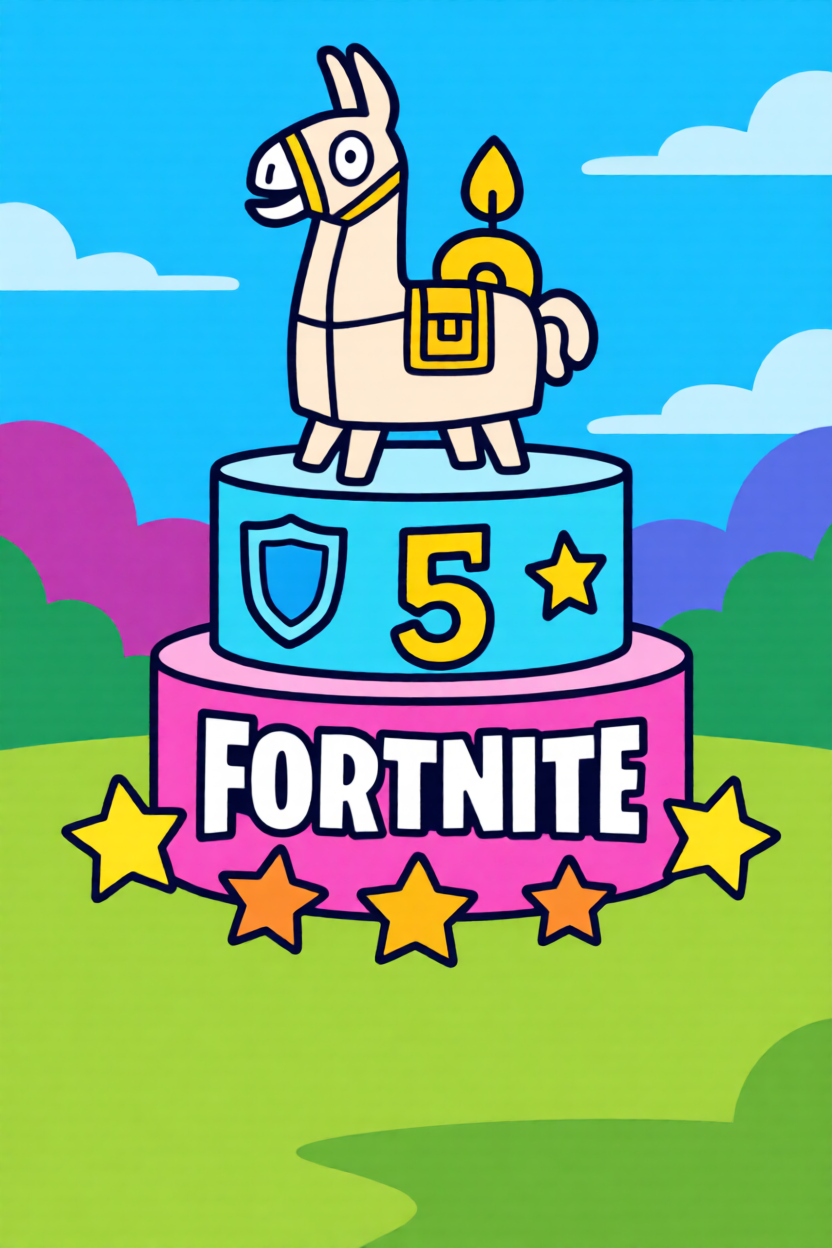


Want to make your favorite Fortnite skin in beads? Or maybe the loot llama — that one's a classic. Just upload the image and our fuse bead pattern maker converts it to a grid you can follow. Works with Perler, Hama, and fuse bead palettes. The colors won't be exact (bead brands have limits), but it gets you close enough to recognize the skin. Most patterns turn out pretty solid.
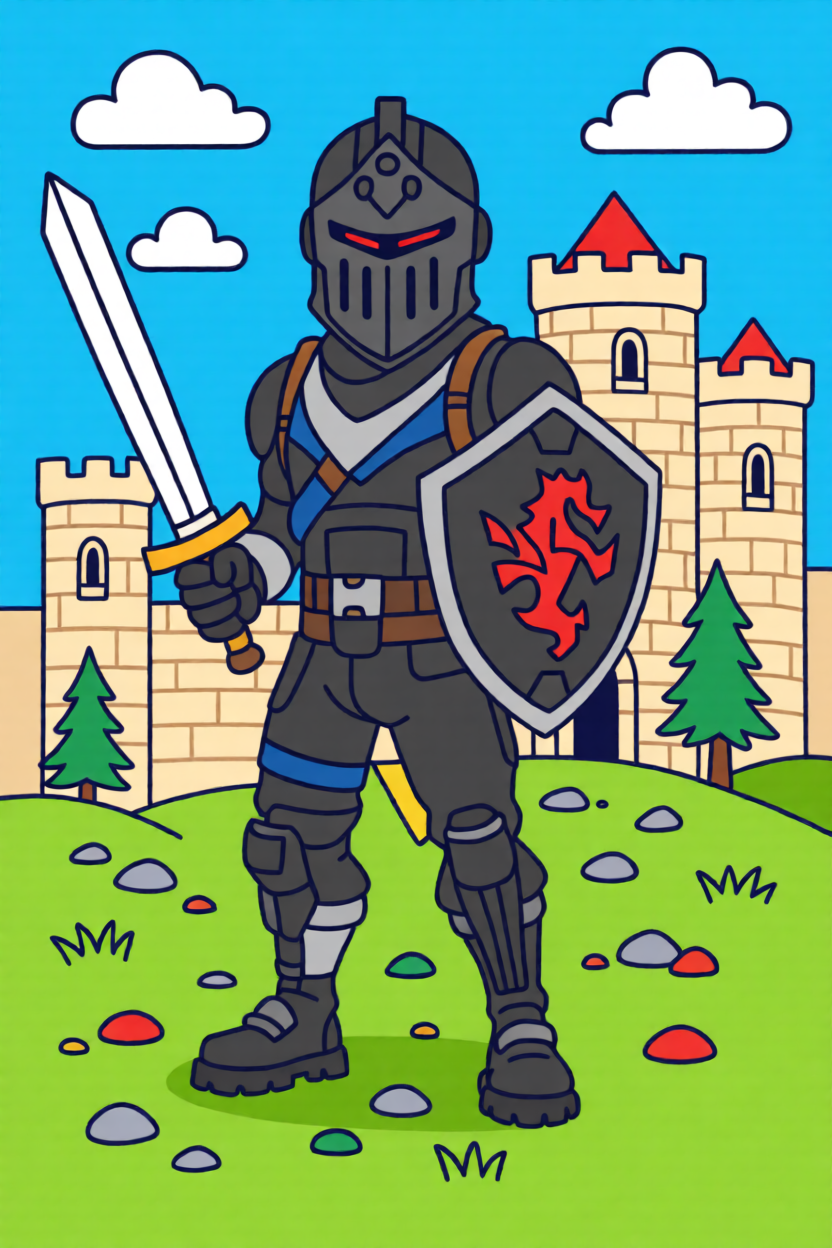
Not every detail survives the conversion — some gradients flatten out. That's normal. You can tweak colors manually or simplify the palette for a cleaner look. Mini patterns work great as keychains. Bigger ones (50×50+) make solid wall pieces. The tool lists bead counts per color — handy for shopping.
Upload your skin, tweak the colors, grab the file. The whole thing takes maybe 60 seconds.
Pick any Fortnite image — a skin, llama, weapon, or logo. PNG and JPG both work.
The tool converts it to a bead grid. Adjust colors to match your Perler, Hama, or fuse bead stash.
Save the pattern and print it, or just keep it open on your screen while you place beads.
Yeah, most skins work. Peely and Fishstick turn out really well — simple shapes, bold colors. If you're trying something more detailed like Drift, you might lose a few small features, but it'll still be recognizable.
Yep. Just switch to the Hama palette in the dropdown and you're set. Perler and Artkal are in there too — pick whichever brand you've got.
The llama's actually one of the easier Fortnite patterns — chunky shape, bright colors. Try setting it around 30×40 beads. Good one to start with if you're new to this.
Logos and icons are your best bet — the V-Buck, storm circle, that kind of thing. Full skins take more time. If you're just starting out, try something around 25×25 and see how it goes.
Yep, weapons work great. Chug jugs, pickaxes, boogie bombs — all good options. Stuff with straight edges like the SCAR tends to come out cleaner than curvy items.
Depends on your project. For a keychain, something like 15×20 works — maybe a mini Peely or V-Buck. Wall art? You'll probably want 50×50 or bigger. The tool calculates how many pegboards you'll need.
Upload a Fortnite image and turn it into something you can actually make.