Click the image below to see how many pixel beads are needed to create the pattern
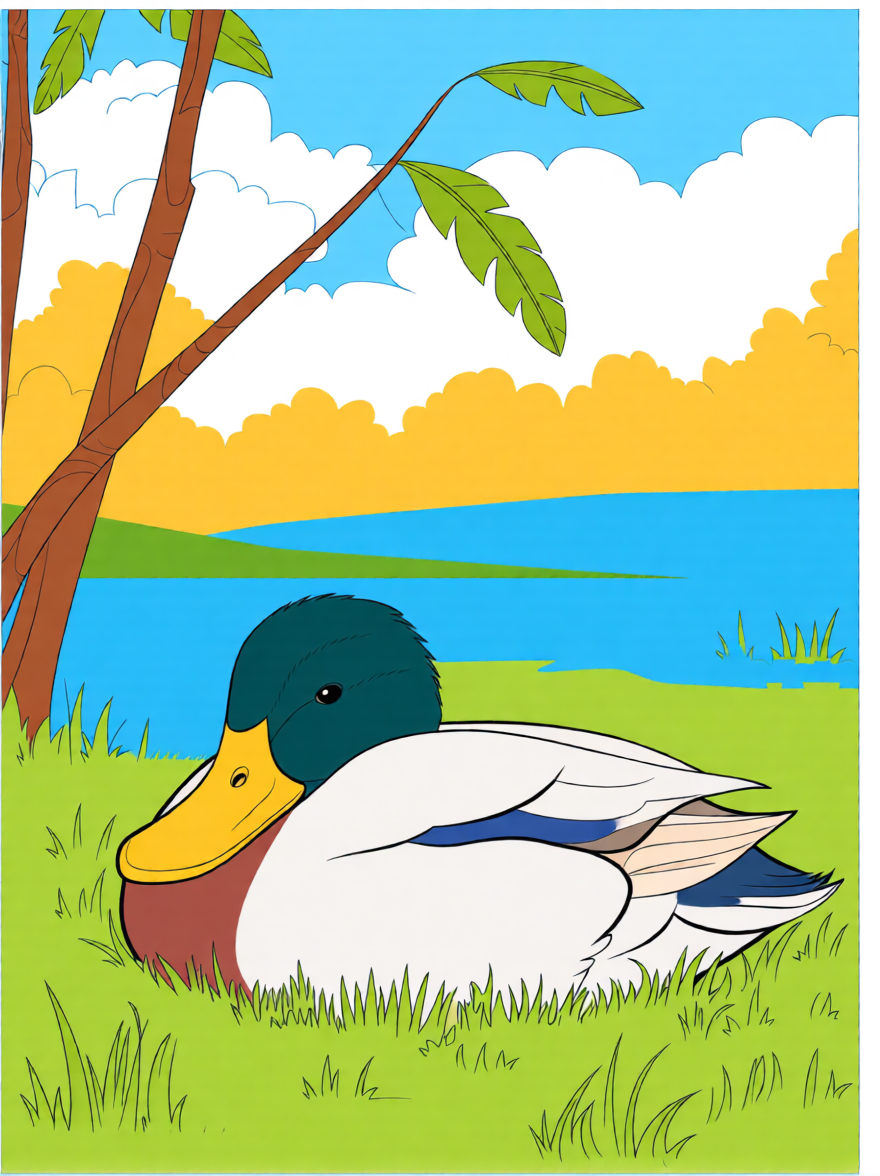
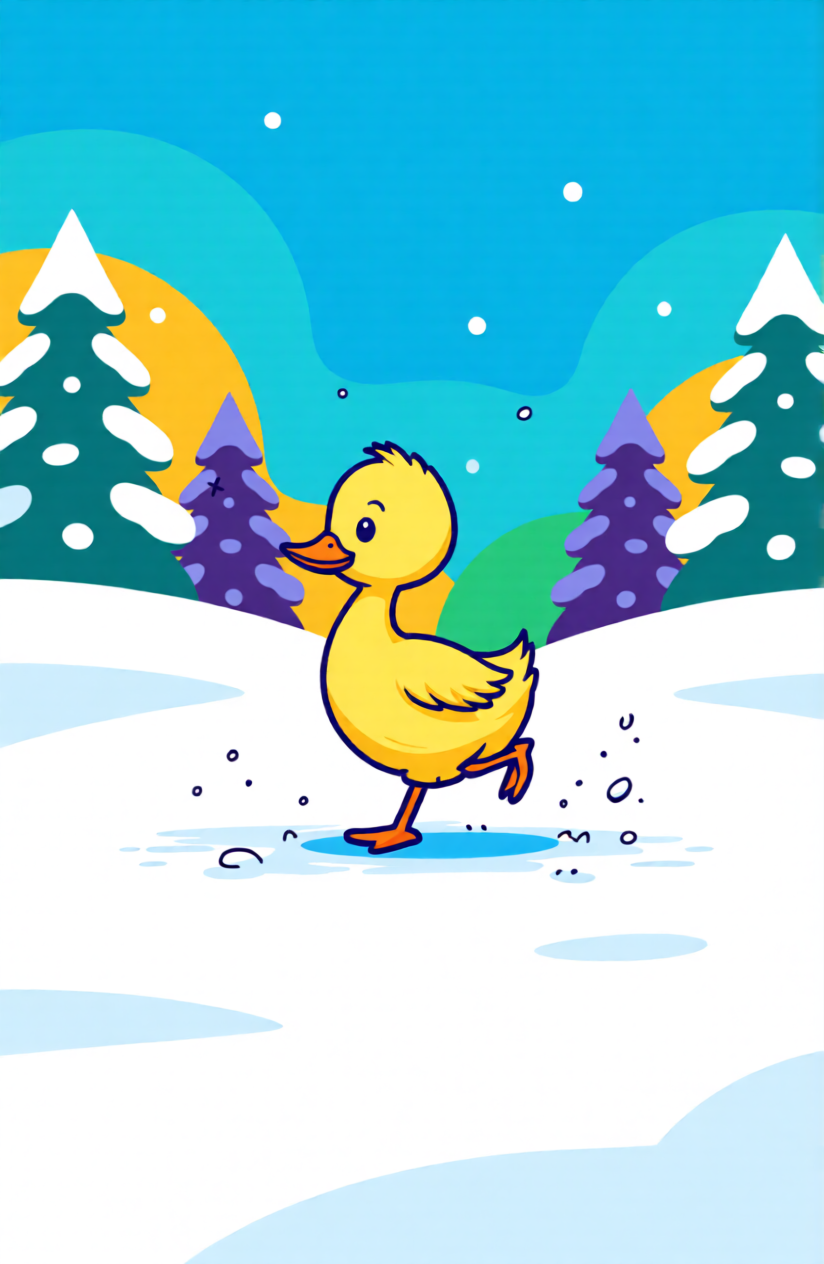
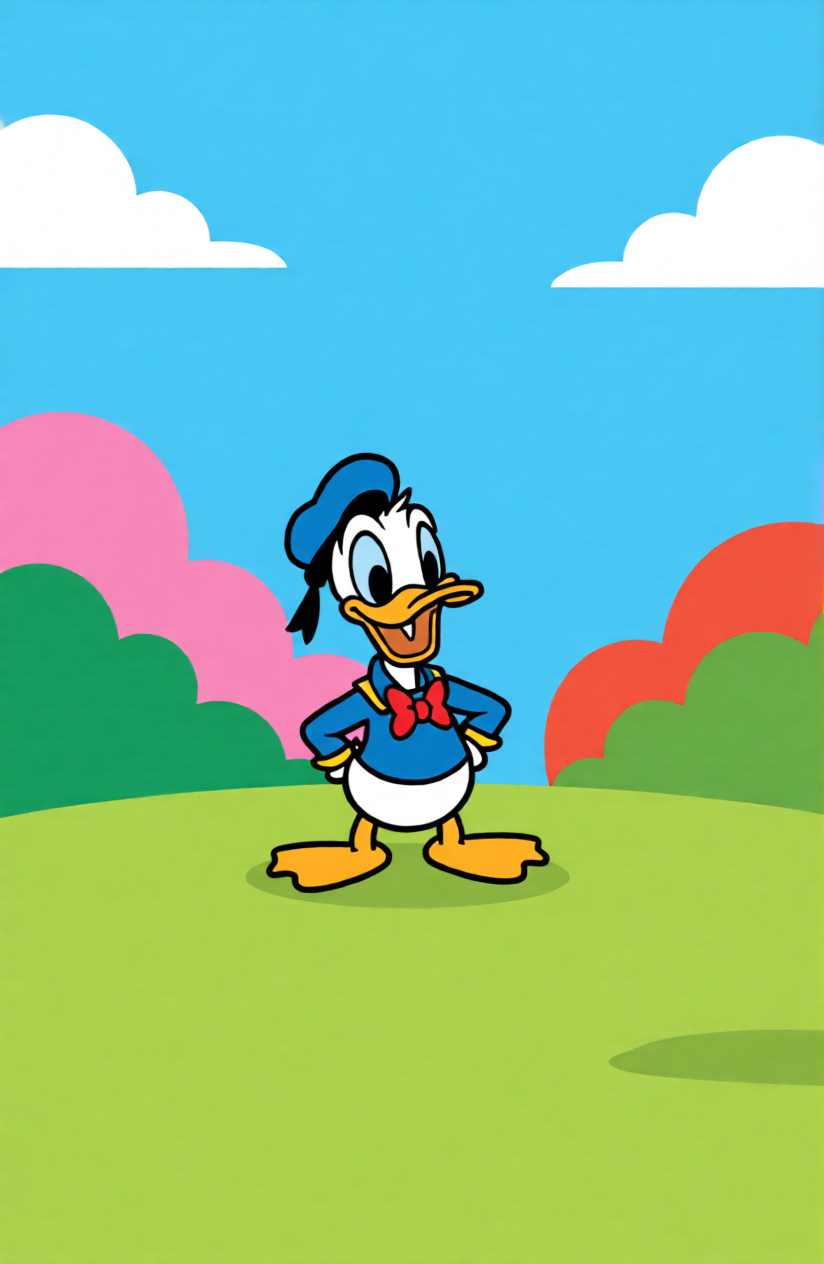


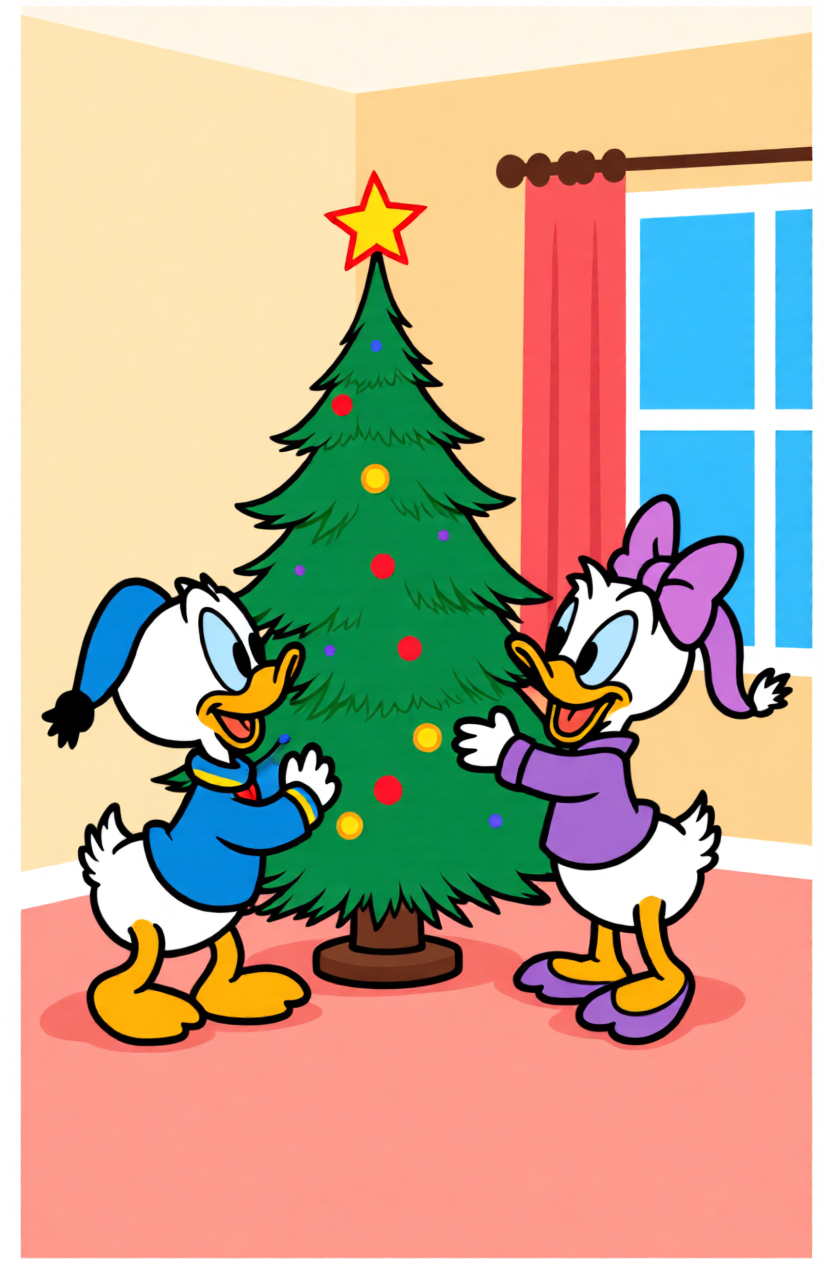
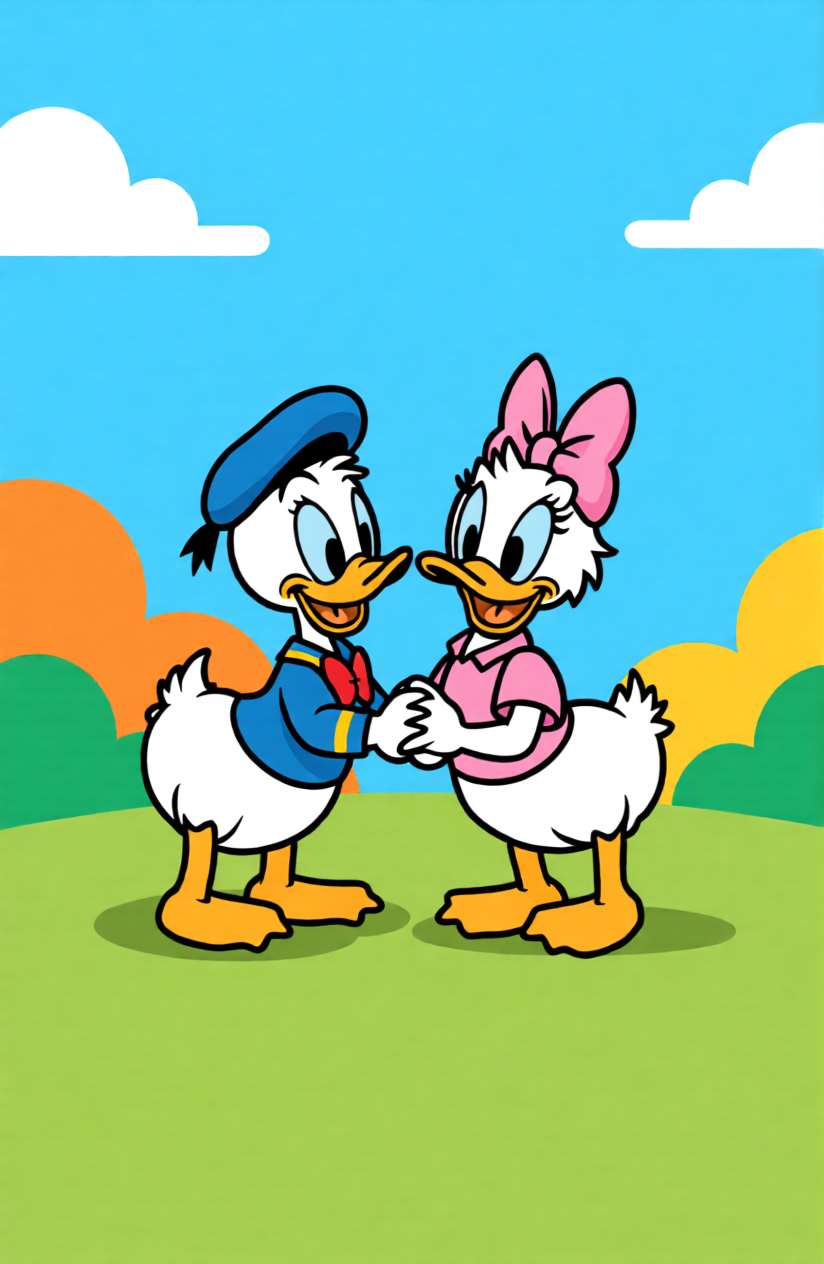
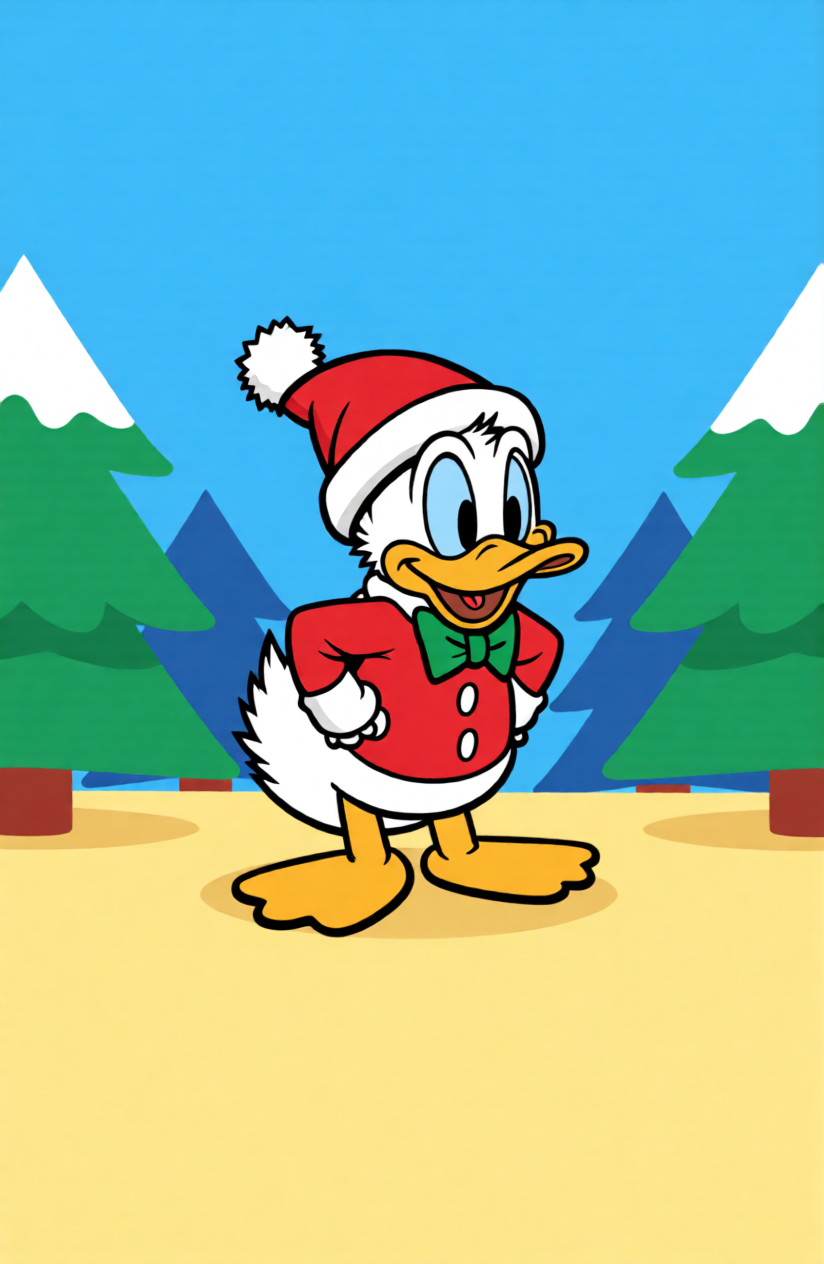
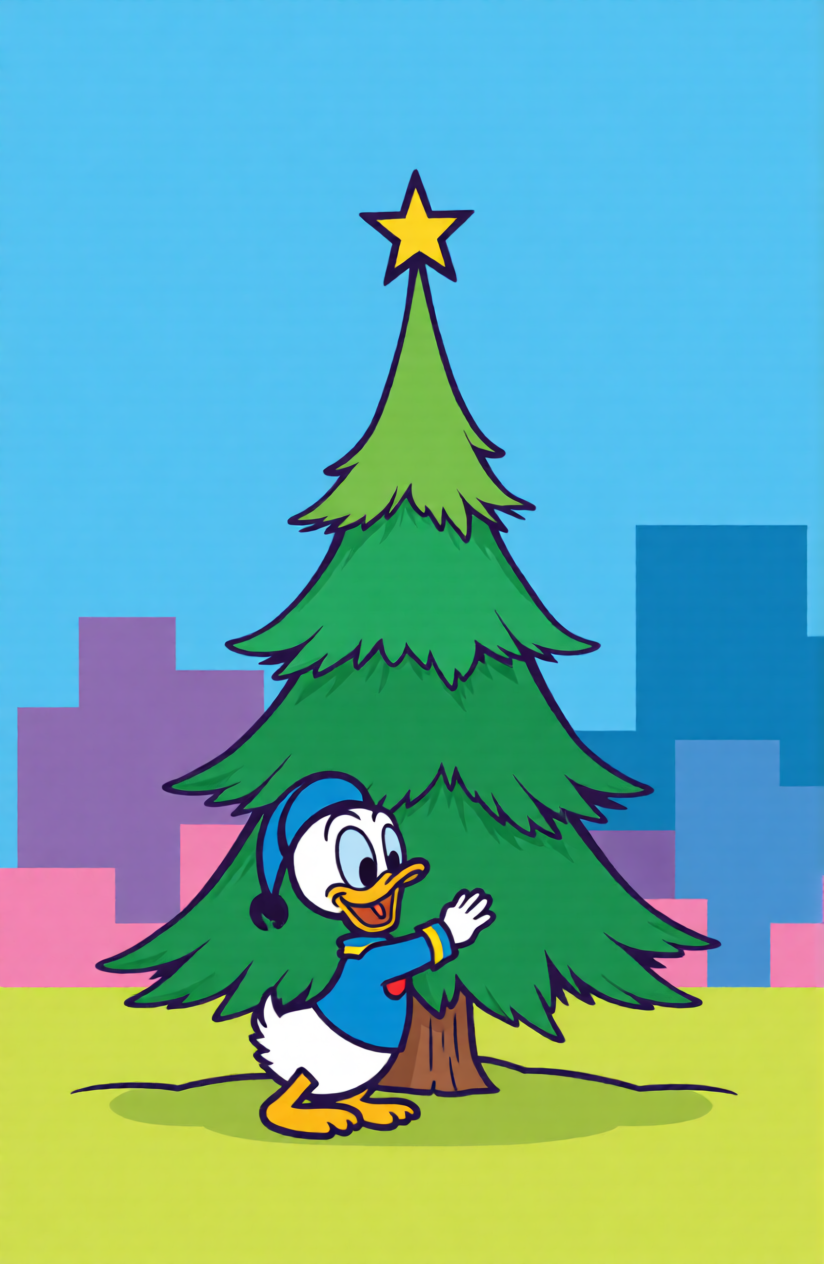
Turn a duck photo, cartoon reference, or simple doodle into a duck perler bead pattern you can actually build bead by bead. If you want to start from the main perler bead pattern maker first, you can upload any image there and turn it into a clean grid in minutes. This works especially well for cute duck faces, rubber duck icons, mallard side views, and other clean shapes that need to stay readable after ironing. Instead of tracing by hand, you get a ready-to-use grid that is easier to resize for keychains, magnets, coasters, or larger wall art.
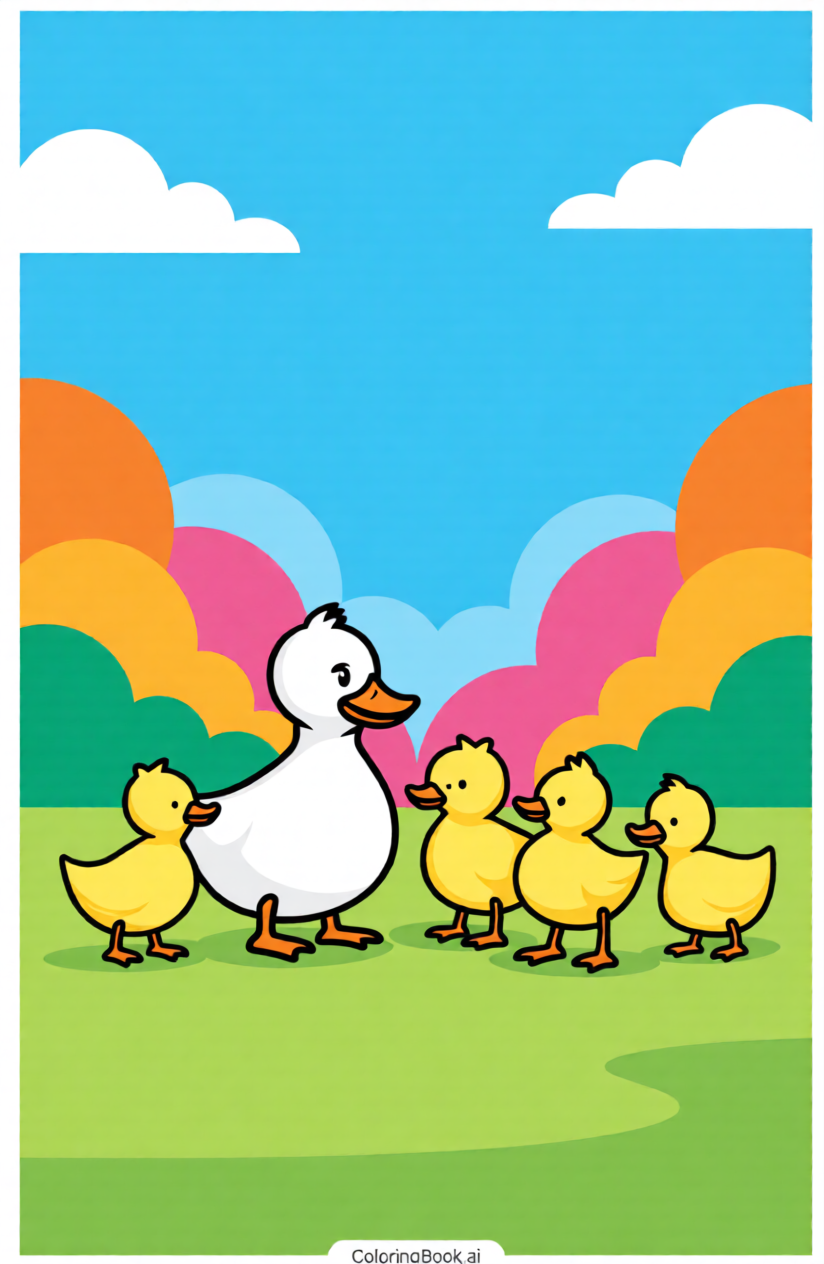
Shape your duck pattern around the style you want to make. Keep it tiny for a mini duck keychain, open up the grid for Donald Duck or Daisy Duck details, or simplify the palette for a beginner-friendly rubber duck project. You can preview size, color count, and overall clarity before downloading, which makes it easier to create a duck bead pattern that matches your skill level and bead stash. If you want more ready-made animals, characters, and themed layouts after that, browse ready-made perler bead patterns for extra ideas.
Making your own perler beads duck pattern is simple! Just follow these three easy steps to turn any duck photo into a pixel bead masterpiece.
Upload a duck photo, rubber duck image, mallard reference, or cartoon-style duck drawing to start your duck perler bead pattern.
Build the bead grid, then adjust size, color count, and palette to fit your Perler, Hama, Artkal, or other fuse bead setup.
Download your duck pattern as a printable template and start beading a mini charm, cute coaster, or larger duck display.
For a mini duck keychain, start with a simple shape on about a 12x12 to 20x20 grid. Small duck builds usually stay readable with 4-6 colors and often land around 100-200 beads.
Yes. You can use Perler, Hama, Artkal, or other fuse beads as long as you match the pattern to your bead size and adjust the palette to the colors you actually own.
Choose a front-facing baby duck, rubber duck, or simple cartoon duck with bold outlines and clear color blocks. These styles convert cleanly and are much easier for beginners to bead and iron.
Yes, but character-inspired duck patterns usually look better on a slightly larger grid so the hat, bow, beak, and outfit colors stay clear. If the design feels crowded, increase the size or reduce small details before downloading.
Yes. A mallard works best when you keep the green head, yellow beak, and chest contrast strong, then simplify feather transitions so the final bead pattern stays recognizable instead of muddy.
Yes. You can create separate front, side, and extra detail panels from your duck design, then assemble them after ironing. For 3D ducks, simple body shapes and clear alignment points usually work best.
Upload a duck photo or drawing, shape it into a clean bead grid, and download a duck perler bead pattern for cute minis, rubber ducks, mallards, or character-style builds.