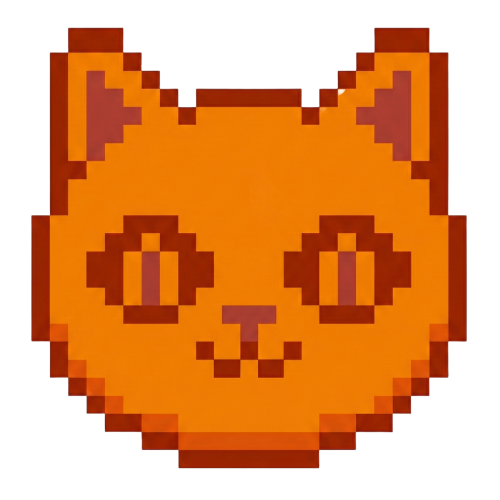
Click the image below to see how many pixel beads are needed to create the pattern
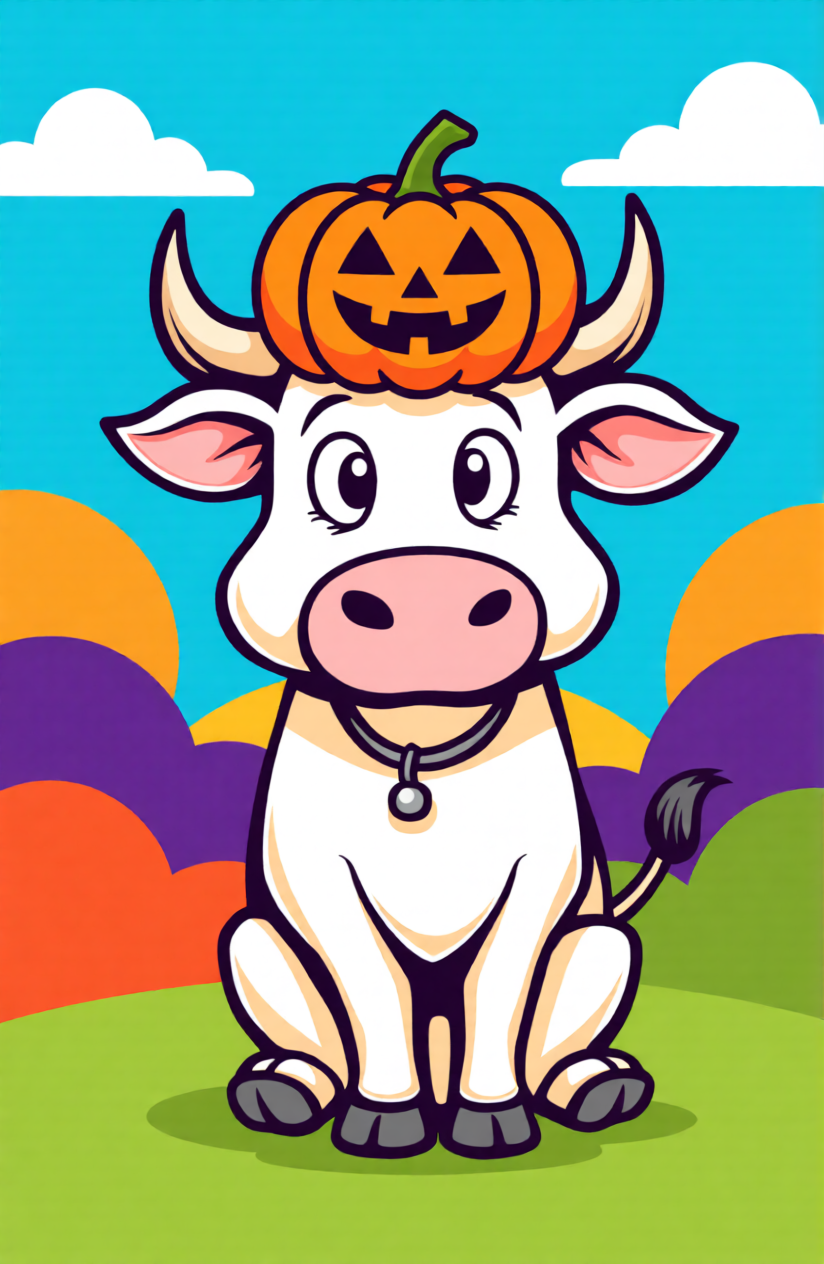

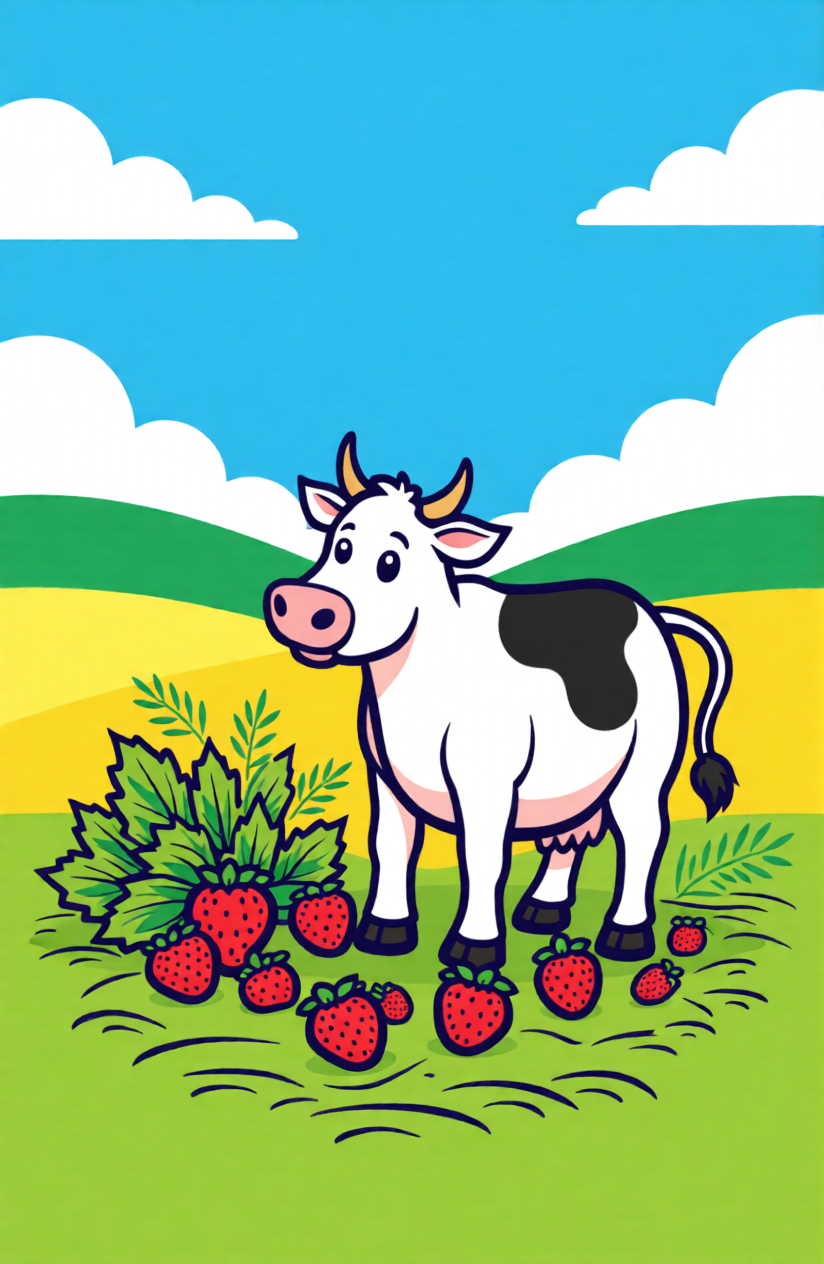
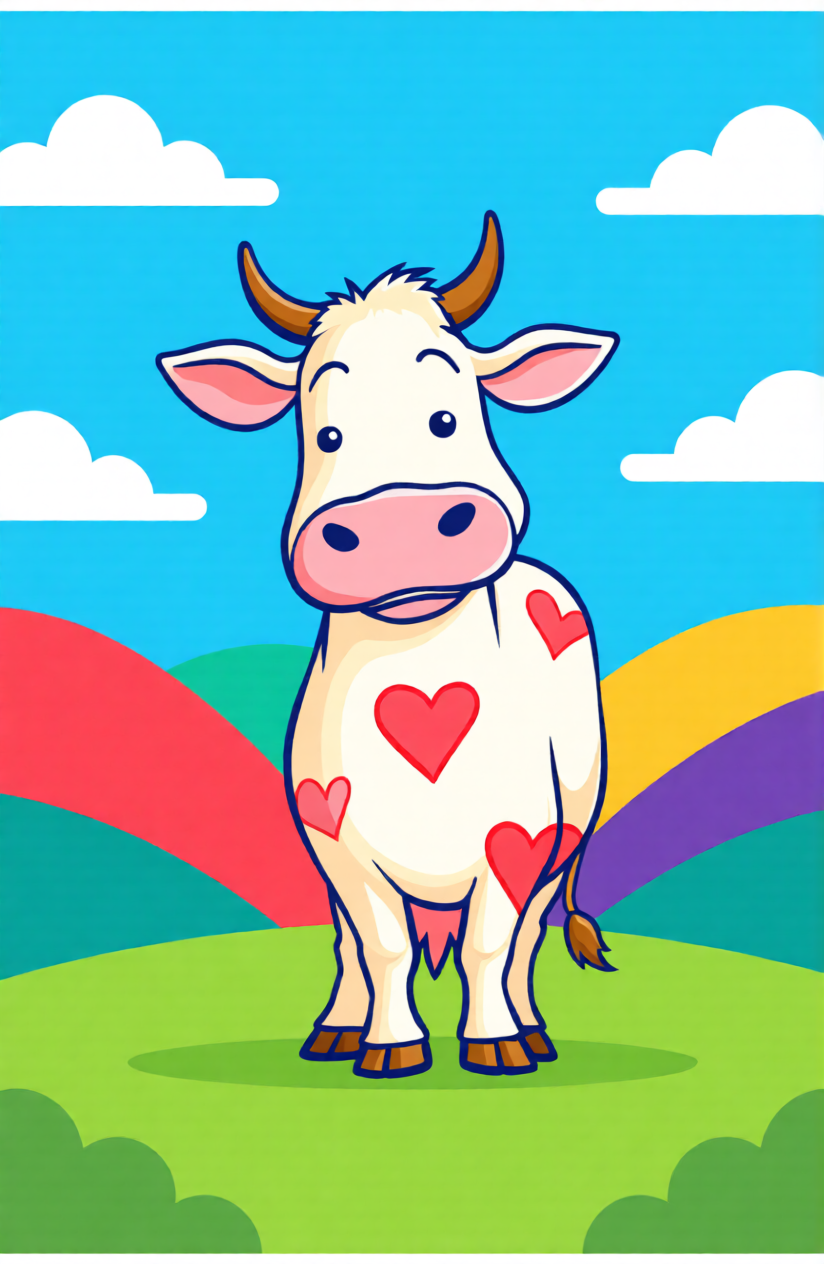
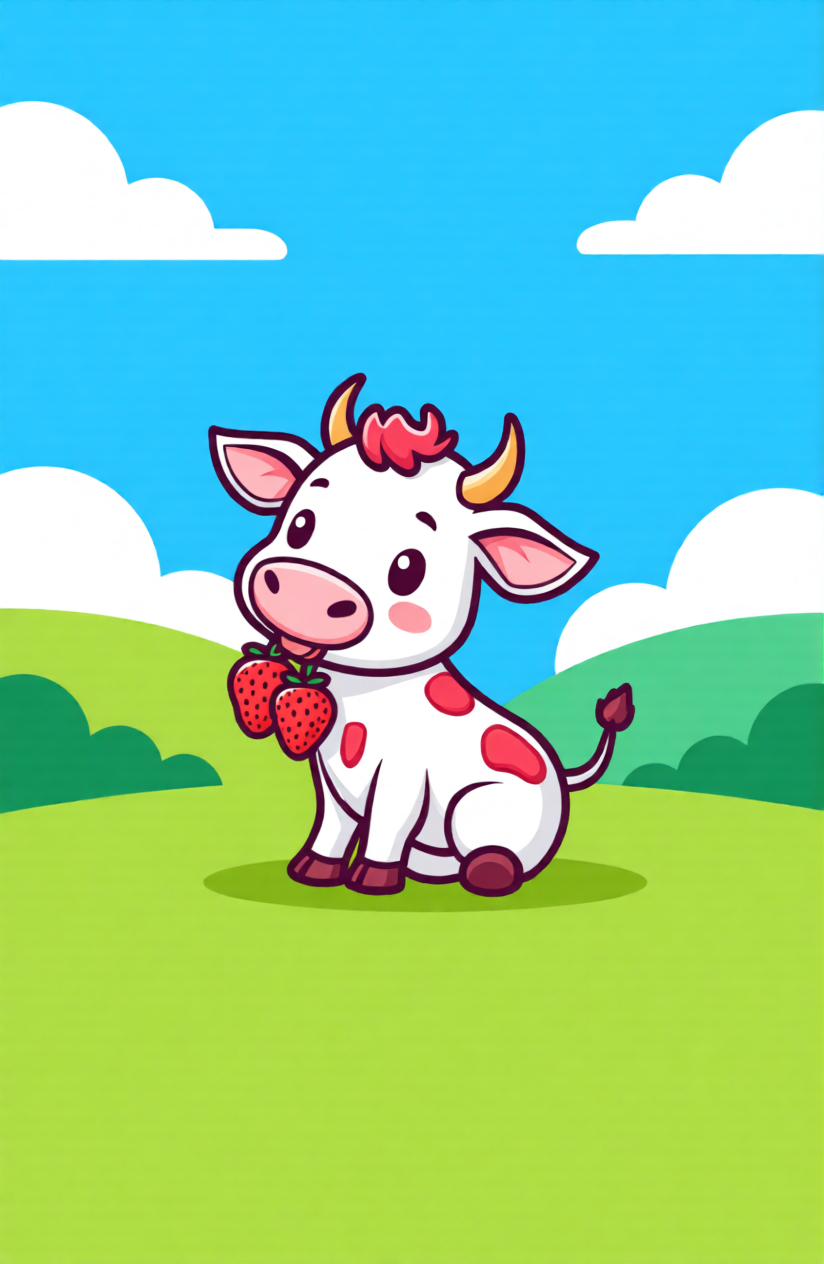
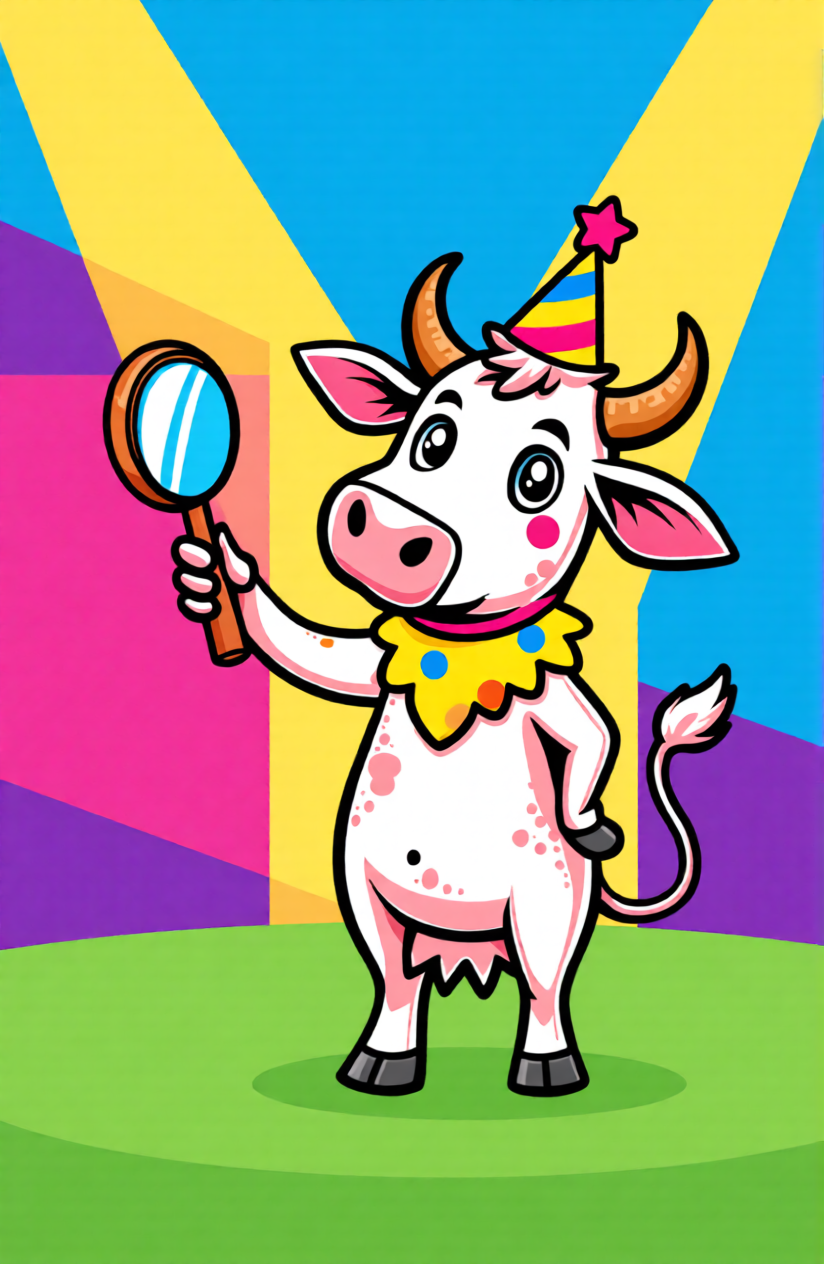
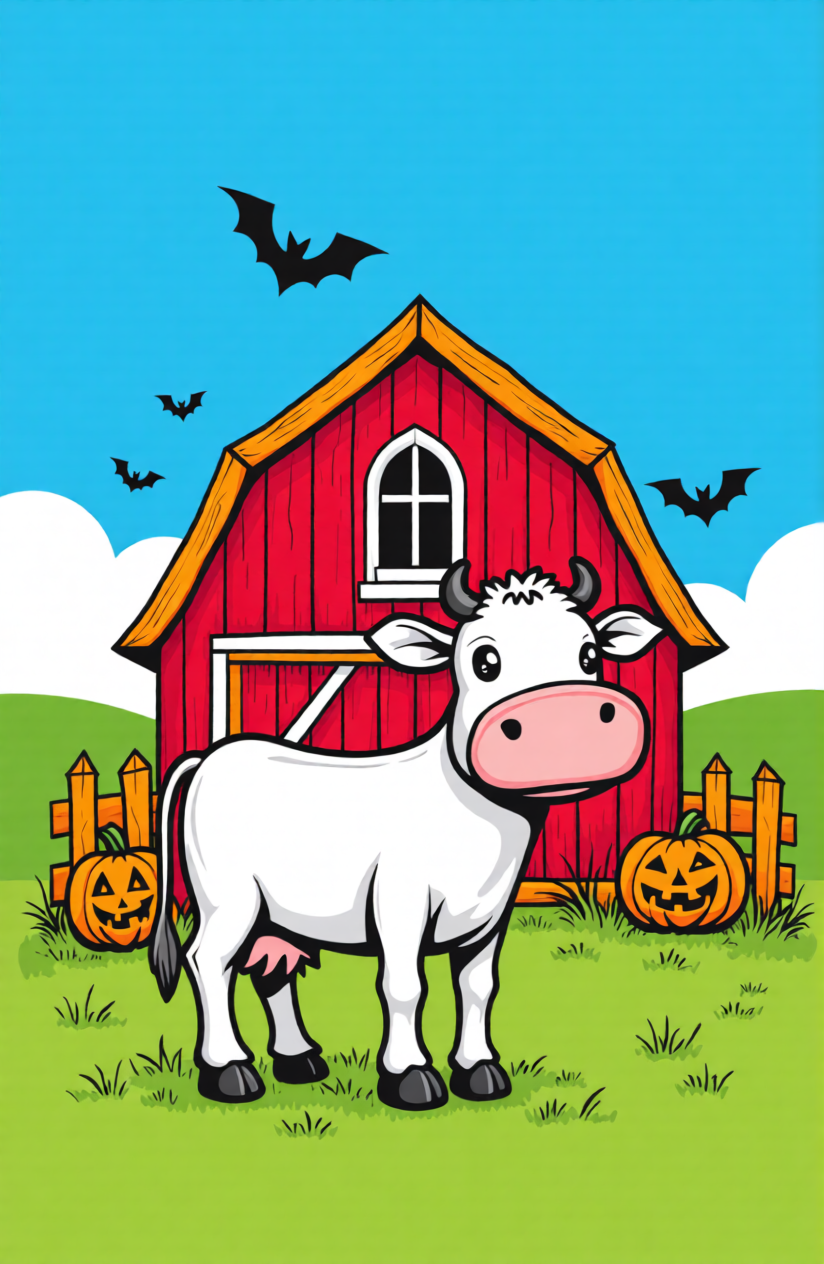
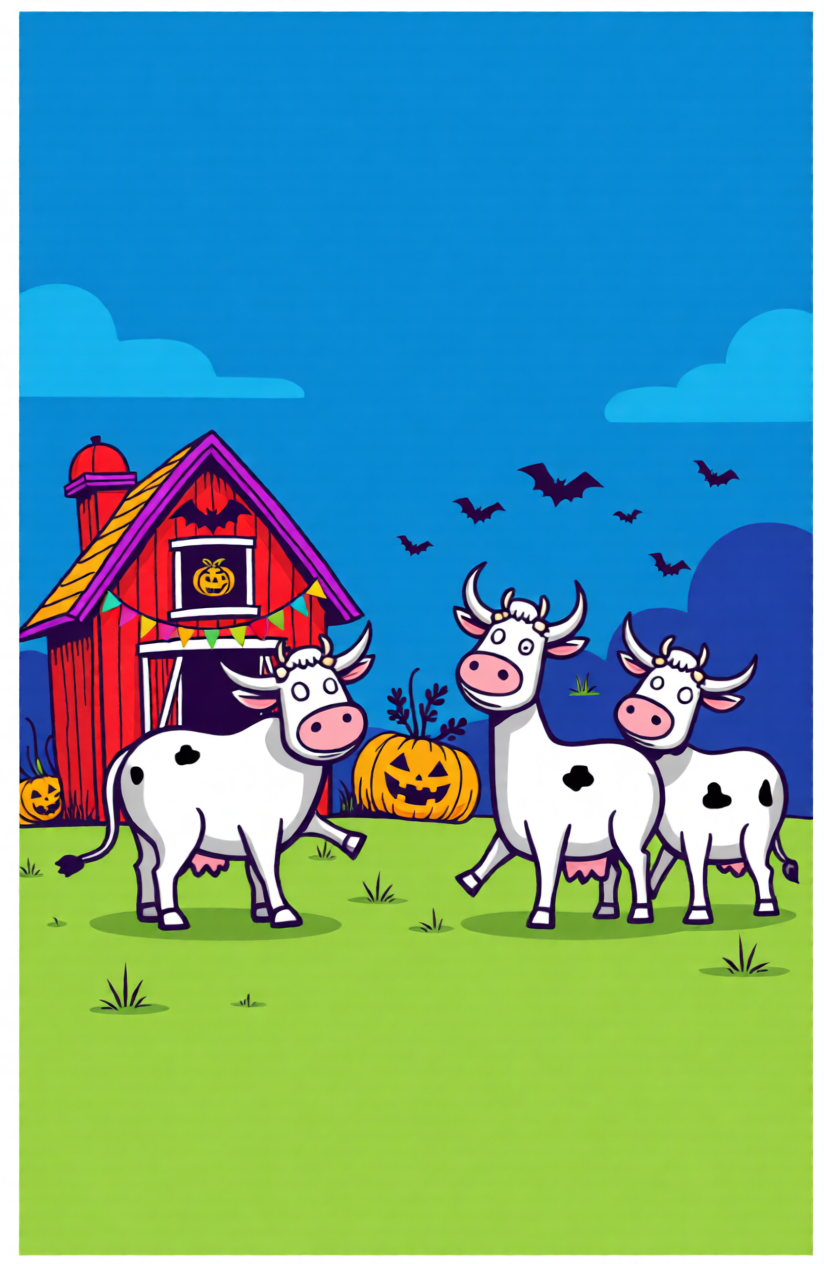
Use a barn photo, a cartoon doodle, or even a rough hand sketch as your source. The perler bead pattern maker interprets structure and converts it into a buildable perler bead cow layout you can actually follow bead by bead. It is especially useful when you want multiple versions of the same concept, such as a tiny keychain cow, a front-facing head icon, and a larger wall piece.
Instead of only making it look good, tune for easy to finish: control color count, simplify noisy edges, and preserve only the details that matter. For small cow perler bead patterns, keep facial landmarks bold; for larger boards, increase fur and patch nuance gradually. This reduces ironing mistakes and keeps your final piece recognizable from a distance.
Build a cow perler bead pattern in three steps: choose a source image, refine shape clarity, and export a printable bead grid.
Upload a clear cow image, such as a highland portrait, strawberry cow drawing, or pixel-style reference.
Convert to a bead grid, then refine outline clarity, color depth, and grid size to match your project.
Download the final template, sort beads by color groups, and start assembling your cow design.
Start with a side-view cow photo, set a small grid around 20x20 to 29x29, and limit colors to 5-8 tones. This keeps the face and patch shapes readable for beginners.
Crop the image to head-and-shoulders first, then simplify spots and horn edges. Small layouts work best when major shapes are bold and details are minimal.
Use a medium grid and reserve extra contrast for bangs and horn outlines. Keep hair clusters grouped so the highland texture still reads after ironing.
Yes. Start from a cow template, then swap to pink, cream, and soft red accents. You can preview color depth before download to keep the style cute but clear.
Yes. Choose a blocky source image or reduce smoothing so edges stay square. That keeps the final pattern closer to Minecraft-style proportions.
Upload your image, adjust size and colors, and download the final cow template as a printable grid. The generator is free and runs in your browser.
Draft your own cow style pack now and download ready-to-build templates for small, cute, or pixel cow projects.