Click the image below to see how many pixel beads are needed to create the pattern
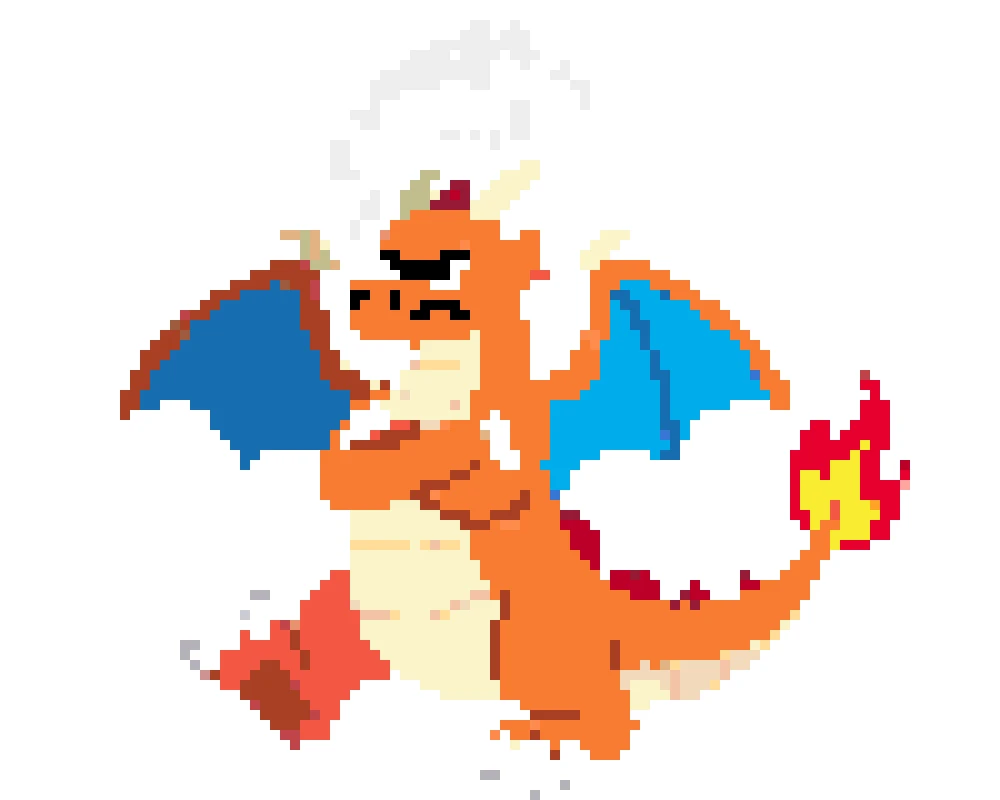
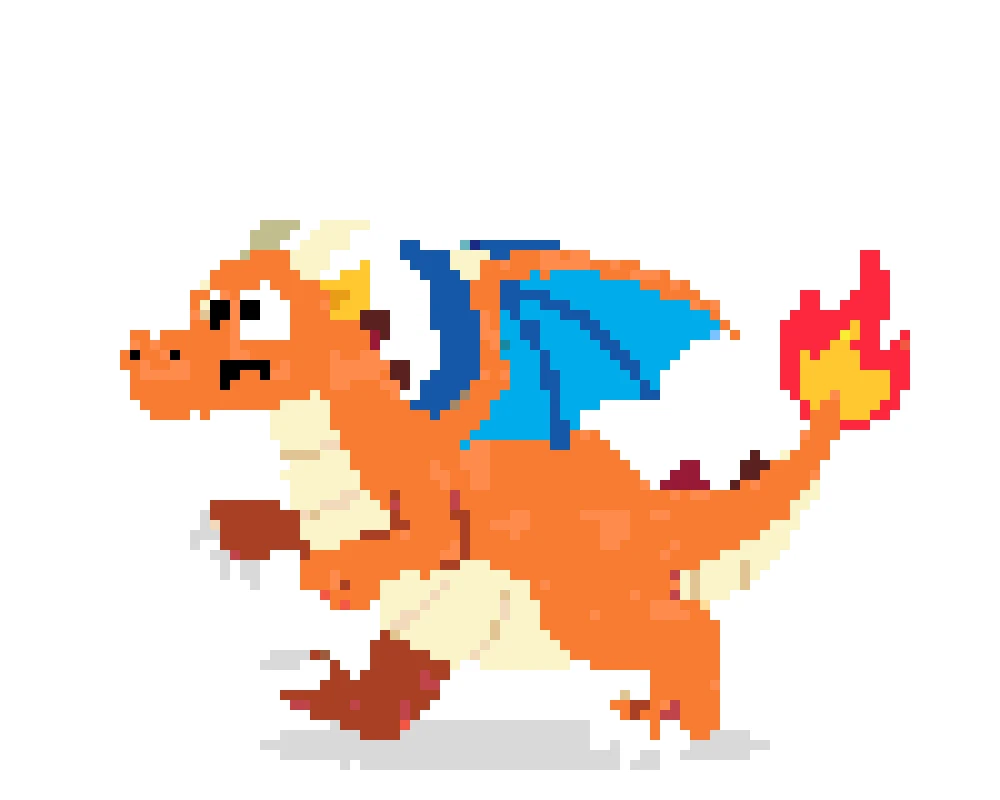
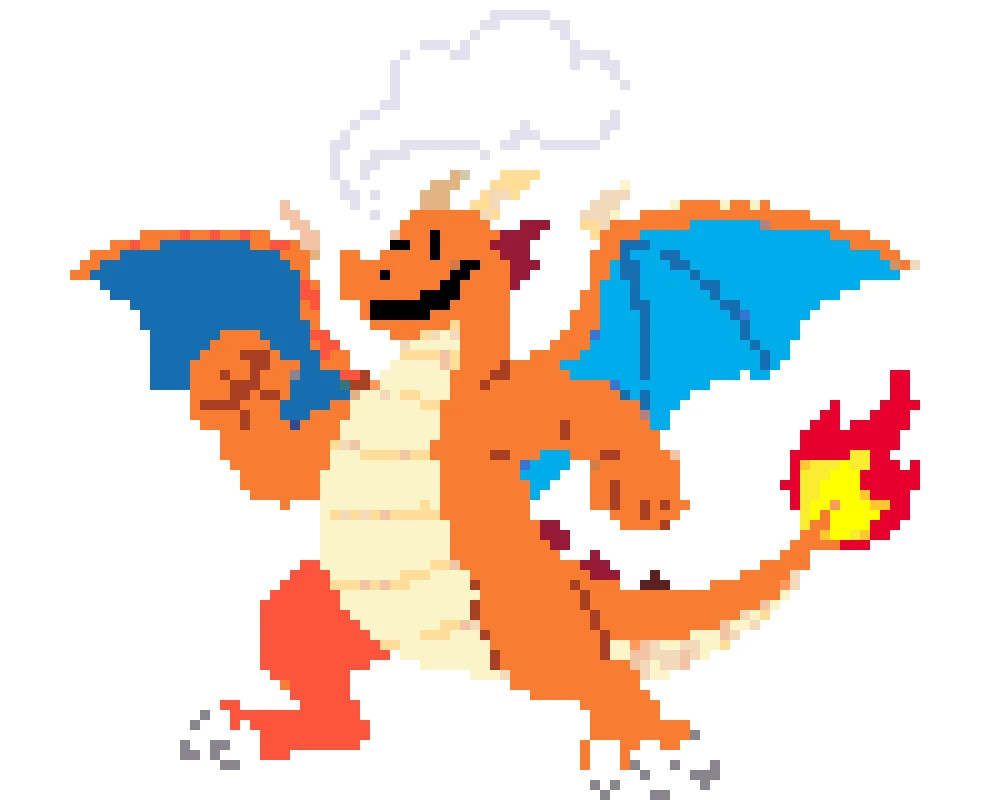
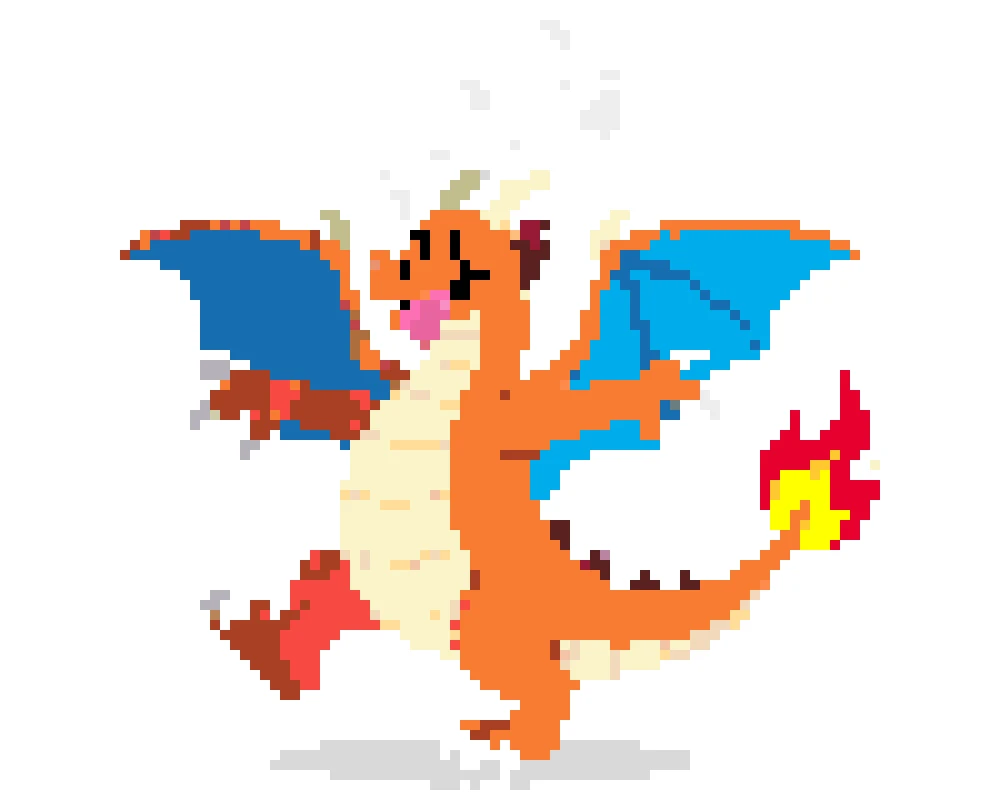
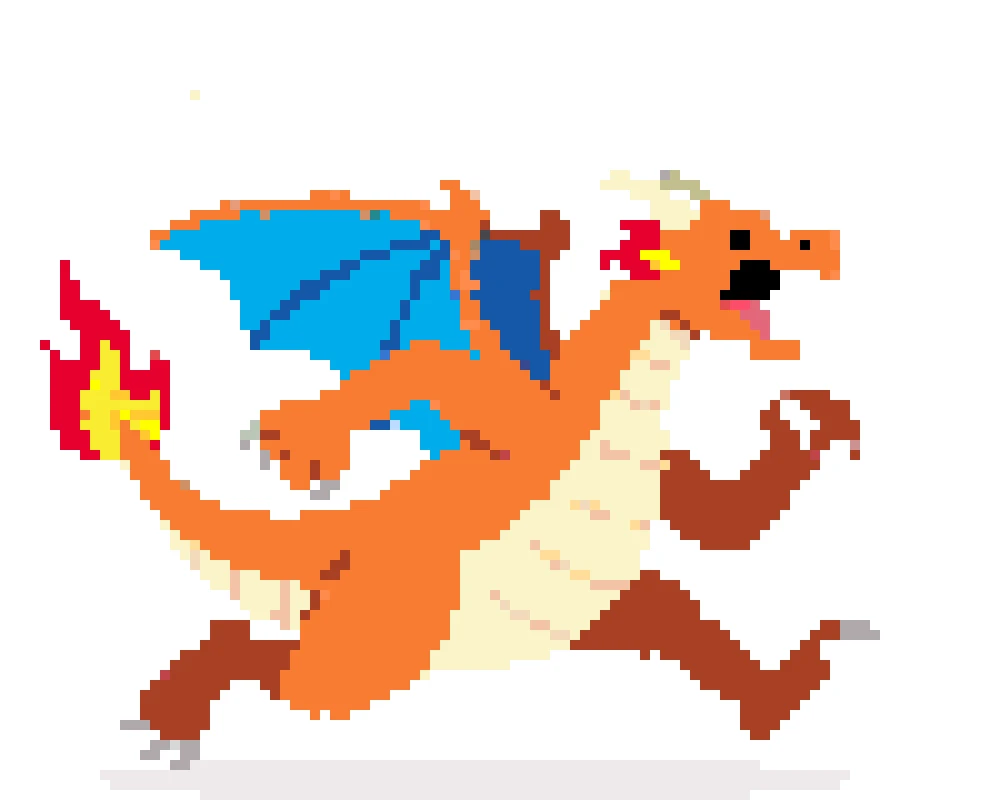
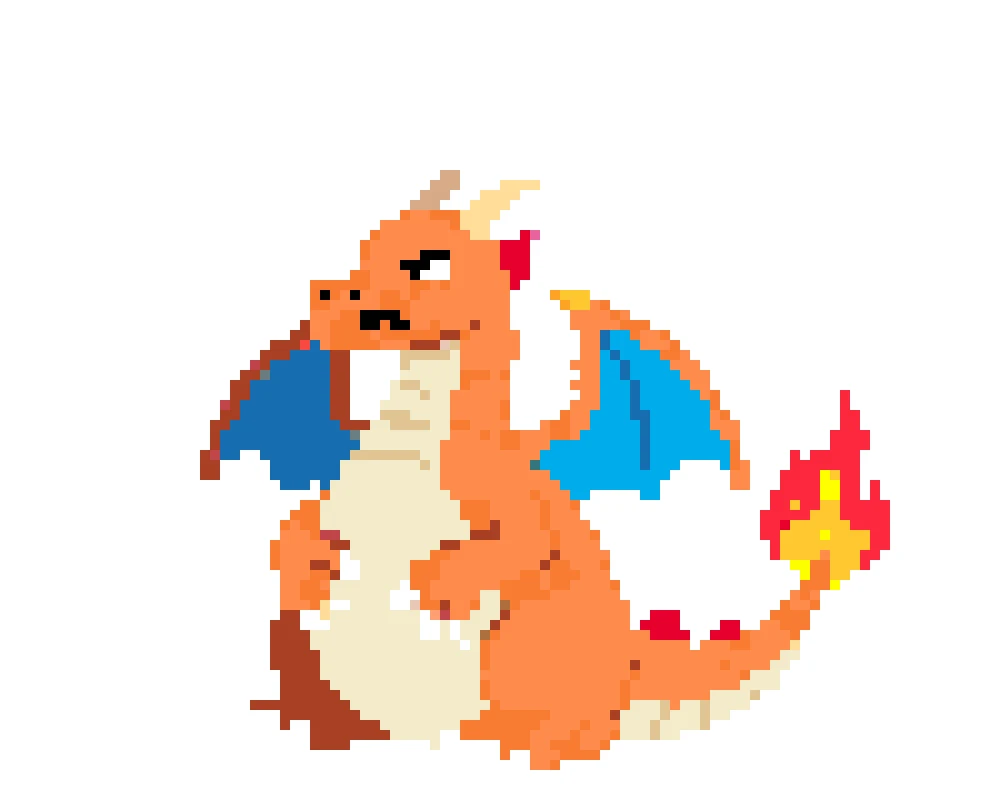
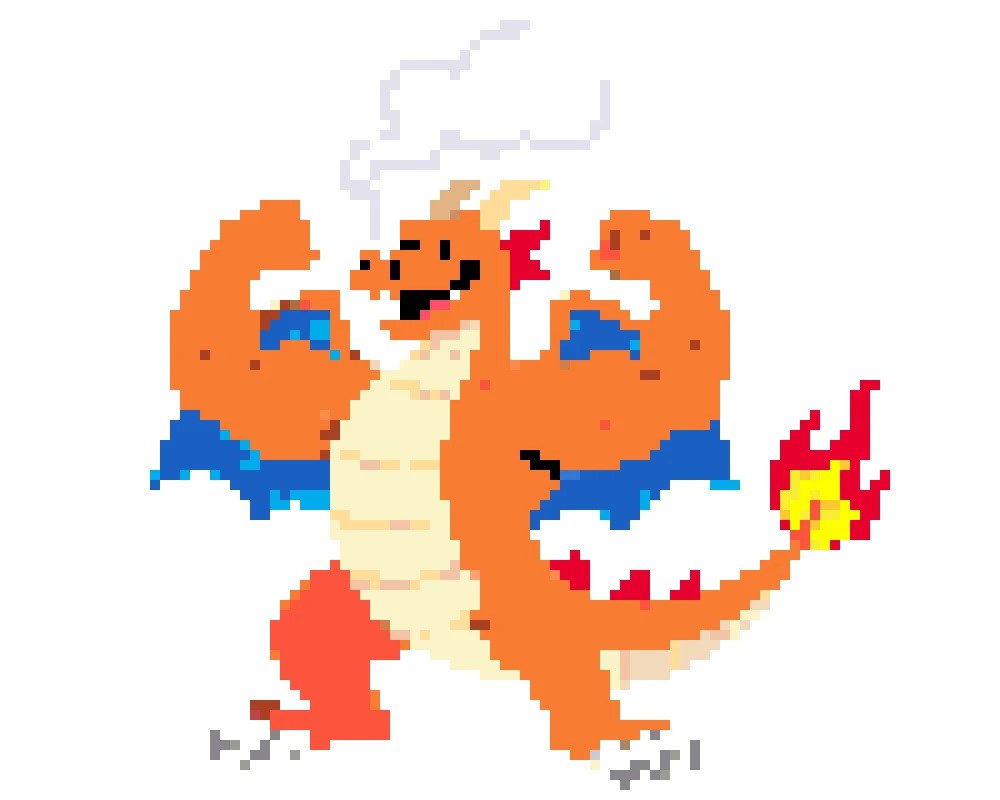
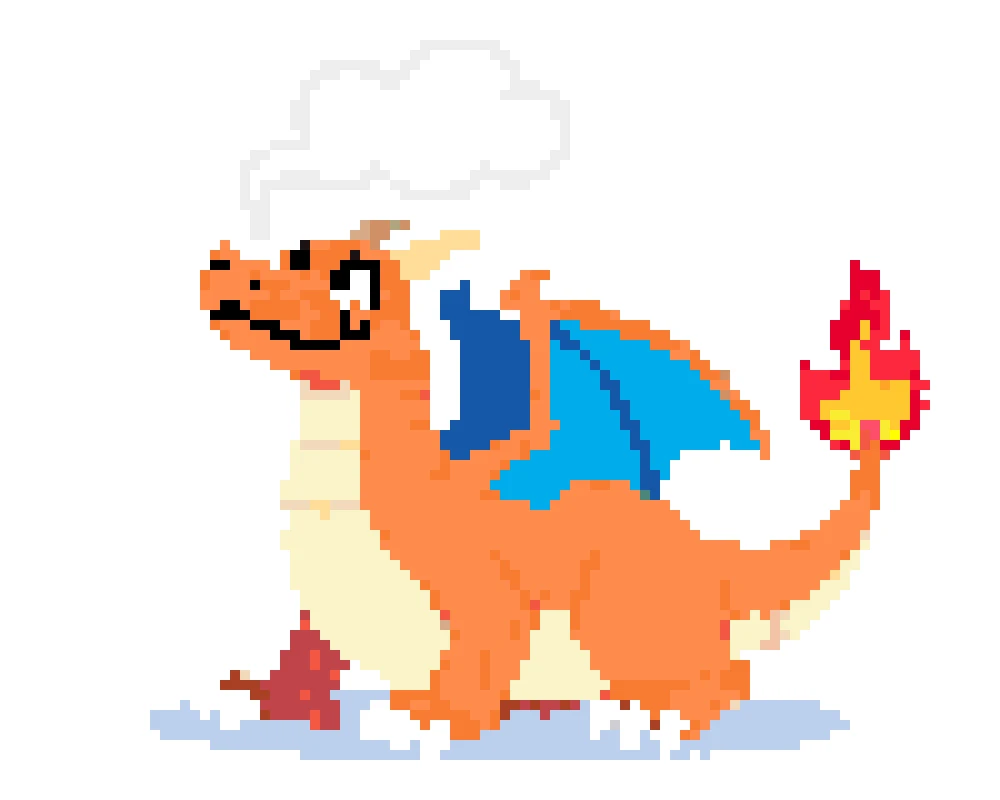
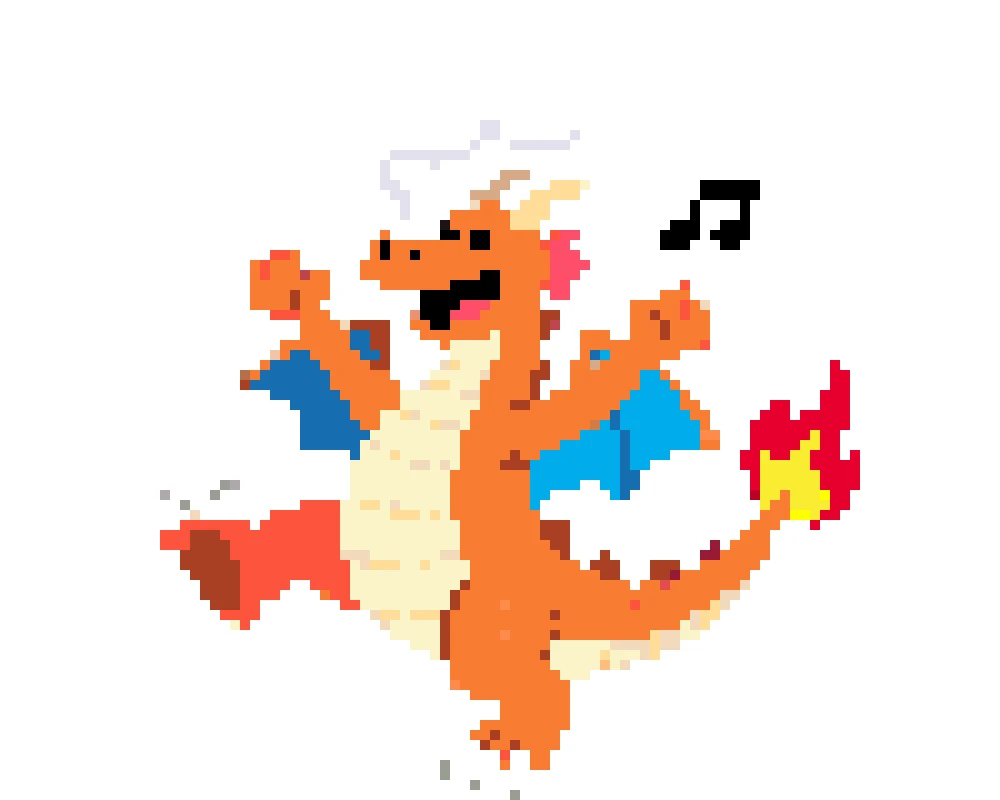
Upload any Charizard image—classic orange, Shiny black, or Mega Charizard X's blue flames—and watch it transform into a detailed bead pattern. This perler bead image converter matches fiery oranges, deep reds, and wing details to real Perler bead colors. Perfect for fans who want to capture Charizard's iconic look in every bead.
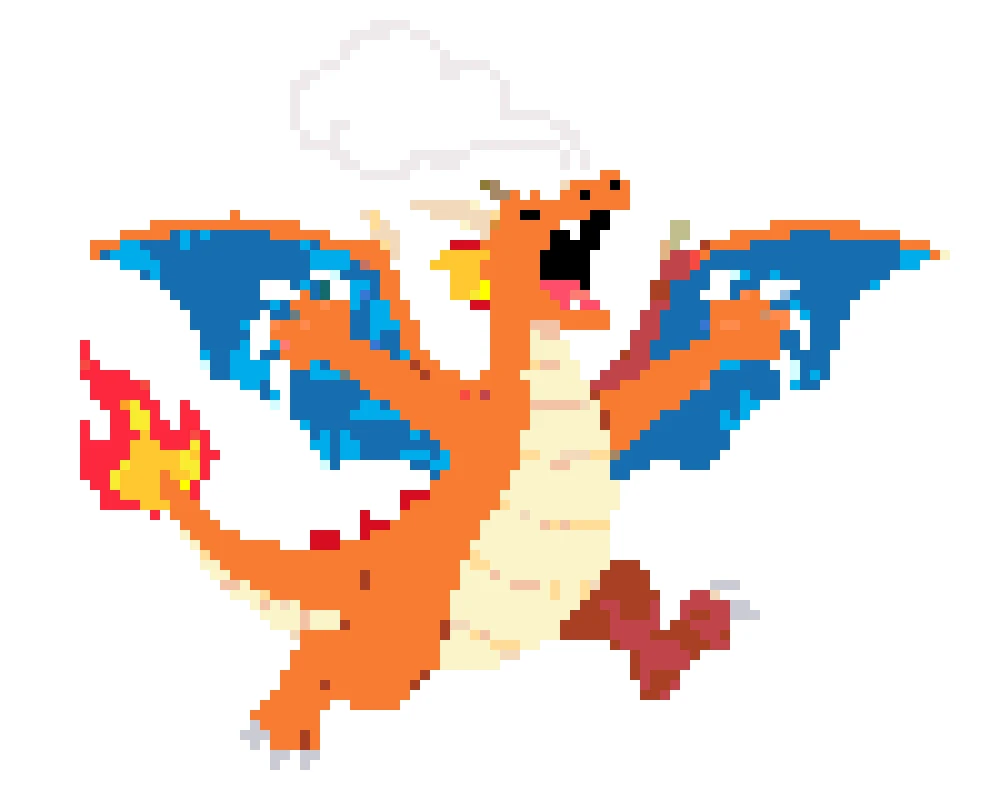
Want a small Charizard keychain or a large wall display? Adjust the grid size from mini 15x15 patterns to massive multi-board projects. Fine-tune colors to match your bead collection—swap flame shades, tweak wing tones, and preview everything before you start. Easy customization for beginners and experienced crafters alike.
Follow these three simple steps to turn any Charizard image into a Perler bead pattern.
Choose your favorite Charizard image—original sprite, Mega evolution, or Shiny form—and upload it to the generator.
The tool converts your image into a bead pattern with colors matched to Perler palettes. Adjust grid size and tweak flame shades as needed.
Download your Charizard Perler bead pattern and bring the fire-type legend to life!
Upload any Charizard picture to our generator, and it converts it into a bead pattern instantly. You can use sprites, fan art, or screenshots—any image works.
Yes! Upload Mega Charizard X, Mega Charizard Y, or Shiny Charizard images and the generator will match the unique color schemes, including black scales and blue flames.
You can adjust the grid size to create smaller, simpler patterns. A 20x20 grid gives you an easy Charizard pattern that's quick to complete—great for first-time crafters.
The generator creates 2D flat patterns. For 3D Charizard projects, you can generate multiple angle views (front, side, wings) and assemble them after ironing.
It depends on your grid size. A standard 29x29 pegboard holds about 840 beads. Smaller Charizard patterns might use 200-400 beads, while larger multi-board projects can use 2,000+.
Charizard's classic look uses orange, yellow, and cream tones. For flames, mix bright orange with red accents. Perler's Cheddar, Orange, and Toasted Marshmallow are popular choices.
Turn your favorite fire-type into a bead masterpiece—from Mega Charizard to the original Gen 1 sprite.