Click the image below to see how many pixel beads are needed to create the pattern
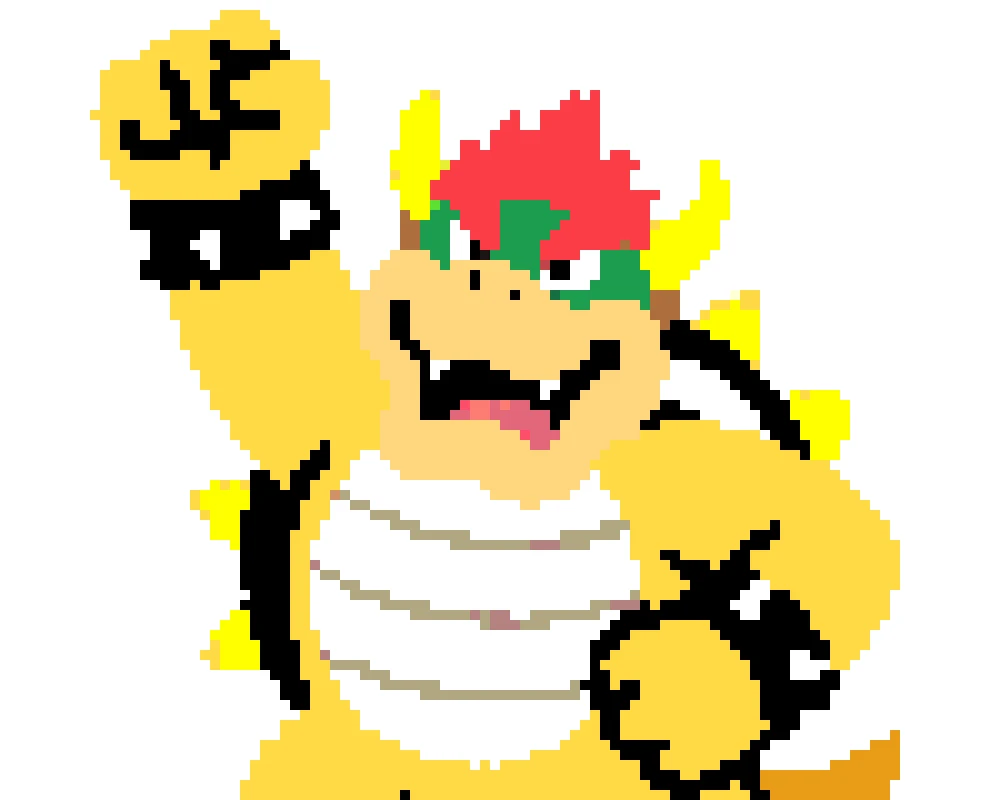

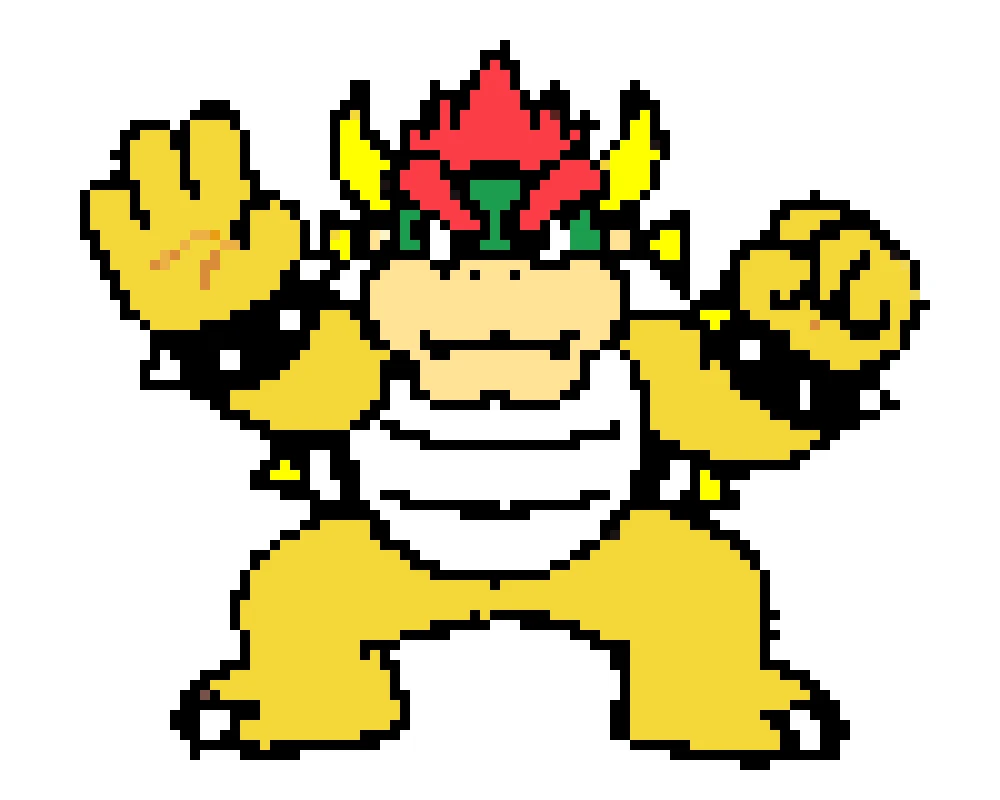

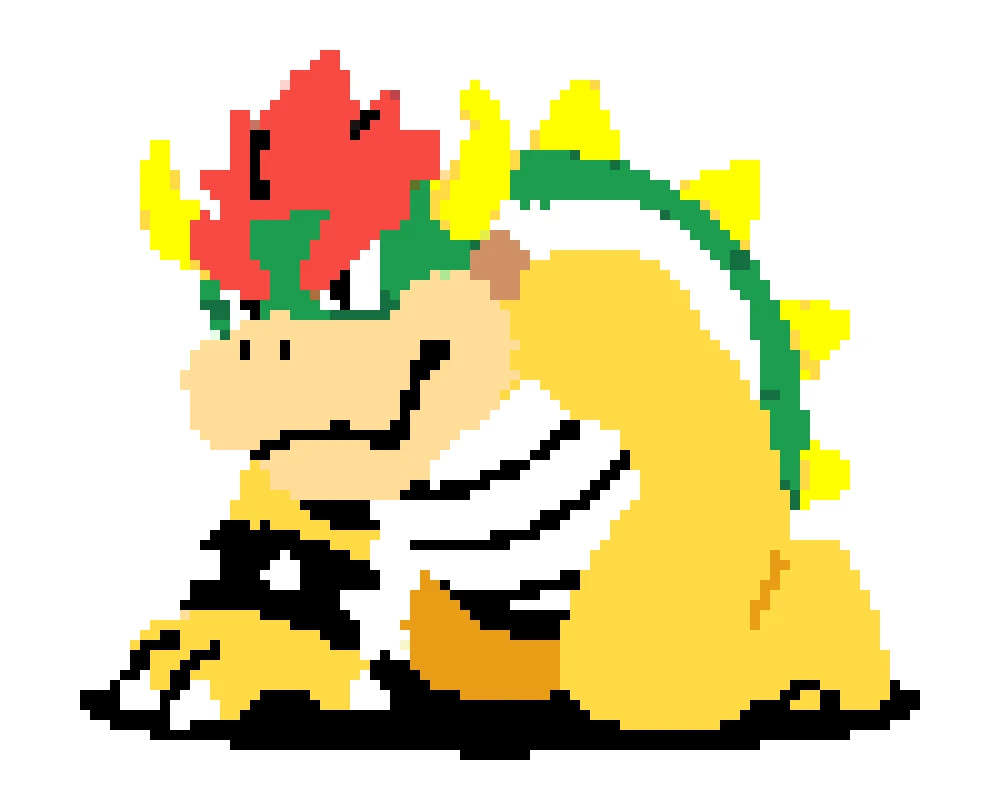
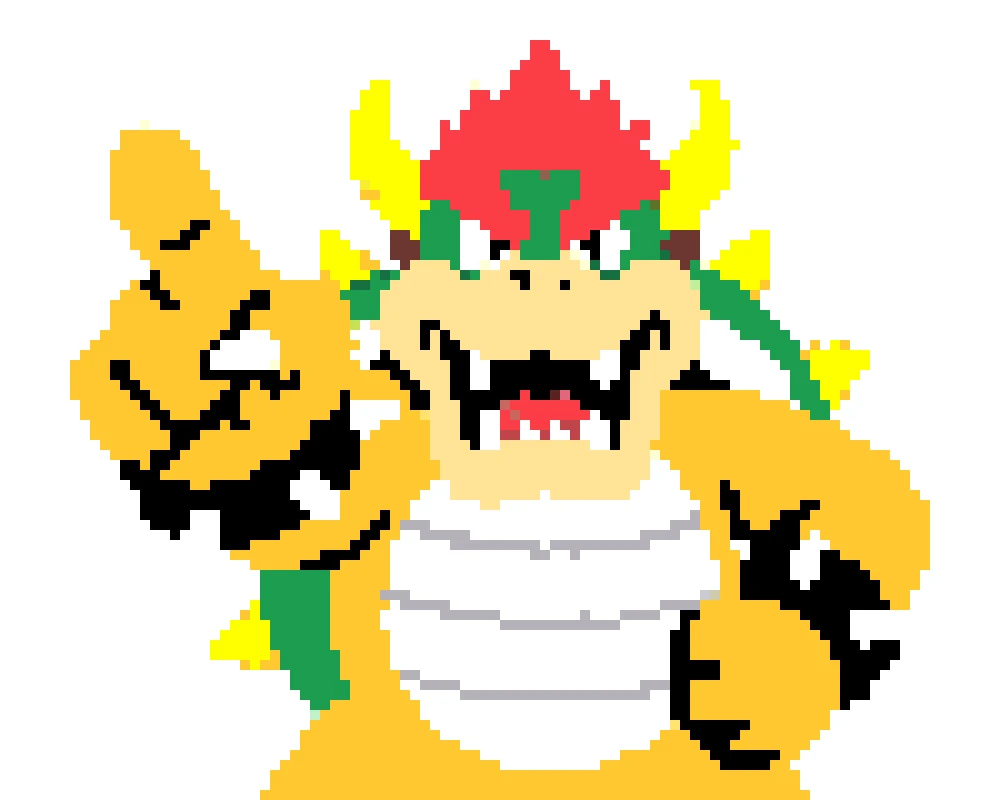
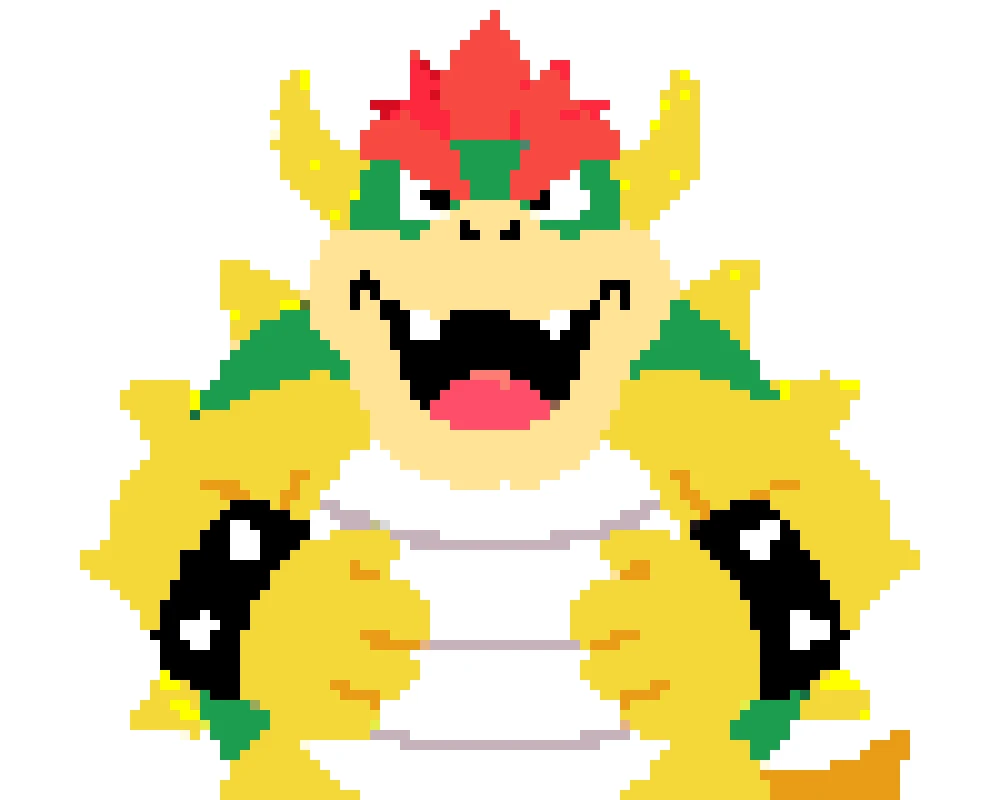

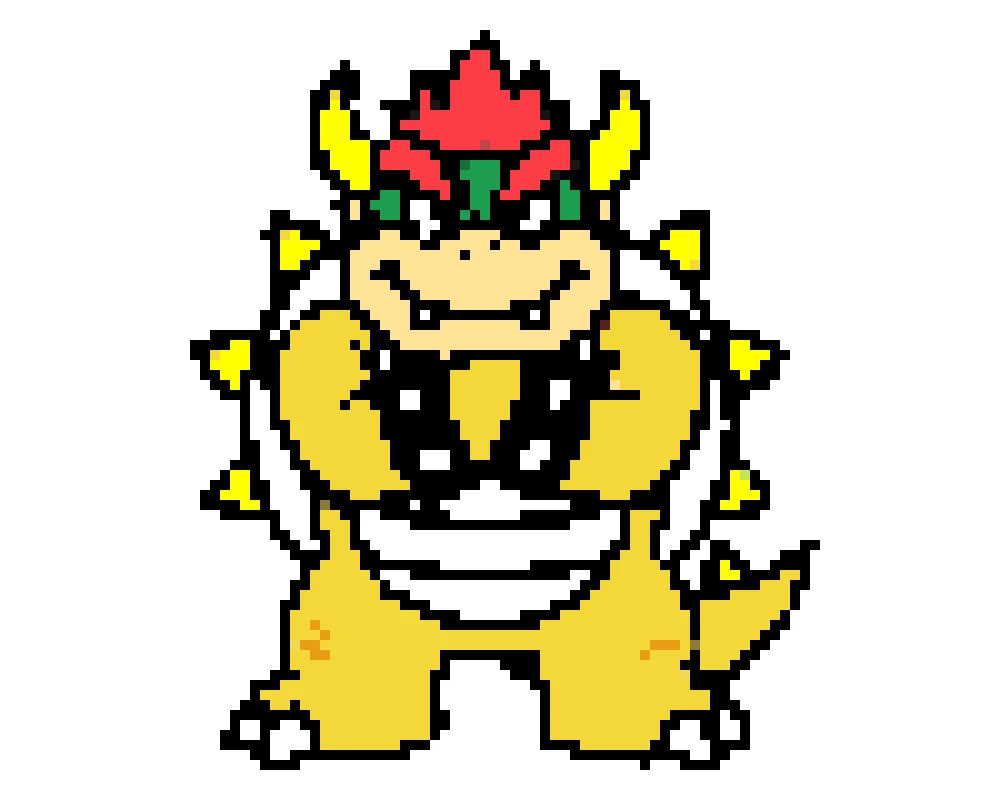
Bowser perler bead patterns need bold shapes and readable colors to look right. You can use perler bead pattern maker to upload any Bowser sprite, screenshot, or fan art image, and this tool will turn your image into a bead grid you can actually build. The shell spikes, red hair, horns, and wristbands stay recognizable even when you simplify the design for a smaller project. It is a fast way to make anything from an easy first pattern to a more detailed display piece.

Need a small Bowser perler bead pattern or an easier project for beginners? Shrink the grid, reduce the color count, and preview how Bowser's face, shell, and spikes look before you download. You can switch between Perler, Hama, and fuse bead palettes to match the beads you already own. Every version stays editable, so it is easy to move from a simple keychain build to a larger wall-art pattern.
Turn a sprite, screenshot, or fan art image into Bowser perler bead patterns in three simple steps.
Upload a Bowser sprite, Mario screenshot, or fan art image to start building your Bowser perler bead pattern.
Convert the image, then adjust grid size, simplify colors, and switch between Perler, Hama, or fuse bead palettes until Bowser looks right.
Download your Bowser perler bead pattern as a printable PDF or PNG, then gather your beads and start crafting.
Yes. Upload a Bowser sprite, screenshot, or fan art image and the generator will turn it into a bead pattern you can edit before downloading.
Start with a simple front-facing Bowser image, use a smaller grid such as 20x20 to 29x29, and limit the palette to about 6-10 colors for an easier build.
Yes. The same generator also works for Bowser Jr images, and you can simplify the grid if you want a cleaner, smaller design.
Yes. You can switch between Perler, Hama, and other fuse bead palettes, then adjust the colors if Bowser's shell or skin tones need a closer match.
Absolutely. You can resize the grid, reduce the number of colors, and tweak shell greens, hair reds, and outline shades before downloading.
You can download a printable PDF or PNG version of your Bowser pattern and use it as a guide while you place your beads.
Upload a sprite, screenshot, or fan art image and turn it into a Bowser perler bead pattern you can tweak, download, and build today.